Introduction
Identifying Features
The Apple LED Cinema Display (27-inch) 2010 has a built in liquid crystal display with LED backlight that includes an iSight Camera with microphone and 2.1mm speaker system. It can support resolution up to 2560 x 1440 pixels. The all-in-one cable creates a station for portable computers, which also includes a universal MagSafe up to 85W, Mini Display port with audio support, and three self-powered USB 2.0 ports.
System Requirements
The LED Cinema Display (27-inch) works with Mac computers running Mac OS X 10.6.4 up to Mac OS 11.2 that have a Mini DisplayPort connector.
About this Guide
In this guide we will performing an LED panel replacement for the Apple Cinema Display (27-inch) in order to show the user on how to change the LED panel can be accomplished.
This guide is useful in cases of the LED panel malfunctioning; a few examples would be distorted video output or no video output from the panel, dead pixels, and/or physical damage.
Ce dont vous avez besoin
-
-
Before beginning any work on your Mac: Unplug the computer and wait for 2 minutes in order for the power supply's capacitors to discharge.
-
-


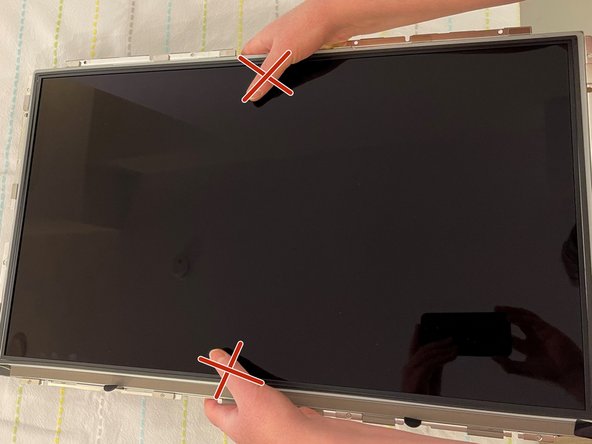
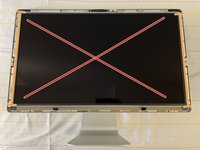
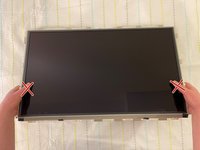
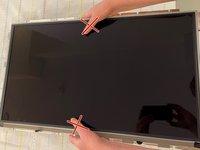

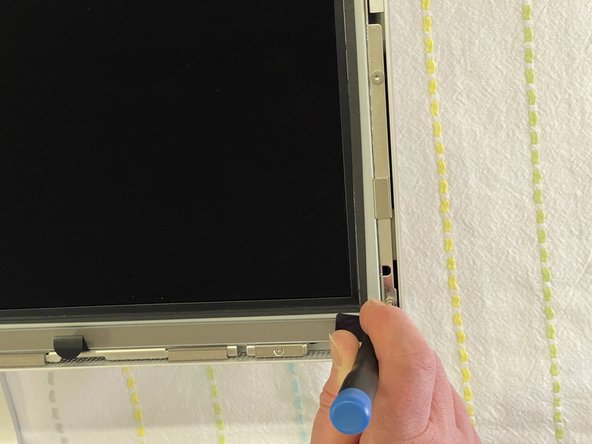
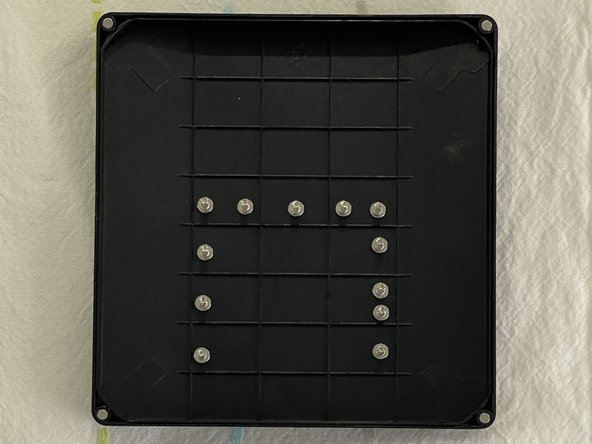
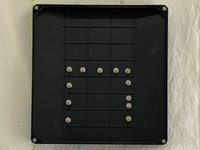


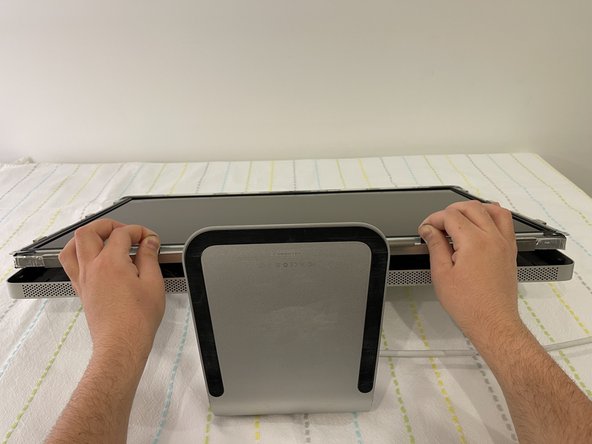
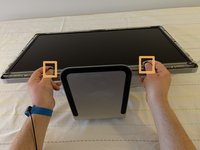
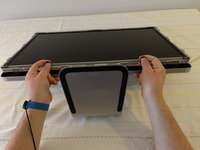
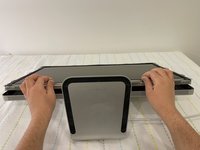

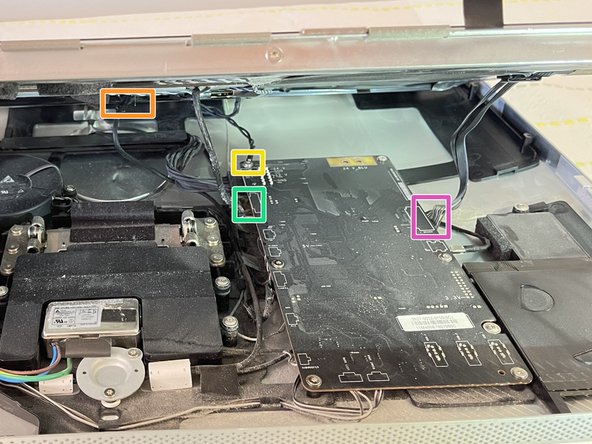


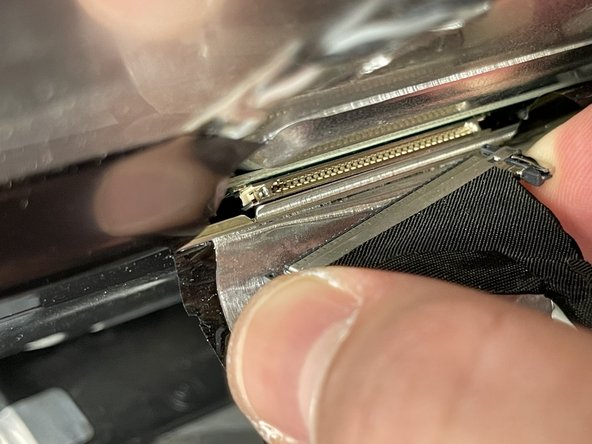


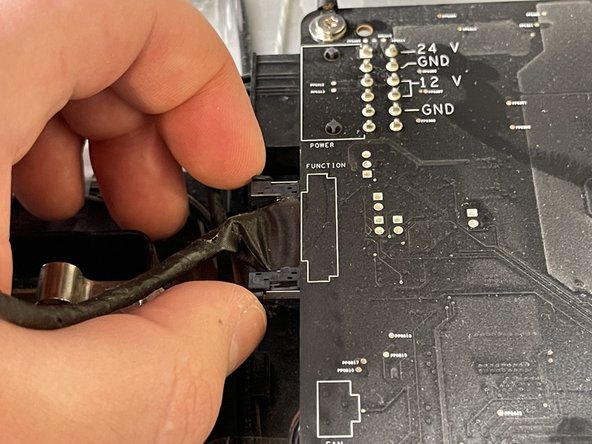

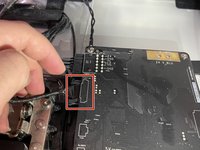
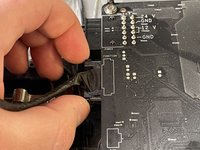
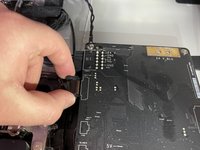

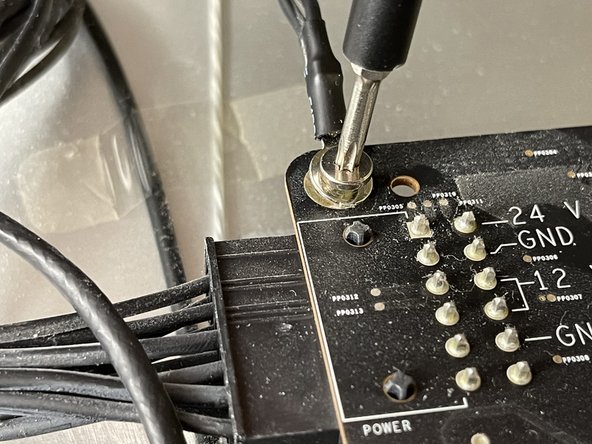
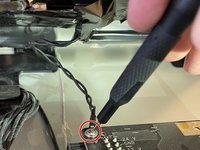
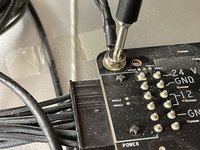

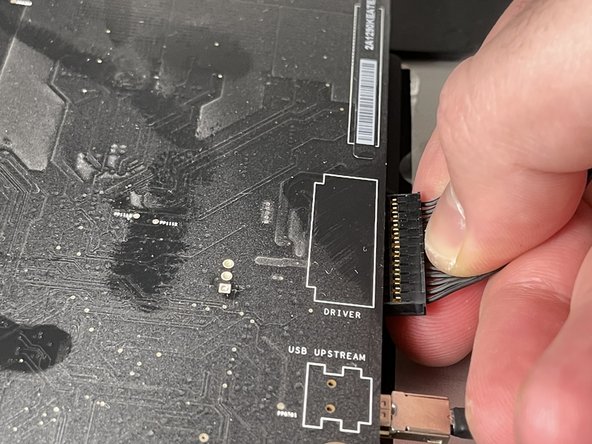
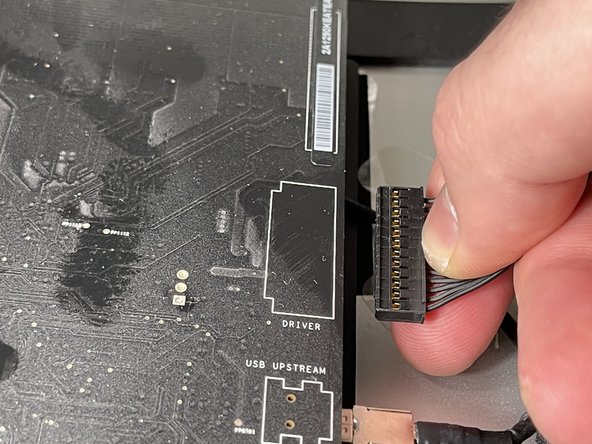
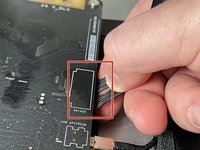
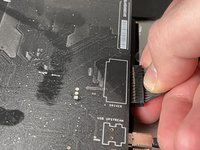
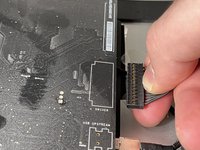


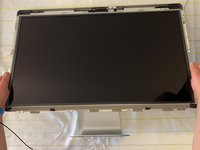
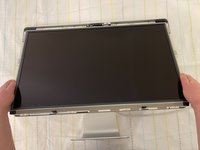
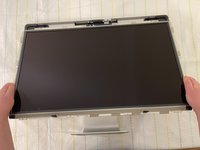
In order to put everything back to its original place, we will need the new LCD panel and to follow the above steps in reverse.
Annulation : je n'ai pas terminé ce tutoriel.
8 autres ont terminé cette réparation.
Pièces jointes


Équipe

York University, Team S1-G15, O'Regan Winter 2021 Membre de l'équipe York University, Team S1-G15, O'Regan Winter 2021
YORK-O'REGAN-W21S1G15
1 membre
4 tutoriels rédigés
