Aller au contenu principal

Bluetooth Media Controller Battery Replacement

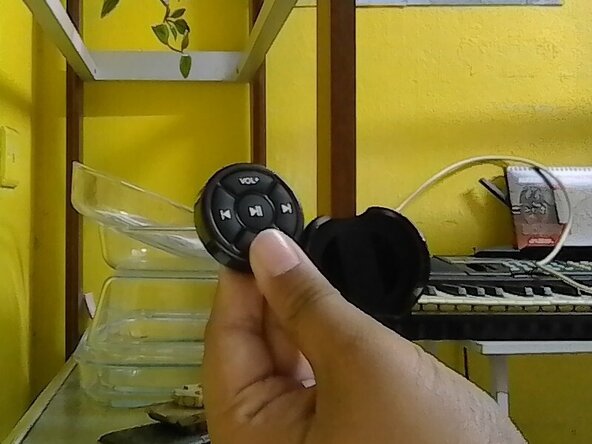
  1. Bluetooth Media Controller Battery Replacement, Open Remote Case: étape 1, image 1 de 1
    • Remove the remote clipper case out.

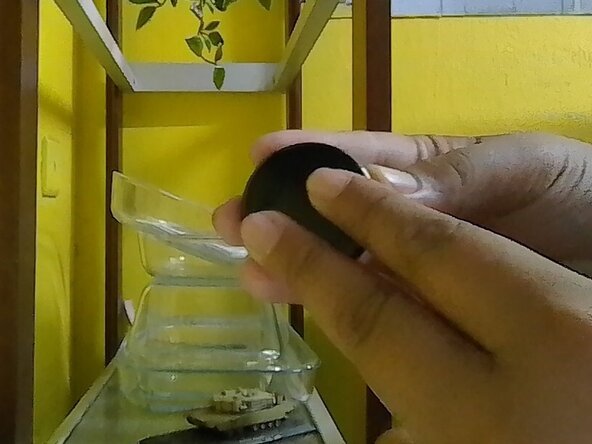
  2. Bluetooth Media Controller Battery Replacement, Open The Back: étape 2, image 1 de 1
    • Hold the remote back and front on your own finger position or mine.

    • Follow where the text written and move the back to the arrow of the text OPEN.

    • Slowly move it to avoid damage. Don't forcefully open the back cover.

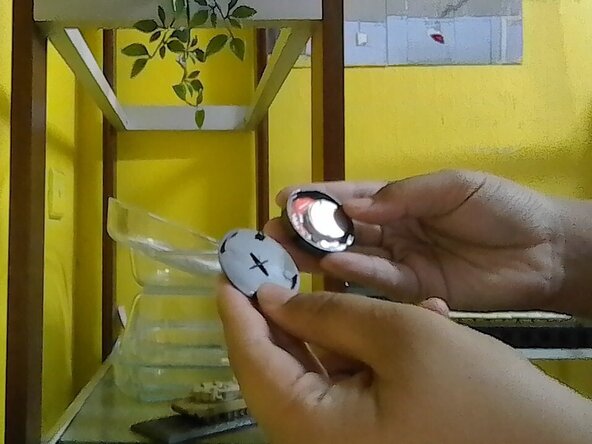
  3. Bluetooth Media Controller Battery Replacement, Find The battery: étape 3, image 1 de 1
    • Once the back had opened, check the inside of the remote and find the old battery.

    • Battery & board placement may vary depend on your remote.

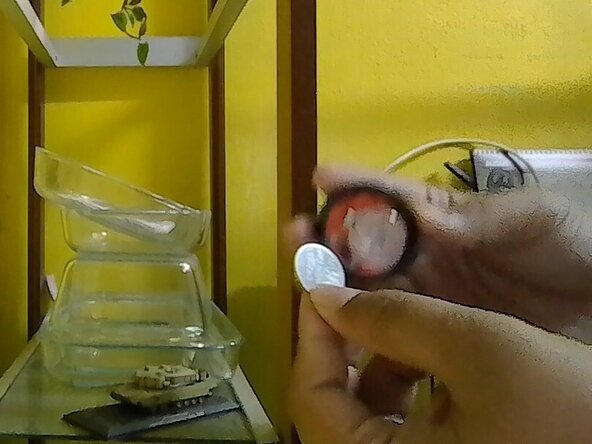
  4. Bluetooth Media Controller Battery Replacement, Battery Removal: étape 4, image 1 de 1
    • Remove the old battery.

    • Never use any metal thing to pluck out battery to avoid puncturing the battery. Use finger or plastic thing to pluck it out. Proceed with caution.

Conclusion

To reassemble it back, reverse the instruction.

2 autres ont terminé cette réparation.

DRP 2025

Membre depuis le 08/15/25

386 Réputation

3 tutoriels rédigés

0 commentaires de tutoriel

Ajouter un commentaire

Nombre de vues :

Dernières 24 heures : 0

7 derniers jours : 0

30 derniers jours : 0

Total : 37