Aller au contenu principal
Pour réparer ensemble - Je crée un compte

Cuisinart DCC-1100 Power Cord Replacement

Ce dont vous avez besoin
    1. Cuisinart DCC-1100 Power Cord Replacement, Power Cord: étape 1, image 1 de 2 Cuisinart DCC-1100 Power Cord Replacement, Power Cord: étape 1, image 2 de 2
      • Unplug the maker, remove the coffee pot, and flip upside down.

      Demander à FixBot

      Ajouter un commentaire

    2. Cuisinart DCC-1100 Power Cord Replacement: étape 2, image 1 de 2 Cuisinart DCC-1100 Power Cord Replacement: étape 2, image 2 de 2
      • Remove the five 1.6mm Phillips #1 screws from the bottom panel.

      • Remove the bottom panel.

      Demander à FixBot

      Ajouter un commentaire

    3. Cuisinart DCC-1100 Power Cord Replacement: étape 3, image 1 de 2 Cuisinart DCC-1100 Power Cord Replacement: étape 3, image 2 de 2
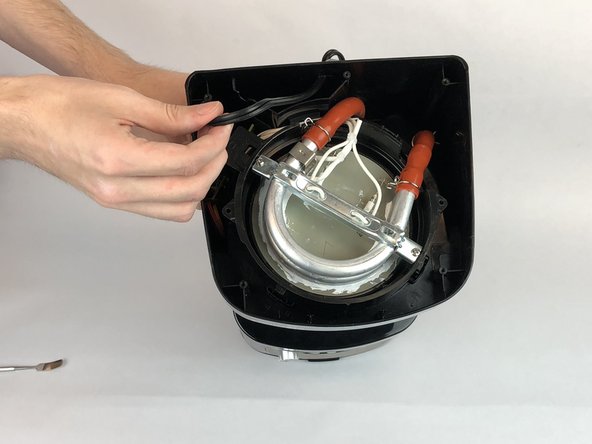
      • Push the power cord inward and away from the plastic protection plate.

      Demander à FixBot

      Ajouter un commentaire

    4. Cuisinart DCC-1100 Power Cord Replacement: étape 4, image 1 de 2 Cuisinart DCC-1100 Power Cord Replacement: étape 4, image 2 de 2
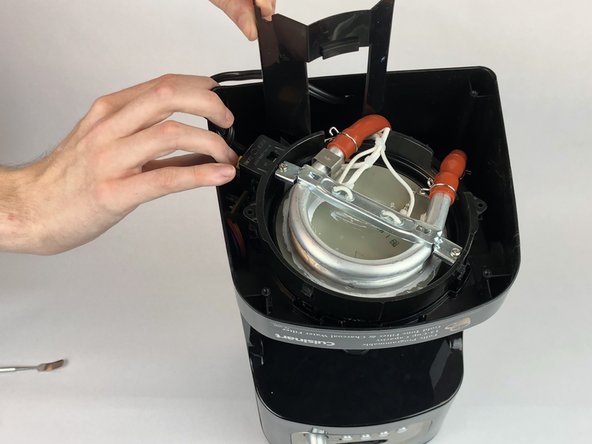
      • Remove the two 1.4mm Phillips #0 screws from the plastic protection plate.

      • Remove the plastic protection plate.

      Demander à FixBot

      Ajouter un commentaire

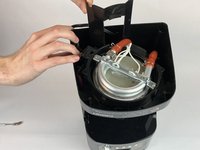
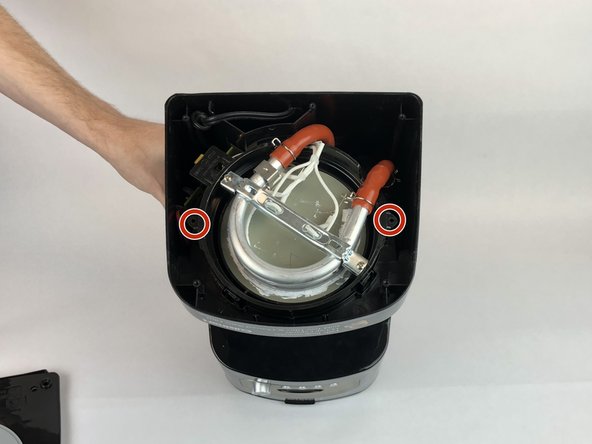
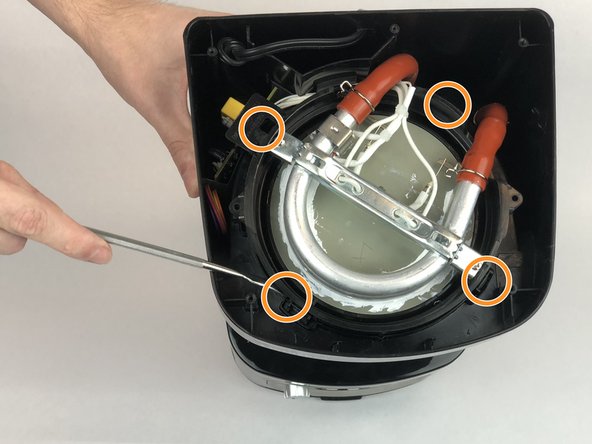
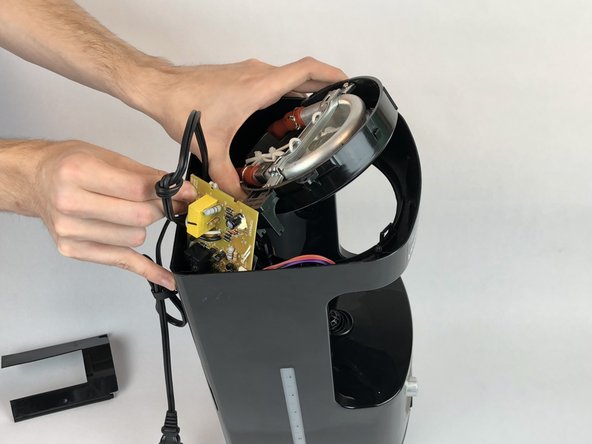
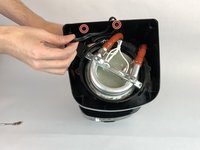
    5. Cuisinart DCC-1100 Power Cord Replacement: étape 5, image 1 de 3 Cuisinart DCC-1100 Power Cord Replacement: étape 5, image 2 de 3 Cuisinart DCC-1100 Power Cord Replacement: étape 5, image 3 de 3
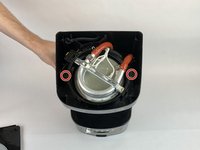
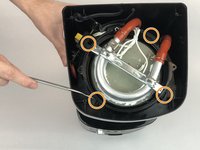
      • Remove the two 1.6mm Phillips #1 screws from the heating element.

      • Using a flathead screwdriver to remove the outer clips holding the heating unit in place.

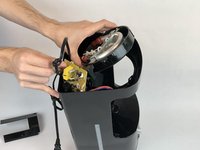
      • Flip the heating element up to allow access to the circuit board.

      Demander à FixBot

      Ajouter un commentaire

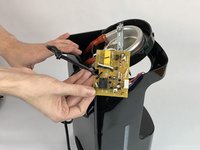
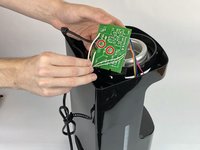
    6. Cuisinart DCC-1100 Power Cord Replacement: étape 6, image 1 de 2 Cuisinart DCC-1100 Power Cord Replacement: étape 6, image 2 de 2
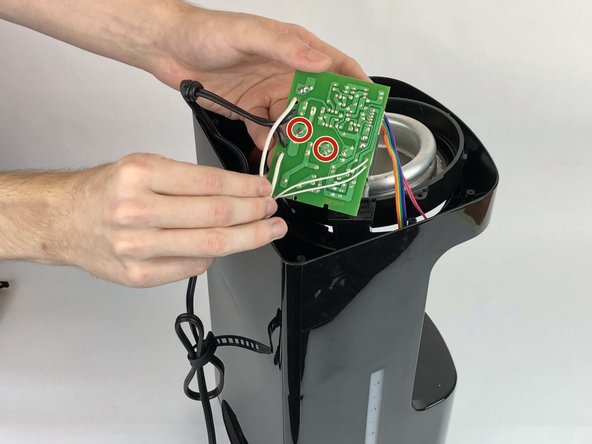
      • Pull out the circuit board and rest it on the side of the machine.

      • Desolder the power cable from the motherboard.

      Demander à FixBot

      Ajouter un commentaire

Conclusion

To reassemble your device, follow these instructions in reverse order.

Annulation : je n'ai pas terminé ce tutoriel.

Nicholas Eales

Membre depuis le 01/25/18

275 Réputation

1 tutoriel rédigé

Équipe

USF Tampa, Team S20-G4, Passmore Spring 2018 Membre de l'équipe USF Tampa, Team S20-G4, Passmore Spring 2018

USFT-PASSMORE-S18S20G4

4 membres

84 tutoriels rédigés

0 commentaires de tutoriel

Ajouter un commentaire

Nombre de vues :

Dernières 24 heures : 2

7 derniers jours : 9

30 derniers jours : 28

Total : 2,527