Aller au contenu principal

How to Clean Wooting Keyboard Lekker Linear45 Switches

Ce dont vous avez besoin

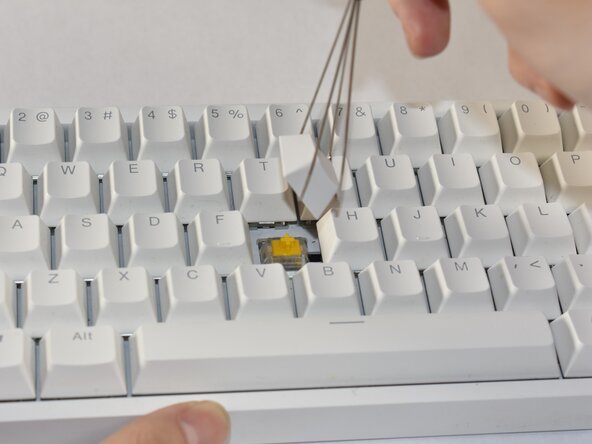
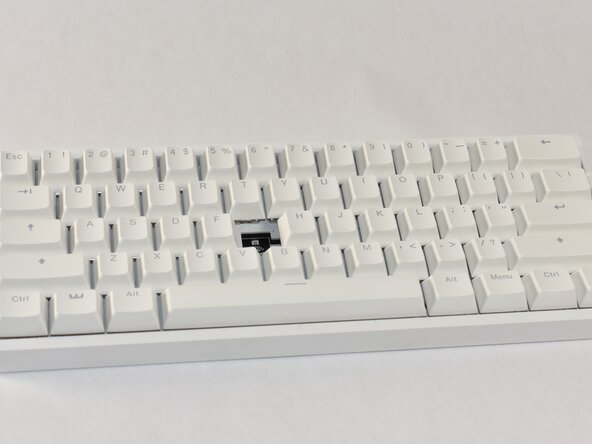
  1. How to Clean Wooting Keyboard Lekker Linear45 Switches, How to Clean Wooting Keyboard Lekker Linear45 Switches: étape 1, image 1 de 3 How to Clean Wooting Keyboard Lekker Linear45 Switches, How to Clean Wooting Keyboard Lekker Linear45 Switches: étape 1, image 2 de 3 How to Clean Wooting Keyboard Lekker Linear45 Switches, How to Clean Wooting Keyboard Lekker Linear45 Switches: étape 1, image 3 de 3
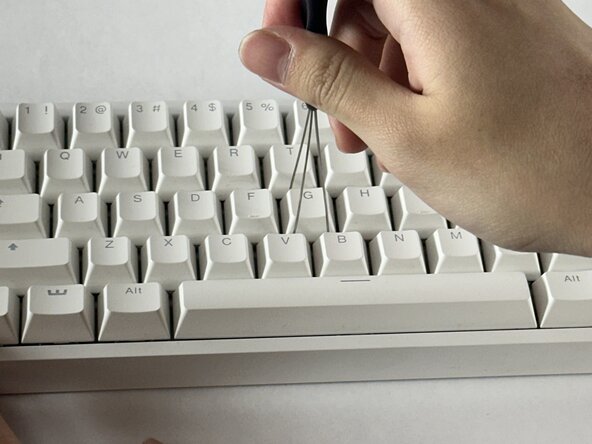
    • Align the keycap puller so the prongs wrap underneath the sides of the keycap, then pull up to remove the keycap.

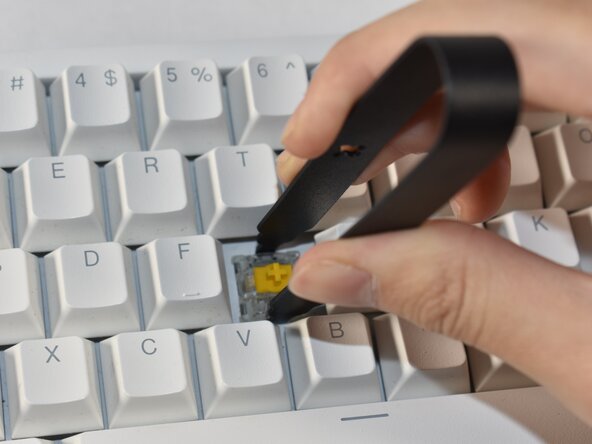
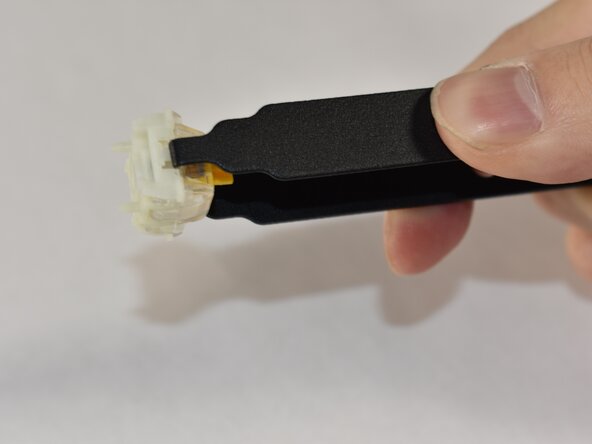
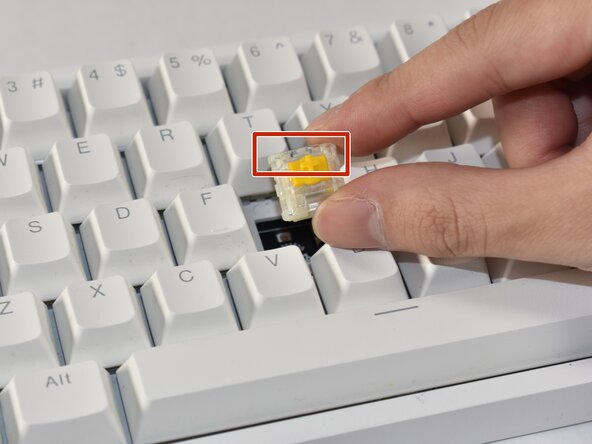
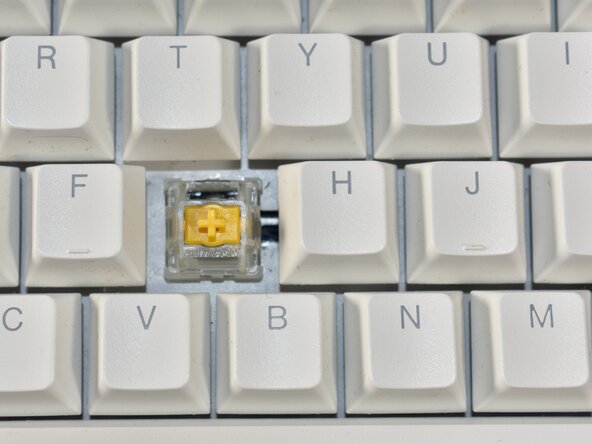
  2. How to Clean Wooting Keyboard Lekker Linear45 Switches: étape 2, image 1 de 3 How to Clean Wooting Keyboard Lekker Linear45 Switches: étape 2, image 2 de 3 How to Clean Wooting Keyboard Lekker Linear45 Switches: étape 2, image 3 de 3
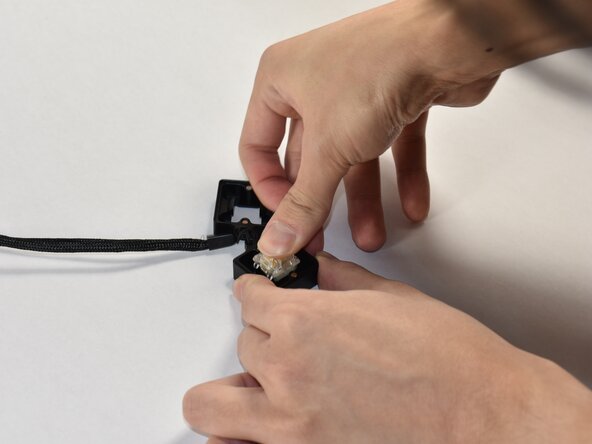
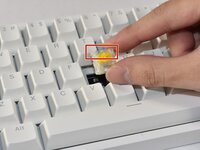
    • Align the prongs of the switch puller so it clips underneath the grooves of the north and south side of the switch, then pull up.

    • Ensure a strong grip of the switch so the puller doesn’t slip out while pulling.

    • If you require an entire switch replacement, skip to Step 9 to re-insert the new switch.

  3. How to Clean Wooting Keyboard Lekker Linear45 Switches: étape 3, image 1 de 3 How to Clean Wooting Keyboard Lekker Linear45 Switches: étape 3, image 2 de 3 How to Clean Wooting Keyboard Lekker Linear45 Switches: étape 3, image 3 de 3
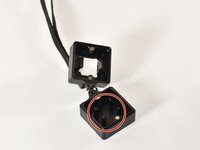
    • Identify the four prongs on the switch opener.

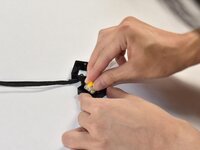
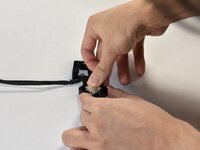
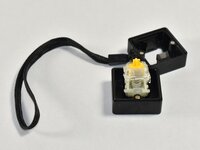
    • Align the switch onto the switch opener so that it sits flush on the prongs, then push down on the switch to disassemble the switch.

    • If you only want to replace the spring, move to Step 6 after disassembling the switch.

  4. How to Clean Wooting Keyboard Lekker Linear45 Switches: étape 4, image 1 de 2 How to Clean Wooting Keyboard Lekker Linear45 Switches: étape 4, image 2 de 2
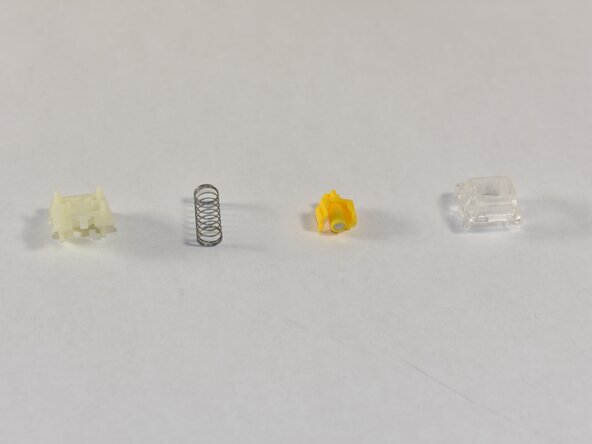
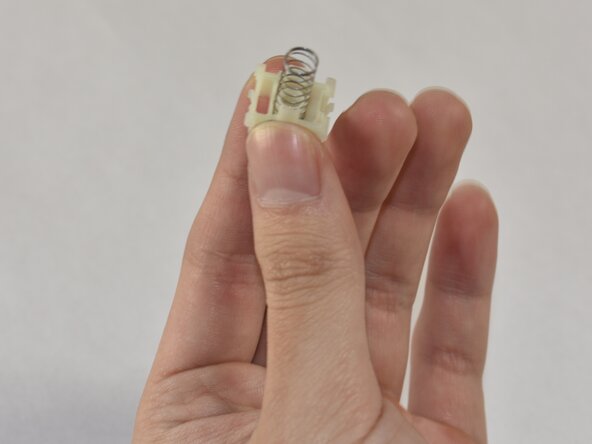
    • Identify the various switch components and the order of construction (from left to right or bottom to top): bottom housing, spring, stem, top housing. Separate them from the switch.

  5. How to Clean Wooting Keyboard Lekker Linear45 Switches: étape 5, image 1 de 2 How to Clean Wooting Keyboard Lekker Linear45 Switches: étape 5, image 2 de 2
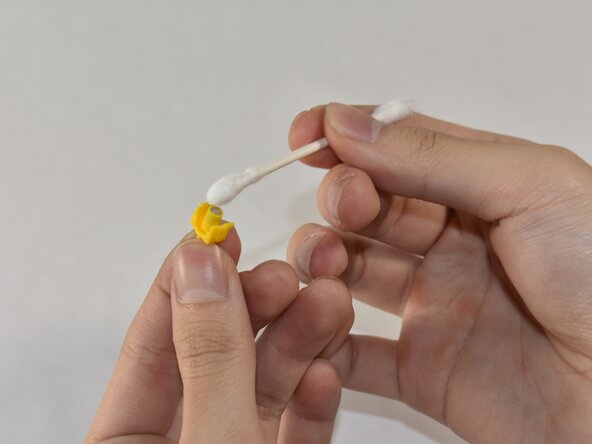
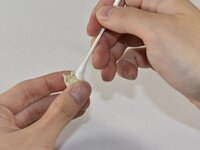
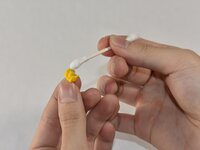
    • Identify the individual parts and see if any parts are dirty to the degree that it could interfere with the magnet sensor.

    • Clean out the dust or debris thoroughly with a cotton swab.

    • Optional: In the case where extensive cleaning is required, use isopropyl alcohol.

  6. How to Clean Wooting Keyboard Lekker Linear45 Switches: étape 6, image 1 de 2 How to Clean Wooting Keyboard Lekker Linear45 Switches: étape 6, image 2 de 2
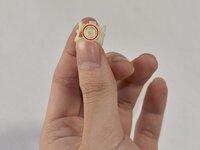
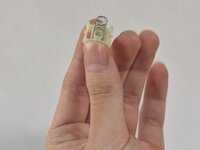
    • Hold the bottom housing such that the inner cylinder faces up.

    • Slip the spring onto the cylinder.

  7. How to Clean Wooting Keyboard Lekker Linear45 Switches: étape 7, image 1 de 1
    • Place the stem so the magnet faces the bottom housing, and the stem mount faces up.

    • Orient the stem so the side notches at the top face the sides of the switch.

  8. How to Clean Wooting Keyboard Lekker Linear45 Switches: étape 8, image 1 de 1
    • Place the top housing on top of the stem and align it so the LED window faces north.

    • Clip the switch parts together into place.

    • If aligned correctly, the switch components will snap together without coming apart.

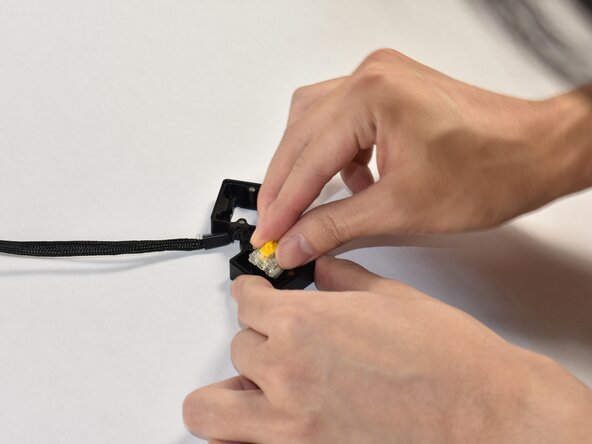
  9. How to Clean Wooting Keyboard Lekker Linear45 Switches: étape 9, image 1 de 3 How to Clean Wooting Keyboard Lekker Linear45 Switches: étape 9, image 2 de 3 How to Clean Wooting Keyboard Lekker Linear45 Switches: étape 9, image 3 de 3
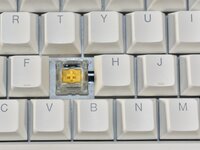
    • Align the switch into the board such that the LED window is facing north.

    • Push down so the switch clips into place and isn’t loose.

  10. How to Clean Wooting Keyboard Lekker Linear45 Switches: étape 10, image 1 de 3 How to Clean Wooting Keyboard Lekker Linear45 Switches: étape 10, image 2 de 3 How to Clean Wooting Keyboard Lekker Linear45 Switches: étape 10, image 3 de 3
    • Align the keycap so it faces the correct orientation.

    • The bottom of the keycap should have an indent in the shape of the keycap/stem mount which fits onto the mount sticking out from the switch.

    • Press down the keycap onto the switch.
Ligne d'arrivée

Annie Ding

Membre depuis le 02/21/25

181 Réputation

1 tutoriel rédigé

Équipe

UC Davis, Team 1-1, Andersen Winter 2025 Membre de l'équipe UC Davis, Team 1-1, Andersen Winter 2025

UCD-ANDERSEN-W25S1G1

4 membres

1 tutoriel rédigé

0 commentaires de tutoriel

Ajouter un commentaire

Nombre de vues :

Dernières 24 heures : 0

7 derniers jours : 2

30 derniers jours : 20

Total : 173