Introduction
To replace the motherboard of the Lenovo Yoga 3 14, you need a PH0 screwdriver, a spudger, and tweezers. Some parts require you to use your hands to disconnect some components from the motherboard.
Ce dont vous avez besoin
-
-
Remove the two 3mm screws using the PH#0 screwdriver head.
-
Unscrew the three 4mm screws using PH#1 (the larger screws do not come off the are attached to the housing unit of the cooling fan).
-
-
-
-
Unscrew the three 3mm screws from the bottom right hinge using a PH0 screwdriver.
-
Remove the one 4mm screw that connects the hinge to the motherboard.
-


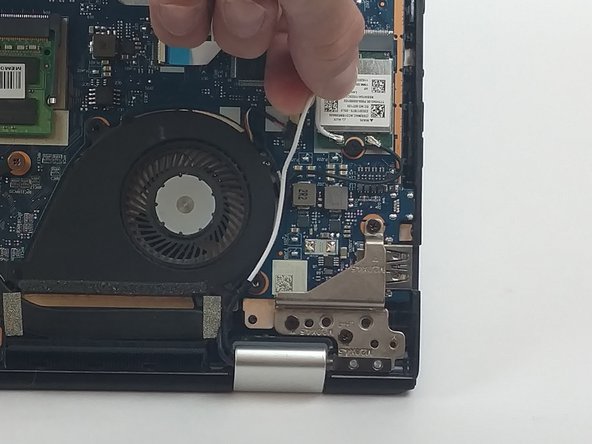
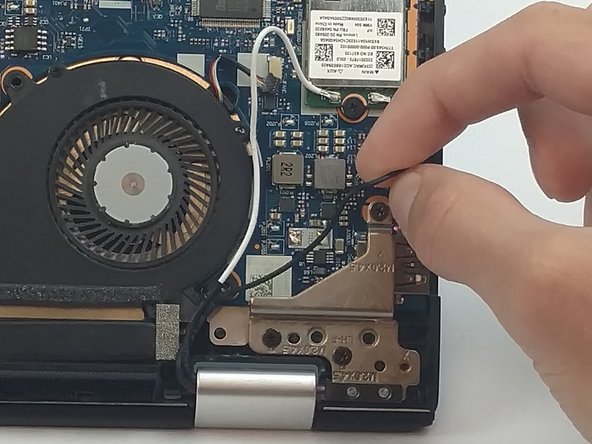


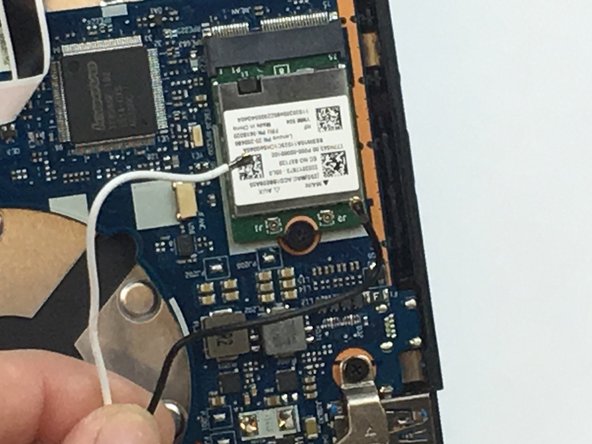

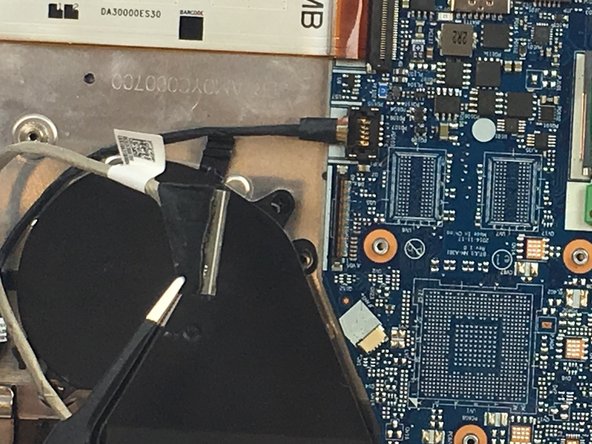

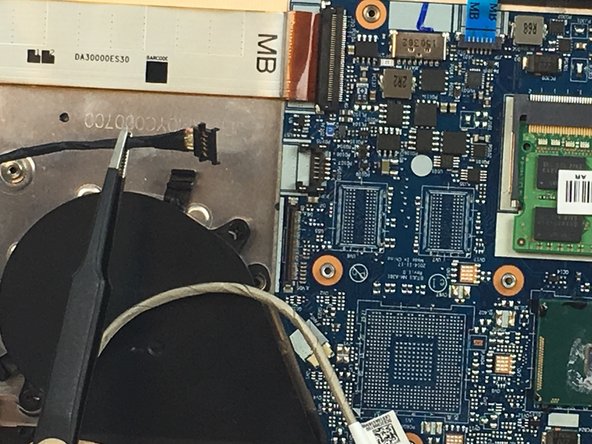

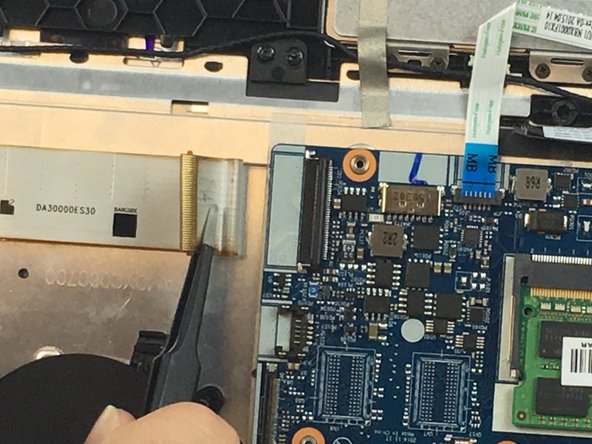

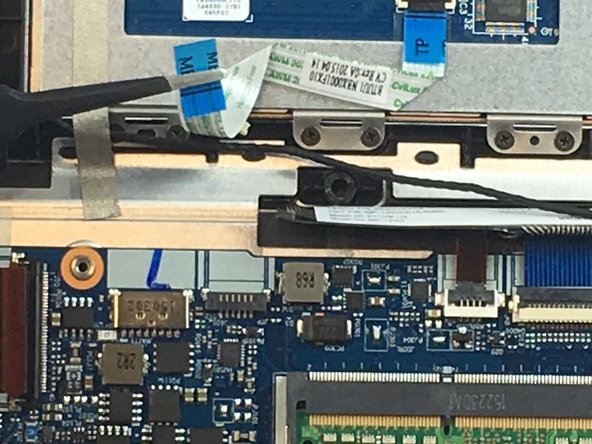

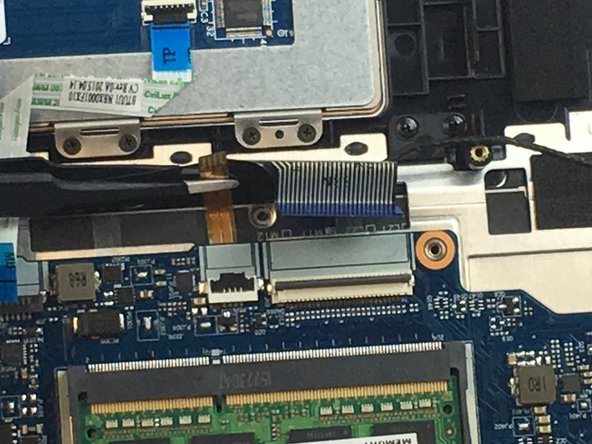


To reassemble your device, follow these instructions in reverse order.
To reassemble your device, follow these instructions in reverse order.
Annulation : je n'ai pas terminé ce tutoriel.
4 autres ont terminé cette réparation.



Équipe

USF Tampa, Team 3-2, Passmore Fall 2016 Membre de l'équipe USF Tampa, Team 3-2, Passmore Fall 2016
USFT-PASSMORE-F16S3G2
4 membres
7 tutoriels rédigés
7 commentaires
Hi, Is the i7 motherboard version is the same size ,ports and screws as i5 ??
Is there any issue if i replace my old i5 with i7 ? ignoring battery performance.
please advice.
Did you replace your i5 motherboard for an i7? Was everything ok?
I’m thinking about doing the same…
rsoares -
One assumes new thermal paste is required when re-attach the van?
Do you mean the fan? If I remember correctly, there was no thermal paste attaching the fan to the motherboard or the surrounding components. It was just housed within the casing attached via screws as shown in the images.
Ryan,
Thank you for your reply.
Yes I mean the fan, sorry. Step 5 you remove the 3 screws for what I assume is the heat sink. I was asking about that as it looks like the the processor is under there and seems to have thermal paste on the top.
