Introduction
In this guide, you will be able to replace a damaged keyboard on your MacBook with a new keyboard or a backlit one.
Ce dont vous avez besoin
-
-
Let's Start:
-
Shut down the Mac and lay it upside-down.
-
Press the little lever to raise the access door.
-
-
-
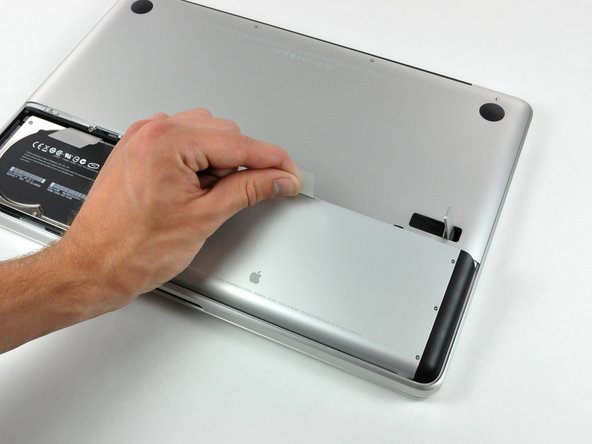
Pull the battery straight out of the MacBook using the plastic tab connected to the battery.
-
-
-
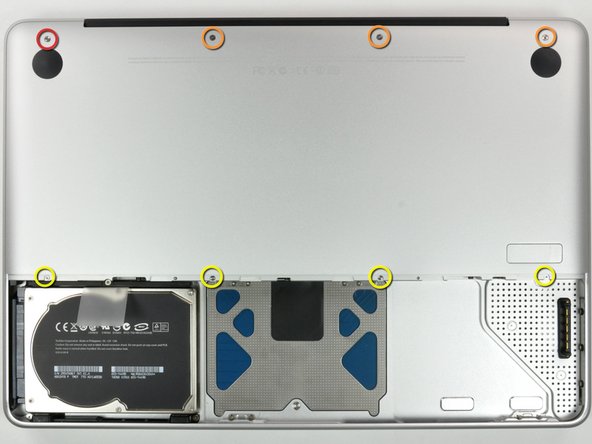
Remove the eight screws located on the bottom of the MacBook.
-
One 3 mm Phillips screw
-
Three 13.5 mm Phillips screws
-
Four 3.5 mm Phillips screws
-
-
-
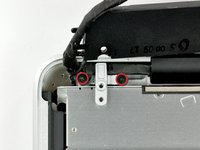
Remove the Phillips screw securing the battery cable cover.
-
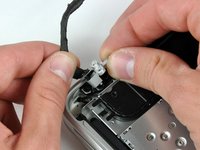
Lift the cover straight from the upper case.
-
-
-
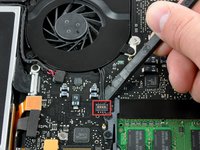
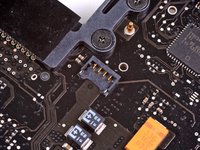
Use the spudger to pry the battery level indicator straight from the logic board.
-
-
Outil utilisé dans cette étape :Tweezers$4.99
-
Pull the battery cable away from the logic board.
-
-
-
-
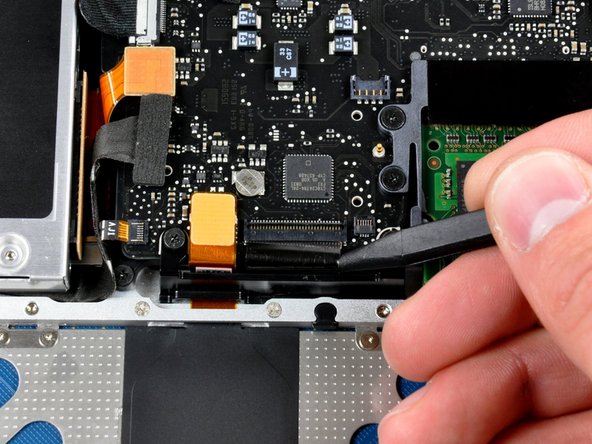
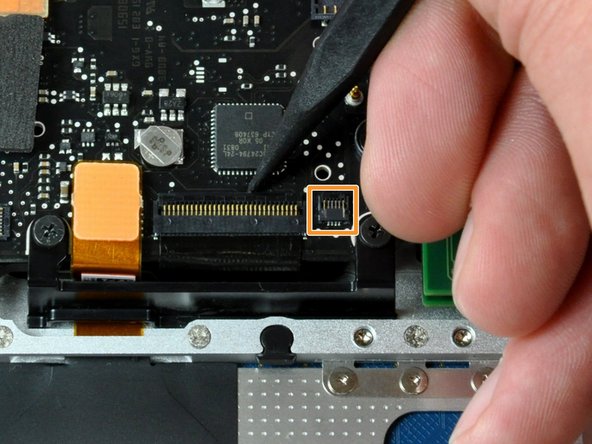
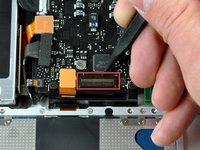
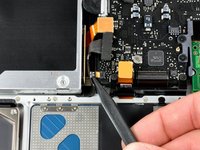
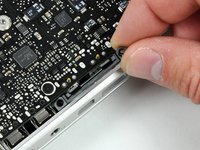
Use the tip of the spudger to lift the keyboard cable retaining flap.
-
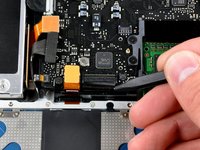
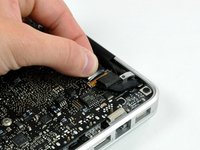
Pull the cable away from its socket to disconnect it. Make sure you lift the retaining flap before pulling the cable or you could damage it.
-
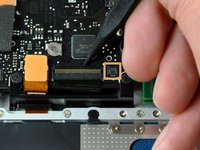
Disconnect the cable on the right if your Mac has this. This cable is the backlight on the keyboard. Remove it in a similar way as above.
-
-
-
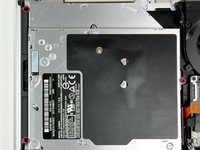
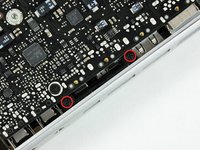
Remove the three screws securing the optical drive.
-
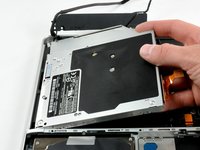
Pull the Optical Drive out of the upper case.
-










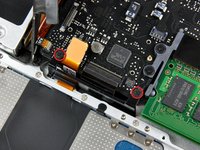
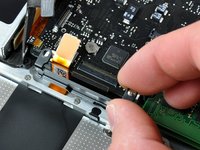

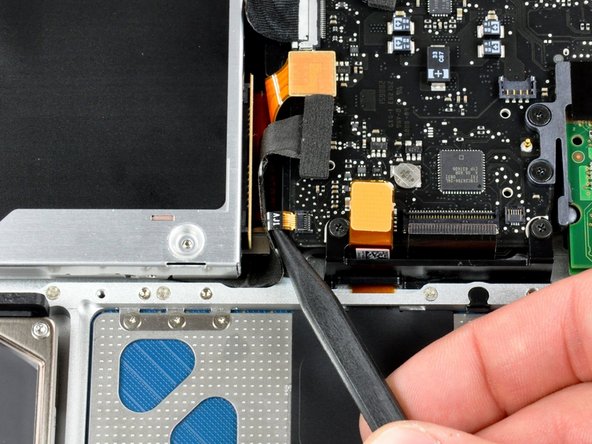
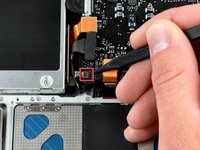








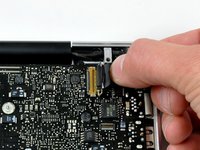


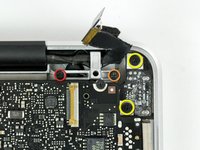
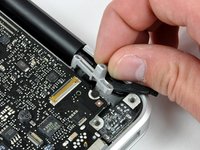


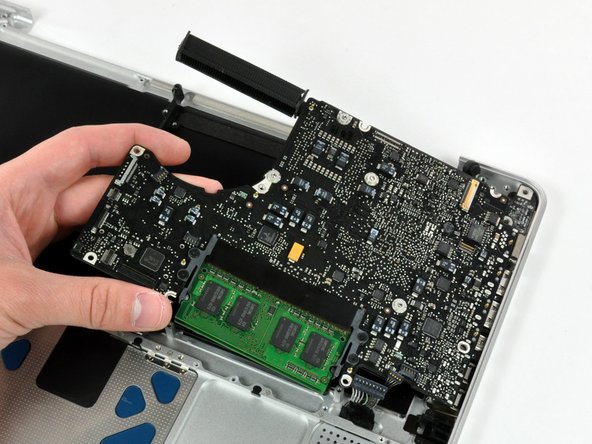
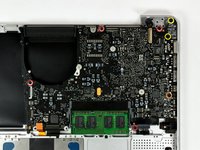
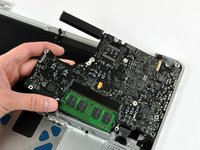


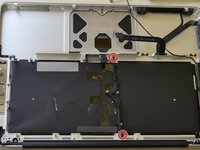
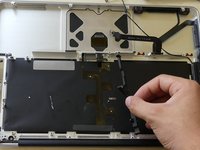

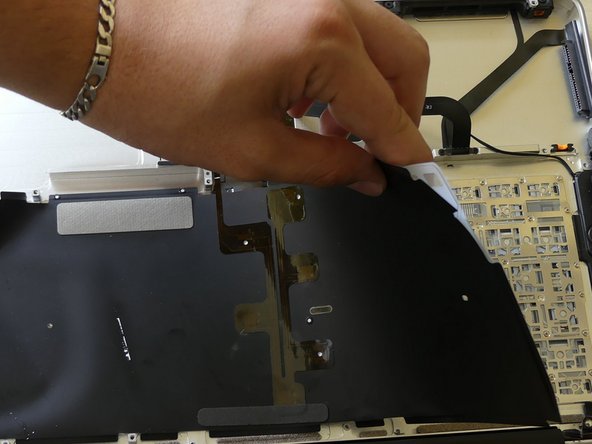


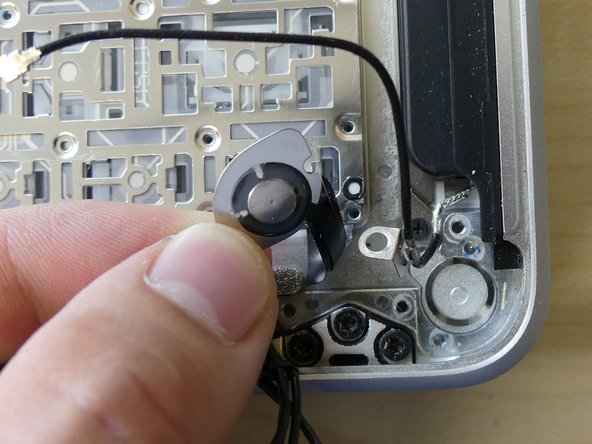
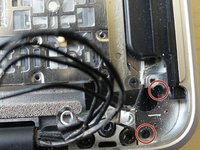
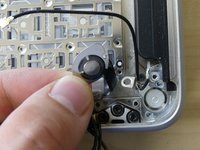


Almost done! Insert the new keyboard in your MacBook and follow these steps in reverse order to put your MacBook back together.
Annulation : je n'ai pas terminé ce tutoriel.
Une autre personne a terminé cette réparation.


