Introduction
The Samsung Galaxy On5 comes with two cameras, one front-facing and one rear-facing camera. This guide will walk you through replacing both.
Ce dont vous avez besoin
-
-
-
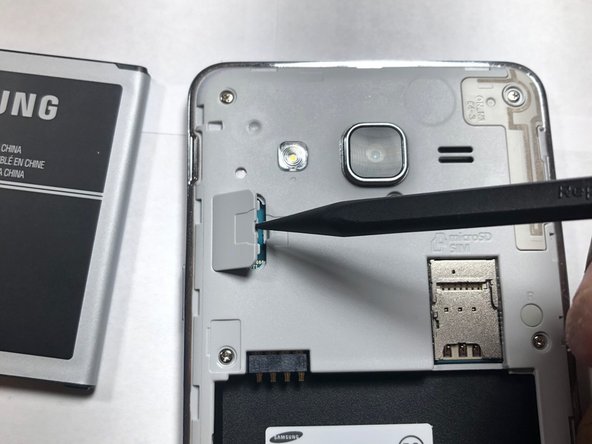
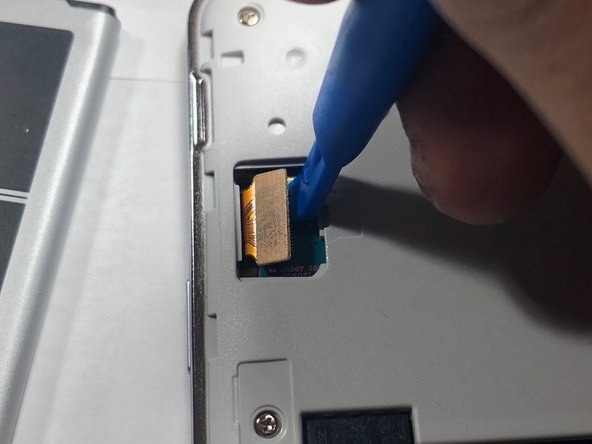
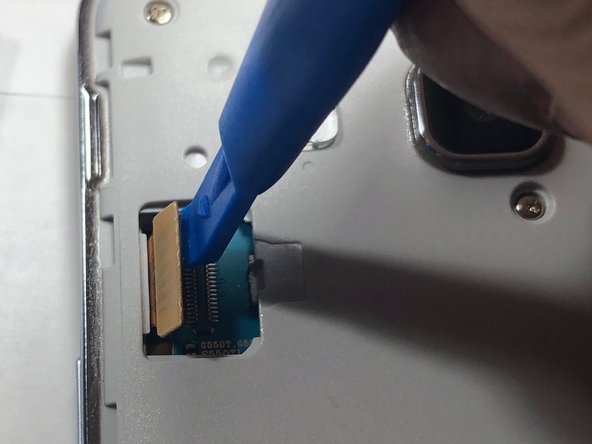
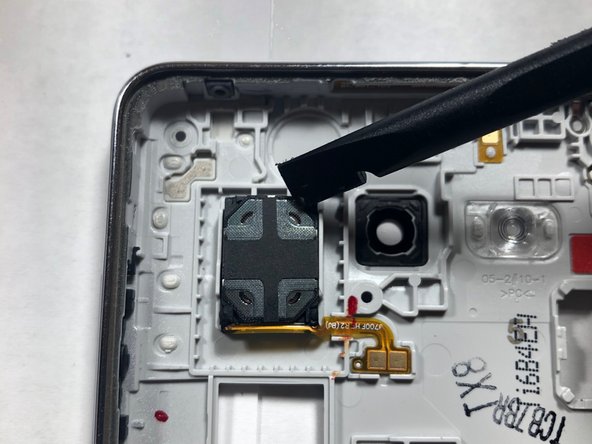
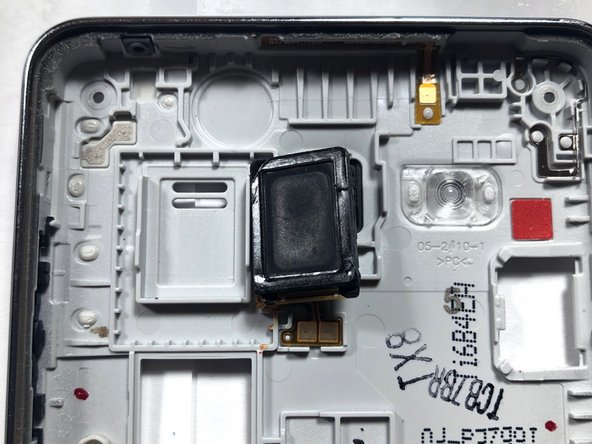
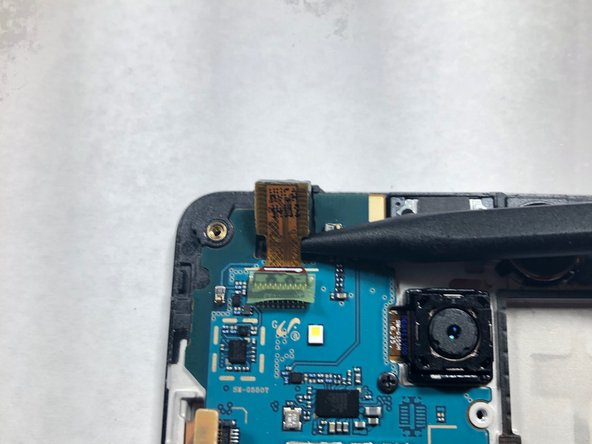
Use a plastic pry tool to lift the front-facing camera from its housing.
-
-
-
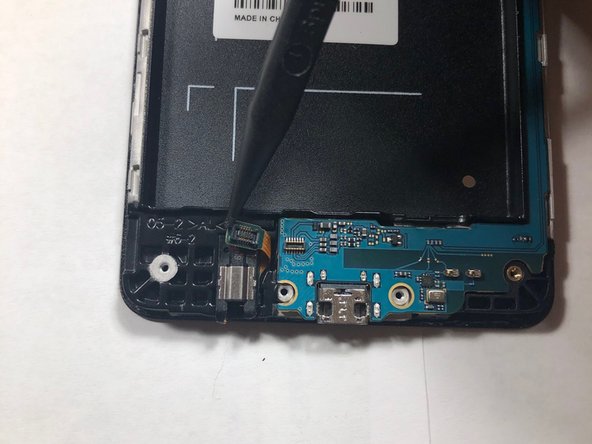
Using a Phillips #00 screwdriver, remove the screw securing the rear-facing camera.
-










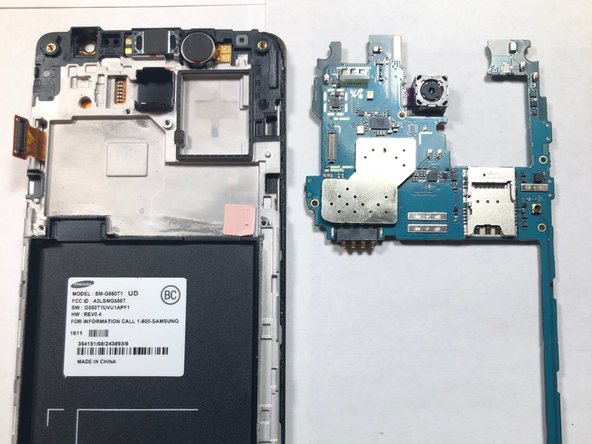

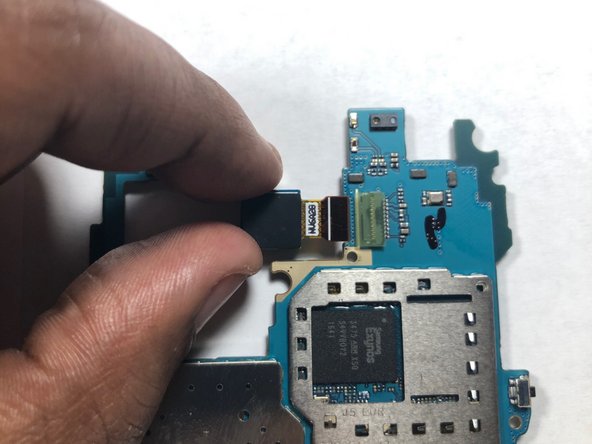
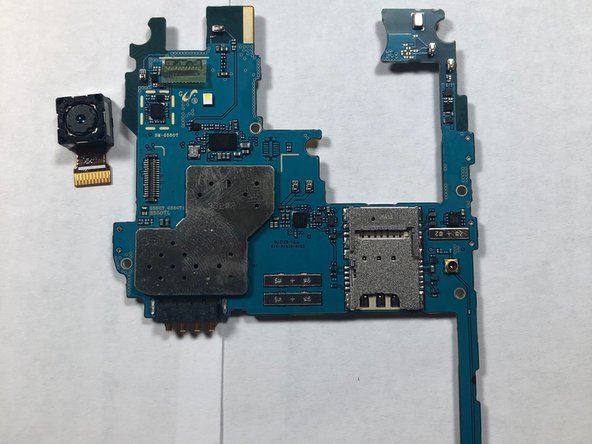
That's it, now you've removed both the front and rear facing cameras on your device! To reassemble your device, follow these instructions in reverse order.
That's it, now you've removed both the front and rear facing cameras on your device! To reassemble your device, follow these instructions in reverse order.
Annulation : je n'ai pas terminé ce tutoriel.
Une autre personne a terminé cette réparation.


Équipe

Gateway, Team S1-G5, Luster Fall 2018 Membre de l'équipe Gateway, Team S1-G5, Luster Fall 2018
GCC-LUSTER-F18S1G5
1 membre
5 tutoriels rédigés
