
Aller au contenu principal
Pour réparer ensemble - Je crée un compte

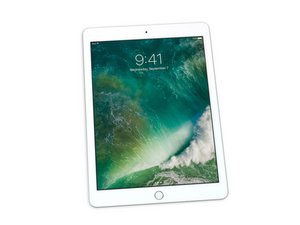
Tutoriels de réparation, démontage et diagnostic pour l'iPad Apple de 5ème génération avec Wi-Fi, disponible avec 32 ou 128 Go de stockage. Lancé en mars 2017. Identifié par le numéro de modèle A1822. Équipé d'un écran Retina de 9,7" et d'un processeur A9 64 bits.

iOpener tool not working to remove iPad 5 adhesive.

I’m trying to replace my iPad’s horrendously cracked screen, however I’m struggling when using the iOpener. I put it in the microwave, put it on the iPad, however the suction isn’t strong enough to slide any tools in. Any suggestions? I’ve already tried a hair dryer and I don’t really have a thin razor knife.

Répondre à cette question J'ai le même problème

Cette question est-elle utile ?

Indice 2

Ajouter un commentaire

1 Réponse

Réponse la plus utile

Hi ,

Try using a syringe to apply some Isopropyl Alcohol 99.9%+ (available from electronics parts stores) along the seams and check if this softens the adhesive enough be be able to use tools to remove the display.

This link may be of interest regarding using Isopropyl Alcohol on electronics

Cette réponse est-elle utile ?

Indice 2

1 commentaire:

I don’t have that nor a syringe and I’m not looking to spend any extra money on this repair, any other way?

par Partager

Ajouter un commentaire

Ajouter une réponse

TheSwagGuy5000 sera éternellement reconnaissant.
Nombre de vues :

Dernières 24 heures : 0

7 derniers jours : 9

30 derniers jours : 41

Total : 688