Introduction
If your RAM can't keep up with the demands of today's mundane and daily tasks, use this guide to remove and replace your RAM cards.
Ce dont vous avez besoin
-
-
Flip the laptop over so the model stickers face the ceiling.
 Demander à FixBot
-
-
-
Remove the two 3.5 mm Phillips #0 screws holding the cover in place.
-
Slide cover forward then carefully lift up.
-
-
-
Remove the two 5.5 mm Phillips #0 screws holding the battery in place.
-
-
-
-
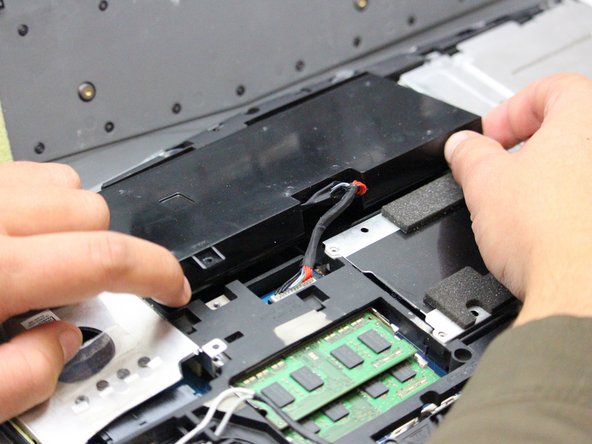
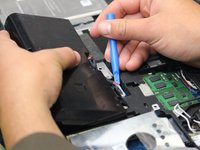
Carefully use the Plastic Opening Tool to unplug the battery.
-
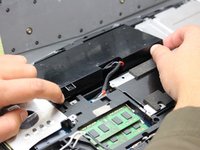
Lift the battery up and out to remove.
-
-
-
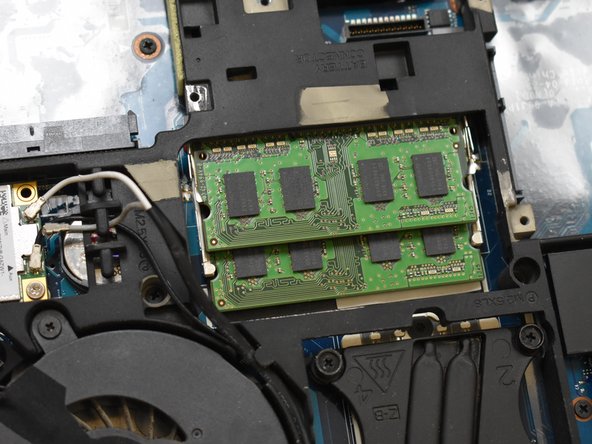
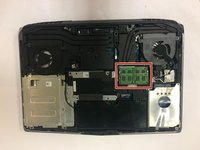
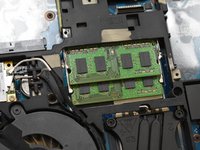
With the laptop flipped over, cover removed, and battery removed; continue by locating your RAM cards.
-
-
-
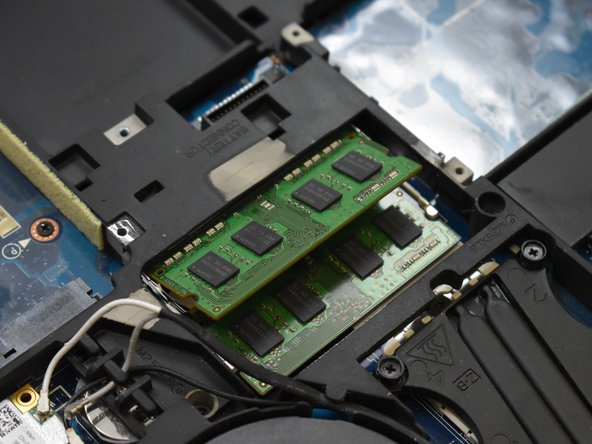
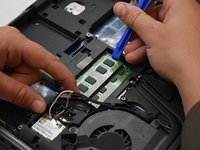
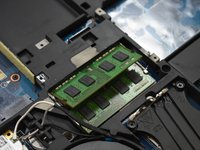
Remove the top RAM card by pressing the tabs to the sides using the Plastic Opening Tool.
-
Once the top card has popped up, carefully remove it by holding the sides and sliding it out.
-





To reassemble your device, follow these instructions in reverse order.
Annulation : je n'ai pas terminé ce tutoriel.
Une autre personne a terminé cette réparation.

Équipe

Oregon Institute of Technology, Team S1-G2, Lancaster Fall 2018 Membre de l'équipe Oregon Institute of Technology, Team S1-G2, Lancaster Fall 2018
OIT-LANCASTER-F18S1G2
3 membres
5 tutoriels rédigés
1 commentaire de tutoriel
The only problem is that this laptop has 4 slots of ram there are 2 more under the keyboard that must also be accessed to update. If anyone wants to know how I know it’s because I have this laptop and I have seen where the next lot of ram is located
