Introduction
If your Amazon Echo Show 5-megapixel camera is not functioning properly, you may need to replace it. Before starting this guide, gather a T-5 Torx screwdriver and iFixit opening tool. There are some steps where no tools are necessary and your hands can be used instead. Remember to be careful and gently remove items, such as the rubber foot.
Ce dont vous avez besoin
-
-
-
Use the plastic opening tool to gently lift the plastic protector from the screen.
 Demander à FixBot
-
-
-
After the protector has been removed, use your hands to gently remove the taped-in rubber foot from device.
-
-
-
-
Carefully peel off the bottom pad to expose the fastening screws.
-
Remove three silver 1.4 T5 Torx screws on the top row.
-
Remove one green 1mm T5 Torx screw in the middle.
-
Remove a black 1.5mm T5 screw.
-
Remove three green 1mm T5 screws from the bottom row.
-
-
Outil utilisé dans cette étape :Tweezers$4.99
-
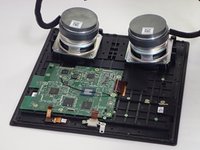
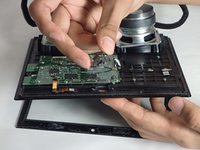
After the screws are removed, grip the front panel and separate the front from the back. This will expose the inside of the device.
-
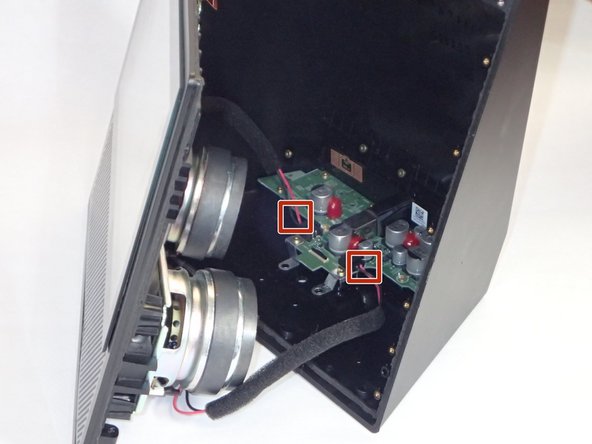
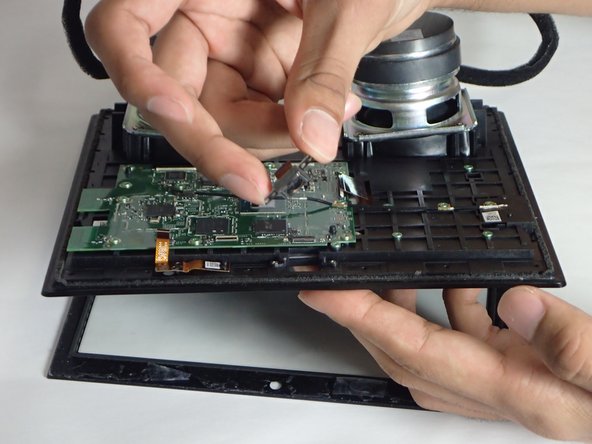
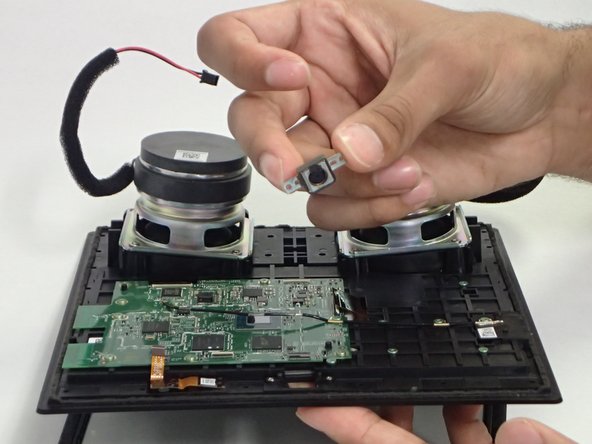
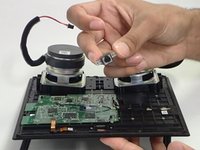
Use tweezers or your hands to carefully disconnect the red wires connecting the speakers to the power supply board.
-
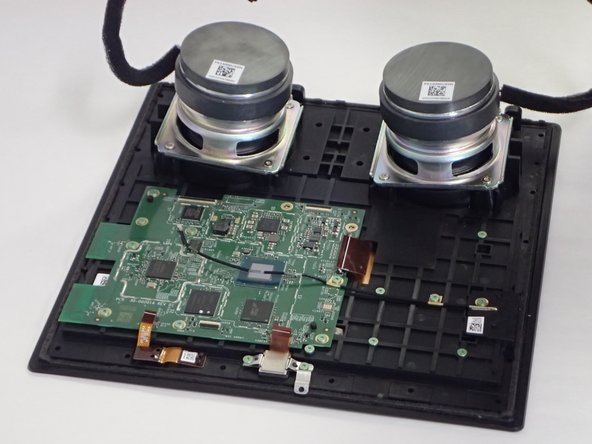
Lay the front section flat, with the screen down.
-
-
-
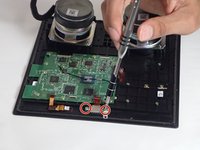
Remove two 1mm T5 Torx screws.
-
Once the screws have been removed, you can easily remove the camera from the device.
-
-




To reassemble your device, follow these instructions in reverse order.

Équipe

University of South Florida St. Petersburg, Team S1-G3, Stowe Fall 2018 Membre de l'équipe University of South Florida St. Petersburg, Team S1-G3, Stowe Fall 2018
USFSP-STOWE-F18S1G3
4 membres
66 tutoriels rédigés
1 commentaire de tutoriel
Can not reset amazon echo show model MW46WB tried everything any suggestions
