Aller au contenu principal
Pour réparer ensemble - Je crée un compte

Brother PT-110 Keypad Contacts Replacement

Ce dont vous avez besoin

  1. Brother PT-110 Keypad Contacts Replacement, Batteries: étape 1, image 1 de 2 Brother PT-110 Keypad Contacts Replacement, Batteries: étape 1, image 2 de 2
    • Push on the side of the cover, and remove it.

    Demander à FixBot
  2. Brother PT-110 Keypad Contacts Replacement: étape 2, image 1 de 1
    • Remove the batteries.

    Demander à FixBot
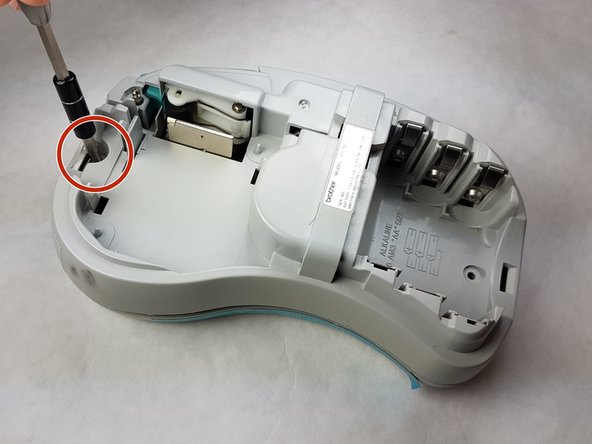
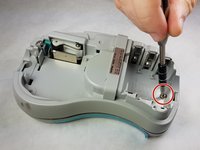
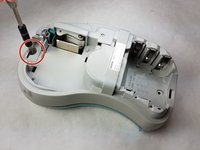
  3. Brother PT-110 Keypad Contacts Replacement, Back Plate: étape 3, image 1 de 2 Brother PT-110 Keypad Contacts Replacement, Back Plate: étape 3, image 2 de 2
    • Unscrew the two 9 mm Phillips #1 screws from the top and bottom.

    • Total: 2 x Screws

    Demander à FixBot
  4. Brother PT-110 Keypad Contacts Replacement: étape 4, image 1 de 1
    • First: To separate the top cover from the body, insert a spudger between the two halves.

    • Gently twist the spudger until the two halves separate. Do this in multiple spots around the perimeter of the cover to distribute the pressure.

    • DO NOT PULL HALVES APART. There are wired connections inside that must be disconnected before halves can be fully separated.

    Demander à FixBot
  5. Brother PT-110 Keypad Contacts Replacement: étape 5, image 1 de 1
    • Gently separate the two covers, ensuring wires are not taut.

    Demander à FixBot
  6. Brother PT-110 Keypad Contacts Replacement: étape 6, image 1 de 1
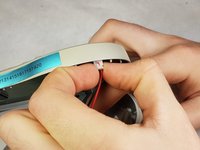
    • Gently grasp the ribbon wire and top cover, then gently pull the ribbon wire out of its connection.

    Demander à FixBot
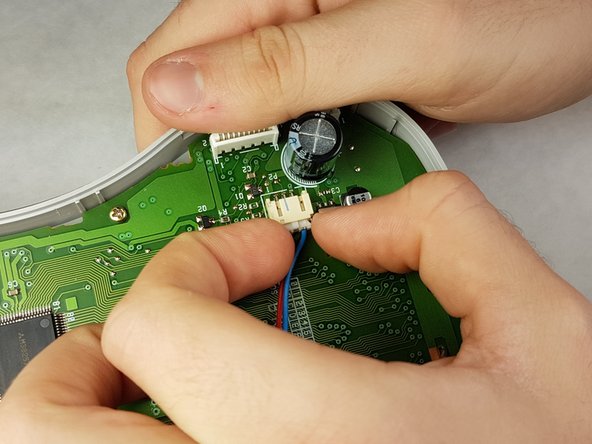
  7. Brother PT-110 Keypad Contacts Replacement: étape 7, image 1 de 2 Brother PT-110 Keypad Contacts Replacement: étape 7, image 2 de 2
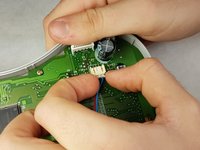
    • Carefully pinch the top of the connector.

    • Pull perpendicular to the device until the wire is disconnected.

    • It may require more force than expected to disconnect the wires.

    Demander à FixBot
  8. Brother PT-110 Keypad Contacts Replacement: étape 8, image 1 de 3 Brother PT-110 Keypad Contacts Replacement: étape 8, image 2 de 3 Brother PT-110 Keypad Contacts Replacement: étape 8, image 3 de 3
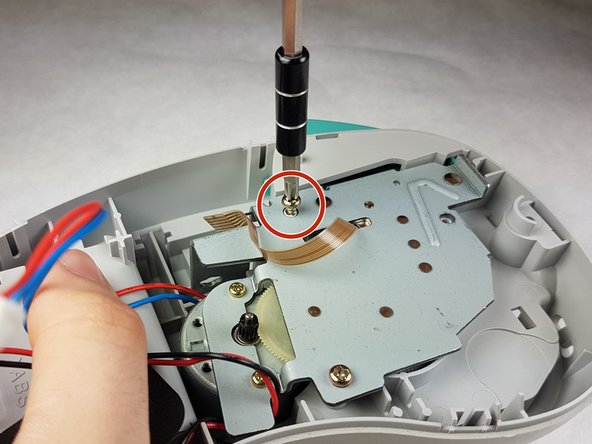
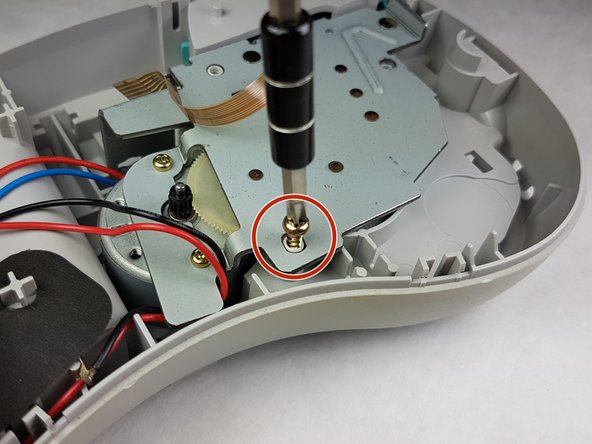
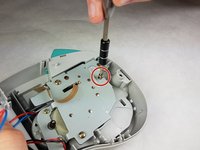
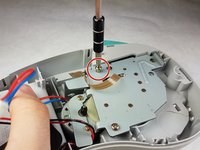
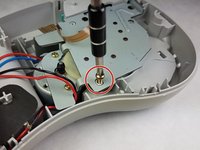
    • Unscrew the three 9 mm Phillips #1 screws shown.

    • Total: 3 x Screws

    Demander à FixBot
  9. Brother PT-110 Keypad Contacts Replacement, Keypad Contacts: étape 9, image 1 de 2 Brother PT-110 Keypad Contacts Replacement, Keypad Contacts: étape 9, image 2 de 2
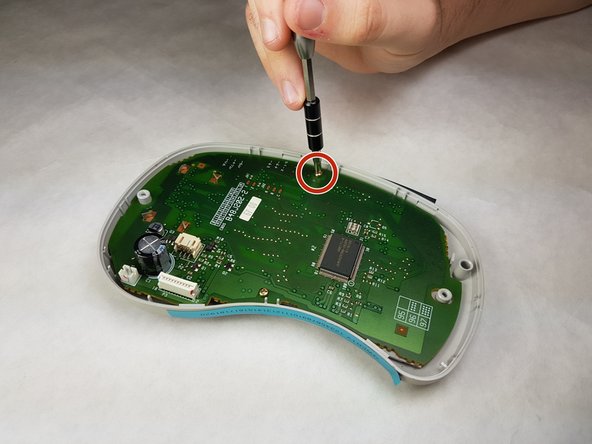
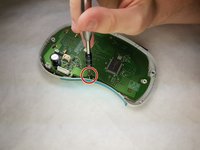
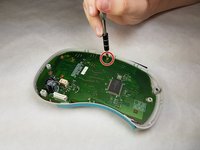
    • Unscrew both 6 mm Phillips #1 screws from the circuit board.

    • Total screws: 2

    Demander à FixBot
  10. Brother PT-110 Keypad Contacts Replacement: étape 10, image 1 de 1
    • Gently lift the circuit board out.

    Demander à FixBot
  11. Brother PT-110 Keypad Contacts Replacement: étape 11, image 1 de 1
    • Peel the keypad contacts up from the plastic casing.

    Demander à FixBot
Conclusion

To reassemble your device, follow these instructions in reverse order.

Kimberly Larsen

Membre depuis le 09/28/16

279 Réputation

5 tutoriels rédigés

Équipe

IUPUI, Team 1-1, Harley Fall 2016 Membre de l'équipe IUPUI, Team 1-1, Harley Fall 2016

IUPUI-HARLEY-F16S1G1

3 membres

7 tutoriels rédigés

0 commentaires de tutoriel

Ajouter un commentaire

Nombre de vues :

Dernières 24 heures : 1

7 derniers jours : 2

30 derniers jours : 34

Total : 505