Aller au contenu principal
Pour réparer ensemble - Je crée un compte

ComNet Ericsson Panther 600P Display Replacement

Ce dont vous avez besoin

    1. ComNet Ericsson Panther 600P Display Replacement, Locate the release button.: étape 1, image 1 de 3 ComNet Ericsson Panther 600P Display Replacement, Locate the release button.: étape 1, image 2 de 3 ComNet Ericsson Panther 600P Display Replacement, Locate the release button.: étape 1, image 3 de 3
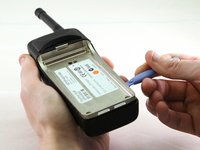
      • Look for the release button on the back of the radio.

      • Press the button and pull down on the battery at the same time. The battery will come free.

      Demander à FixBot

      Ajouter un commentaire

    1. ComNet Ericsson Panther 600P Display Replacement, Antenna: étape 2, image 1 de 1
      • Twist the antenna counter-clockwise to unscrew it from the antenna jack.

      Demander à FixBot

      Ajouter un commentaire

    2. ComNet Ericsson Panther 600P Display Replacement, Dials: étape 3, image 1 de 1
      • Pull up on the dials to remove them from the underlying pegs.

      Demander à FixBot

      Ajouter un commentaire

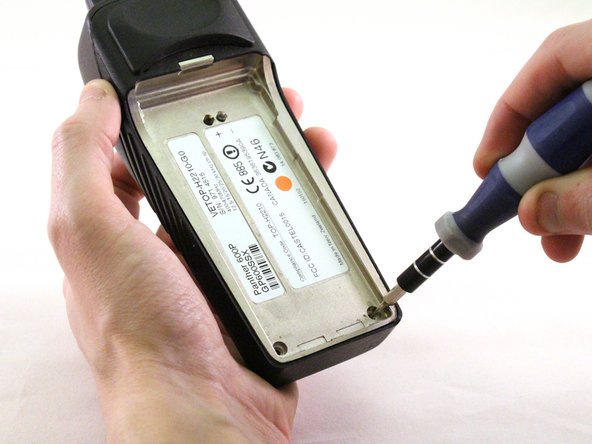
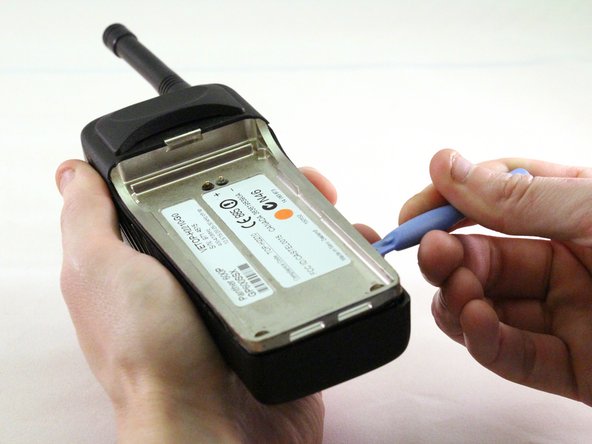
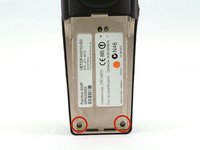
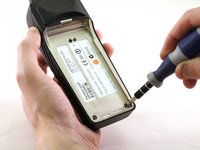
    3. ComNet Ericsson Panther 600P Display Replacement, Exterior Case: étape 4, image 1 de 3 ComNet Ericsson Panther 600P Display Replacement, Exterior Case: étape 4, image 2 de 3 ComNet Ericsson Panther 600P Display Replacement, Exterior Case: étape 4, image 3 de 3
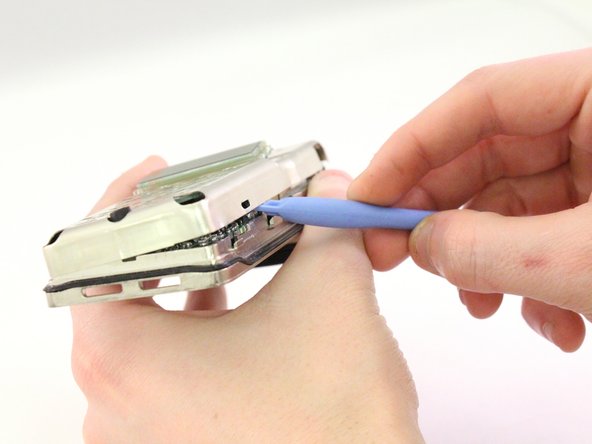
      • Using a T15 Torx screwdriver, unscrew the two screws.

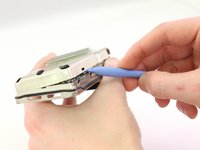
      • Using a plastic opening tool, pry the internal case from the external case.

      Demander à FixBot

      Ajouter un commentaire

    1. ComNet Ericsson Panther 600P Display Replacement, Front Case - Internal: étape 5, image 1 de 3 ComNet Ericsson Panther 600P Display Replacement, Front Case - Internal: étape 5, image 2 de 3 ComNet Ericsson Panther 600P Display Replacement, Front Case - Internal: étape 5, image 3 de 3
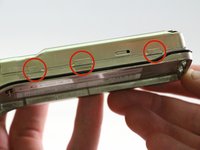
      • Using the plastic opening tool, pry the case apart.

      Demander à FixBot

      Ajouter un commentaire

    2. ComNet Ericsson Panther 600P Display Replacement, Ribbon: étape 6, image 1 de 2 ComNet Ericsson Panther 600P Display Replacement, Ribbon: étape 6, image 2 de 2
      Outil utilisé dans cette étape :
      Tweezers
      $4.99
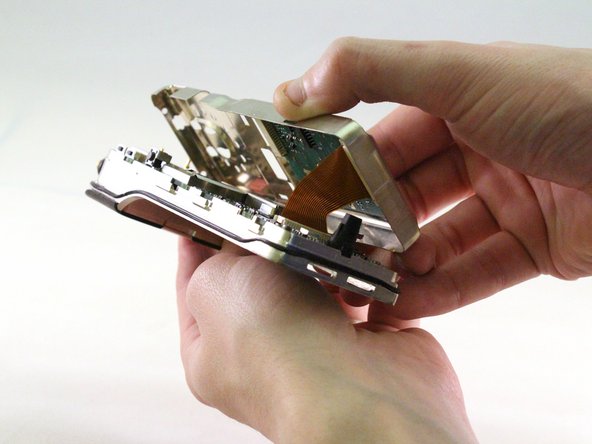
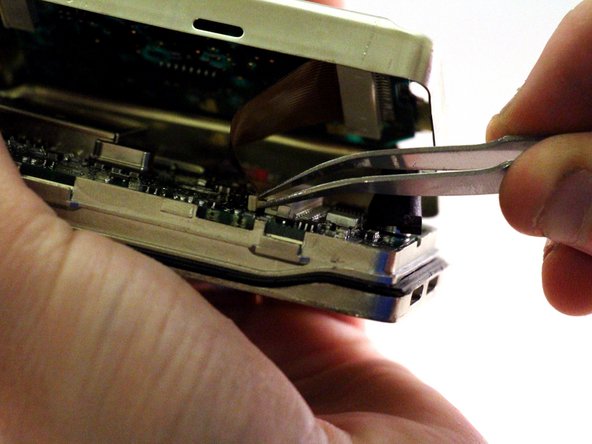
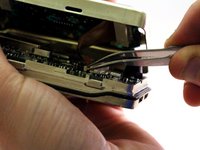
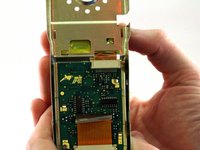
      • The keypad chip is attached to the motherboard by a ribbon.

      • Pull ribbon with tweezers to detach from back panel.

      Demander à FixBot

      Ajouter un commentaire

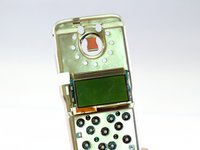
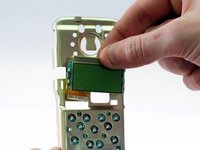
    3. ComNet Ericsson Panther 600P Display Replacement, Screen: étape 7, image 1 de 3 ComNet Ericsson Panther 600P Display Replacement, Screen: étape 7, image 2 de 3 ComNet Ericsson Panther 600P Display Replacement, Screen: étape 7, image 3 de 3
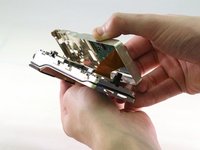
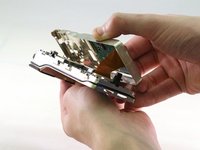
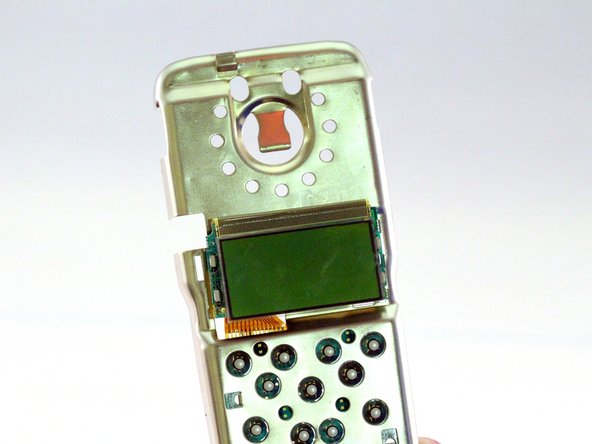
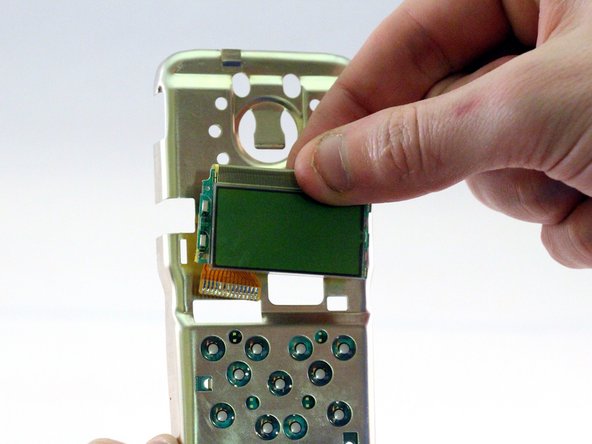
      • Screen will be attached by a ribbon.

      • Pull screen up and away from motherboard to detach.

      Demander à FixBot

      Ajouter un commentaire

Conclusion

To reassemble your device, follow these instructions in reverse order.

Annulation : je n'ai pas terminé ce tutoriel.

Daniel

Membre depuis le 01/13/15

109 Réputation

1 tutoriel rédigé

0 commentaires de tutoriel

Ajouter un commentaire

Nombre de vues :

Dernières 24 heures : 0

7 derniers jours : 4

30 derniers jours : 26

Total : 516