Aller au contenu principal
Pour réparer ensemble - Je crée un compte

Connecting the Keypad

    1. Connecting the Keypad, Keypad: étape 1, image 1 de 2 Connecting the Keypad, Keypad: étape 1, image 2 de 2
      • Turn the calculator over so the blue Texas Instruments logo is facing you.

      • Slide the blue cover downwards until it is completely removed from the calculator.

      Demander à FixBot

      Ajouter un commentaire

    2. Connecting the Keypad: étape 2, image 1 de 1
      • If the keypad is not already connected, skip the next 2 steps.

      • Turn the calculator over so the keypad is facing down.

      • Locate the sliding latch towards the bottom of the calculator.

      Demander à FixBot

      Ajouter un commentaire

    3. Connecting the Keypad: étape 3, image 1 de 2 Connecting the Keypad: étape 3, image 2 de 2
      • Slide the latch to the right to release the keypad.

      • At the same time, pull the keypad downwards.

      Demander à FixBot

      Ajouter un commentaire

    4. Connecting the Keypad: étape 4, image 1 de 2 Connecting the Keypad: étape 4, image 2 de 2
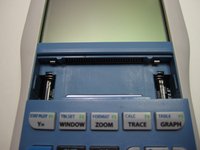
      • Take note of where the keypad and the calculator connect.

      Demander à FixBot

      Ajouter un commentaire

    5. Connecting the Keypad: étape 5, image 1 de 3 Connecting the Keypad: étape 5, image 2 de 3 Connecting the Keypad: étape 5, image 3 de 3
      • Slide the keypad directly into where it connects to the calculator until you hear a click. Readjust as necessary.

      Demander à FixBot

      Ajouter un commentaire

    6. Connecting the Keypad: étape 6, image 1 de 1
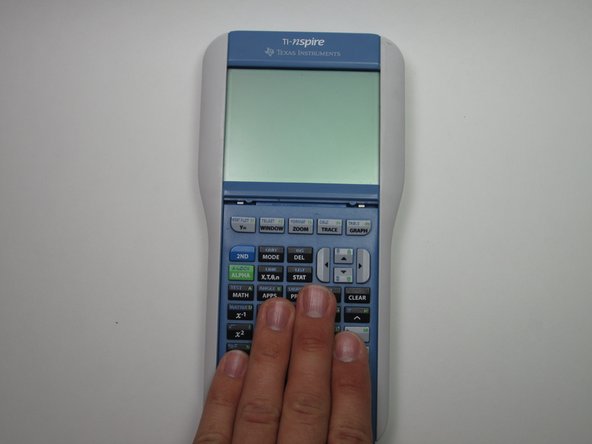
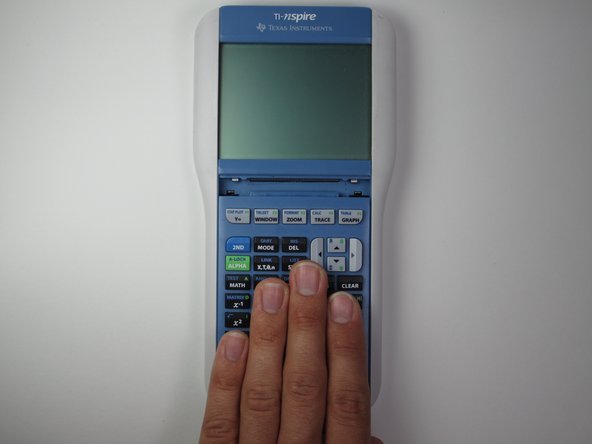
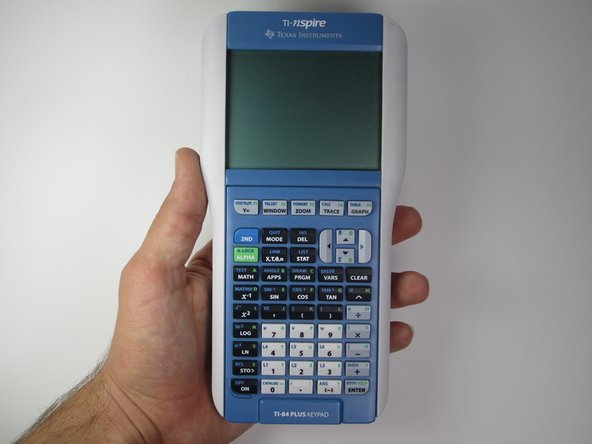
      • Press the "ON" button to make sure that the calculator turns on. If the calculator turns on correctly, you have properly inserted the keypad.

      Demander à FixBot

      Ajouter un commentaire

Conclusion

If the keypad was inserted properly, the calculator should turn on without any errors.

Annulation : je n'ai pas terminé ce tutoriel.

Une autre personne a terminé cette réparation.

Mariel Sanchez

Membre depuis le 09/27/12

22 Réputation

2 tutoriels rédigés

Équipe

Cal Poly, Team 7-52, Forte Fall 2012 Membre de l'équipe Cal Poly, Team 7-52, Forte Fall 2012

CPSU-FORTE-F12S7G52

5 membres

41 tutoriels rédigés

0 commentaires de tutoriel

Ajouter un commentaire

Nombre de vues :

Dernières 24 heures : 0

7 derniers jours : 3

30 derniers jours : 27

Total : 15,509