Introduction
Use this guide to replace the RAM in your Dell Dimension 4600.
Ce dont vous avez besoin
-
-
-
Locate the case cover latch on the back of the computer.
 Demander à FixBot
-
-
-
Using your index finger, slide and hold the cover latch down.
-
While holding the latch down, place your other hand flat on the side of the case and firmly shift the side panel to the left until it disengages.
-
-
-
-
Grab the edge of the panel and slide it away from the case until it is removed.
-
-
-
-
-
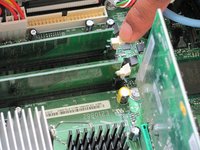
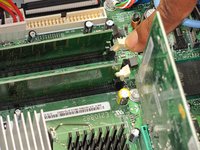
Locate the white or black tabs holding the RAM module in place.
-
Place your index finger on the tab and firmly press down. The tab should release and the RAM module should be slightly raised.
-
Repeat this for the tab on the other side of the RAM module.
-
Repeat this step for each RAM module.
-
-
-
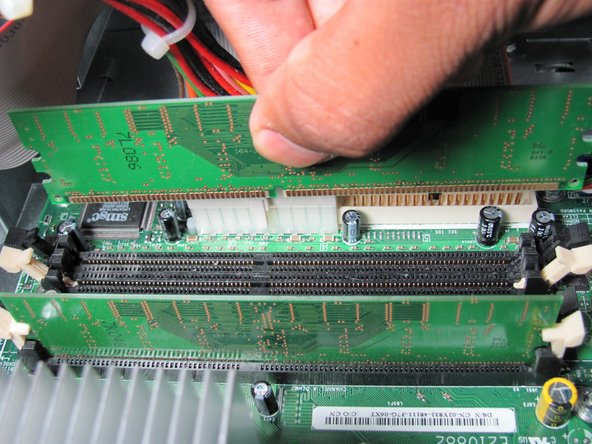
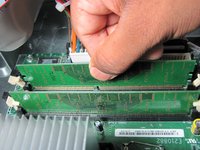
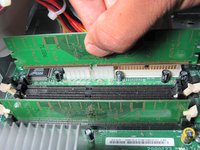
Grasp the RAM module and firmly pull upwards until it is released from its slot.
-
Repeat this step for each RAM module.
-



To reassemble your device, follow these instructions in reverse order.
Annulation : je n'ai pas terminé ce tutoriel.
13 autres ont terminé cette réparation.

Équipe

Cal Poly, Team 6-10, Regan Fall 2011 Membre de l'équipe Cal Poly, Team 6-10, Regan Fall 2011
CPSU-REGAN-F11S6G10
4 membres
11 tutoriels rédigés
