Aller au contenu principal
Pour réparer ensemble - Je crée un compte

Disassembling VTech MobiGo Touch Learning System Keyboard

Ce dont vous avez besoin

    1. Disassembling VTech MobiGo Touch Learning System Keyboard, Case: étape 1, image 1 de 1
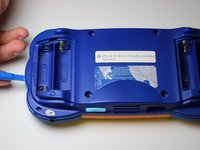
      • Remove the battery covers and the four batteries.

      Demander à FixBot
      Ajouter un commentaire

    2. Disassembling VTech MobiGo Touch Learning System Keyboard: étape 2, image 1 de 2 Disassembling VTech MobiGo Touch Learning System Keyboard: étape 2, image 2 de 2
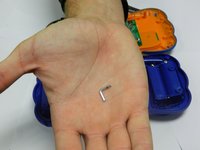
      • Remove the four plastic caps with a metal spudger to expose the 6.0 mm Philips JIS #0 case screws.

      • Remove the eight 6.0 mm JIS #0 case screws.

      Demander à FixBot
      Ajouter un commentaire

    3. Disassembling VTech MobiGo Touch Learning System Keyboard: étape 3, image 1 de 2 Disassembling VTech MobiGo Touch Learning System Keyboard: étape 3, image 2 de 2
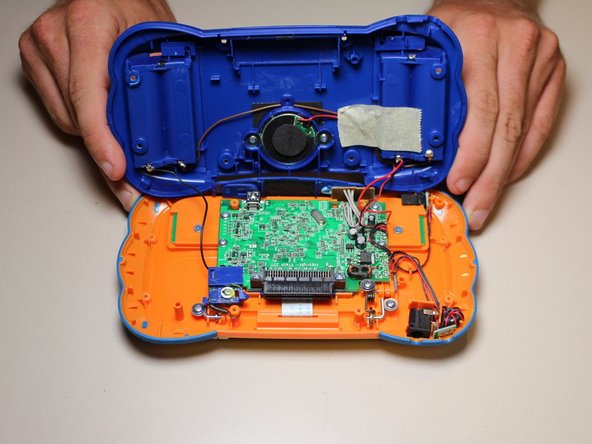
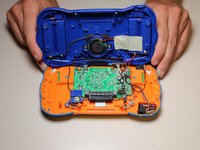
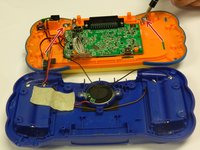
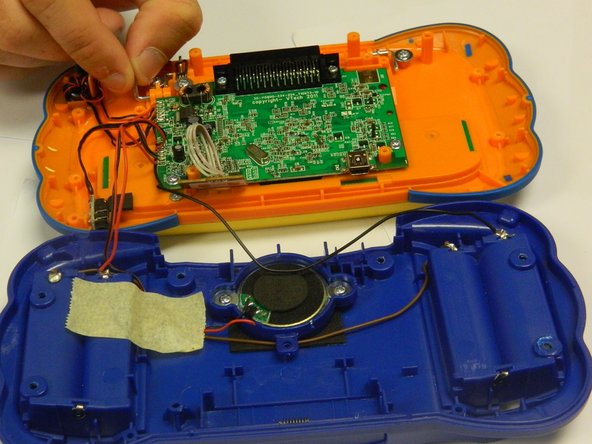
      • Using a plastic opening tool, separate the two pieces of the case carefully.

      Demander à FixBot

      Ajouter un commentaire

    1. Disassembling VTech MobiGo Touch Learning System Keyboard, Disassembling VTech MobiGo Touch Learning System Keyboard: étape 4, image 1 de 2 Disassembling VTech MobiGo Touch Learning System Keyboard, Disassembling VTech MobiGo Touch Learning System Keyboard: étape 4, image 2 de 2
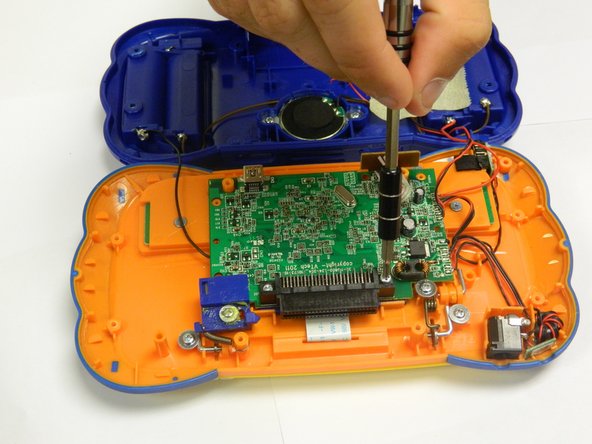
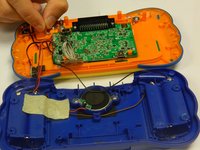
      • Remove the six 6.5 mm Philips J0 screws that are connected to the circuit board.

      • Use light pressure to prevent damage to the circuit board.

      Demander à FixBot

      Ajouter un commentaire

    2. Disassembling VTech MobiGo Touch Learning System Keyboard: étape 5, image 1 de 1
      • Remove the 9.0 mm Philips J0 screw from the blue plastic cover.

      • Once the screw is removed, remove the blue plastic cover.

      Demander à FixBot
      Ajouter un commentaire

    3. Disassembling VTech MobiGo Touch Learning System Keyboard: étape 6, image 1 de 2 Disassembling VTech MobiGo Touch Learning System Keyboard: étape 6, image 2 de 2
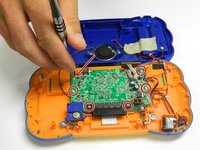
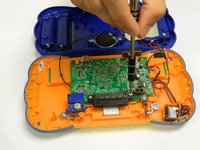
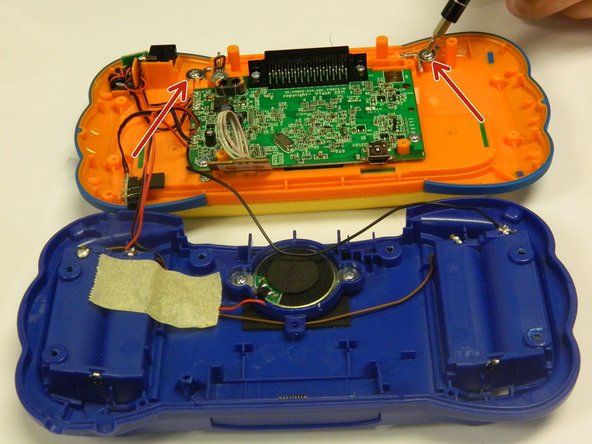
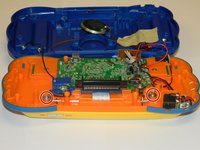
      • Remove the two 4.0 mm Philips J0 screws located on the orange case.

      • Use gentle force to prevent stripping of screws.

      Demander à FixBot
      Ajouter un commentaire

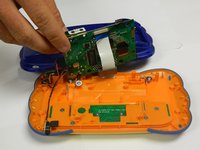
    4. Disassembling VTech MobiGo Touch Learning System Keyboard: étape 7, image 1 de 3 Disassembling VTech MobiGo Touch Learning System Keyboard: étape 7, image 2 de 3 Disassembling VTech MobiGo Touch Learning System Keyboard: étape 7, image 3 de 3
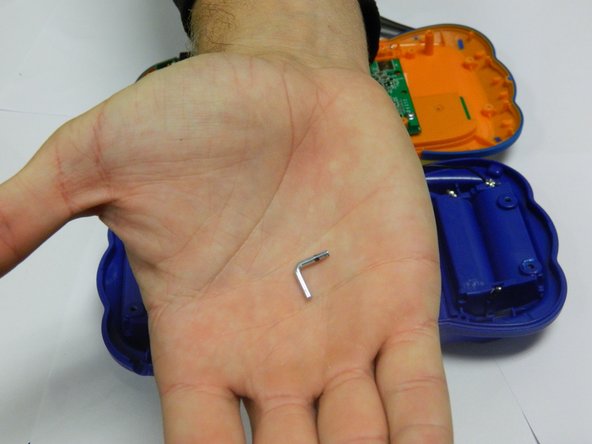
      • Remove the two "L" shaped brackets located on both sides of the device.

      • Use the magnetic mat to store these brackets.

      Demander à FixBot
      Ajouter un commentaire

    5. Disassembling VTech MobiGo Touch Learning System Keyboard: étape 8, image 1 de 1
      • Locate the spring that was connected to the "L" shaped bracket and slowly remove it.

      Demander à FixBot

      Ajouter un commentaire

    6. Disassembling VTech MobiGo Touch Learning System Keyboard: étape 9, image 1 de 2 Disassembling VTech MobiGo Touch Learning System Keyboard: étape 9, image 2 de 2
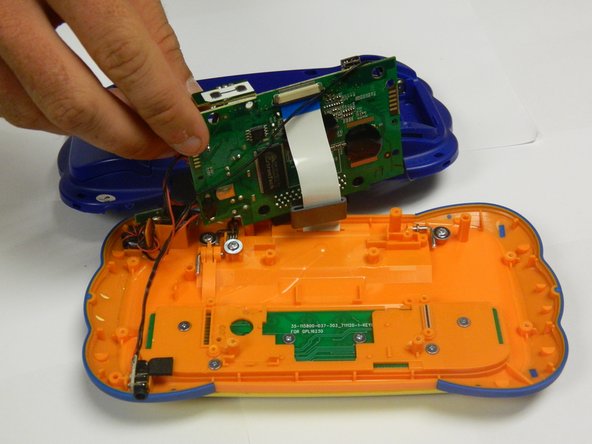
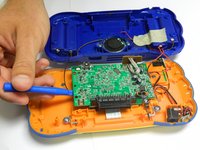
      • Gently lift the circuit board from the case using a plastic opening tool.

      • Make sure to use a plastic opening tool for this step.

      Demander à FixBot

      Ajouter un commentaire

    7. Disassembling VTech MobiGo Touch Learning System Keyboard: étape 10, image 1 de 1
      • Remove the 3.5 mm Philips J0 screw located underneath the circuit board.

      • Keep the circuit board out of the way to avoid damaging it.

      Demander à FixBot

      Ajouter un commentaire

    8. Disassembling VTech MobiGo Touch Learning System Keyboard: étape 11, image 1 de 1
      • Slowly remove the keyboard panel.

      • Use a spudger if necessary.

      • The keys will fall out once the keyboard panel is removed.

      • Remove all of the keys and set them aside with the keyboard panel.

      Demander à FixBot

      Ajouter un commentaire

    9. Disassembling VTech MobiGo Touch Learning System Keyboard: étape 12, image 1 de 1
      • Gently remove the keyboard circuit board with a plastic opening tool.

      Demander à FixBot

      Ajouter un commentaire

Conclusion

To reassemble your device, follow these instructions in reverse order.

Annulation : je n'ai pas terminé ce tutoriel.

RBansil

Membre depuis le 08/27/15

221 Réputation

2 tutoriels rédigés

Équipe

USF Tampa, Team 8-3, Eyestone Fall 2015 Membre de l'équipe USF Tampa, Team 8-3, Eyestone Fall 2015

USFT-EYESTONE-F15S8G3

3 membres

17 tutoriels rédigés

1 commentaire de tutoriel

Was gifted a mobigo2 for my niece but it came without keyboard .. I was curious if you knew where I might find a replacement keyboard?

ROXXY - Réponse Partager

Ajouter un commentaire

Nombre de vues :

Dernières 24 heures : 3

7 derniers jours : 11

30 derniers jours : 43

Total : 2,448