Introduction
This guide demonstrates how to replace an Epson PowerLite 77c (V11H254220) lamp, part number V13H010L41. The projection lamp is the heart of a projector, as it lights and displays images. If you're experiencing issues involving a dim image, or if the lamp isn't illuminating at all when the projector is on, it's probably time to replace the lamp. Issues with the lamp are typically indicated by a flashing orange light under the power button.
There is mercury in the device’s lamp; therefore, there are state and local regulations regarding disposal and recycling. Do not discard in the trashcan.
Before removing the lamp, be sure power down and unplug the device; allow it to fully cool before beginning.
Ce dont vous avez besoin
-
-
-
Use a Phillips #0 screwdriver to remove the one 5.0 mm screw from the lamp cover on the back of the device.
 Demander à FixBot
-
-
-
-
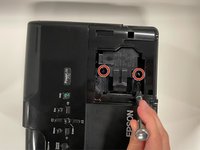
Loosen the two 5.0 mm captive screws with a Phillips #0 screwdriver.
-
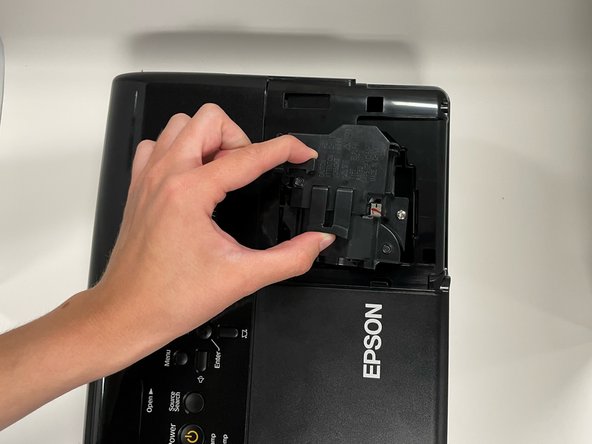
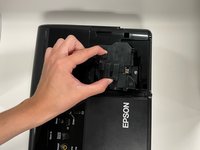
Pinch the two release triggers to unlatch the lamp housing, and lift upward to remove it.
-
-


To reassemble your device, follow these instructions in reverse order.
Annulation : je n'ai pas terminé ce tutoriel.
Une autre personne a terminé cette réparation.

Équipe

Western Carolina University, Team 1-6, Virtue Spring 2022 Membre de l'équipe Western Carolina University, Team 1-6, Virtue Spring 2022
WCU-VIRTUE-S22S1G6
4 membres
10 tutoriels rédigés
