Aller au contenu principal
Pour réparer ensemble - Je crée un compte

General Electric Create Jason Wu Casing Disassembly

Ce dont vous avez besoin

  1. General Electric Create Jason Wu Casing Disassembly, General Electric Create Jason Wu Casing Disassembly: étape 1, image 1 de 3 General Electric Create Jason Wu Casing Disassembly, General Electric Create Jason Wu Casing Disassembly: étape 1, image 2 de 3 General Electric Create Jason Wu Casing Disassembly, General Electric Create Jason Wu Casing Disassembly: étape 1, image 3 de 3
    • Begin by removing the 5 screws (located: 2 screws on either side and 1 screw on the bottom) using the PH000 head in the Precision Phillips Screwdriver.

    • These screws were missing in our example. These screws should have been small Phillips PH000 screws 1.5mm in length.

    • These screws are very small. To keep from losing any pieces, place all small metals on a magnetic project mat.

  2. General Electric Create Jason Wu Casing Disassembly: étape 2, image 1 de 2 General Electric Create Jason Wu Casing Disassembly: étape 2, image 2 de 2
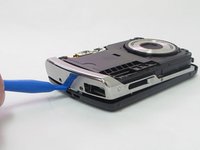
    • After the screws are removed, pull the front casing up and away from the camera.

    • If the casing is difficult to remove, use a plastic opening tool to gently pry up on the front as shown.

  3. General Electric Create Jason Wu Casing Disassembly: étape 3, image 1 de 3 General Electric Create Jason Wu Casing Disassembly: étape 3, image 2 de 3 General Electric Create Jason Wu Casing Disassembly: étape 3, image 3 de 3
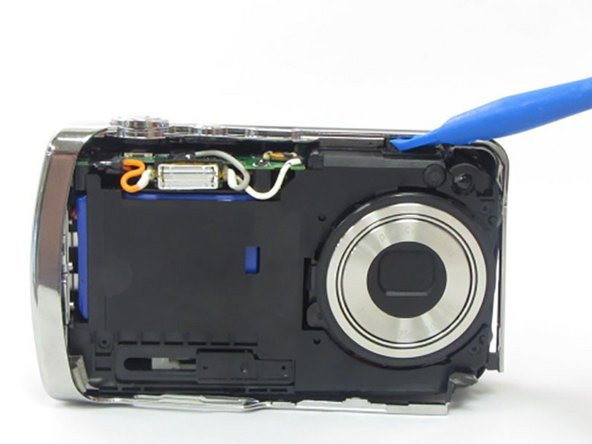
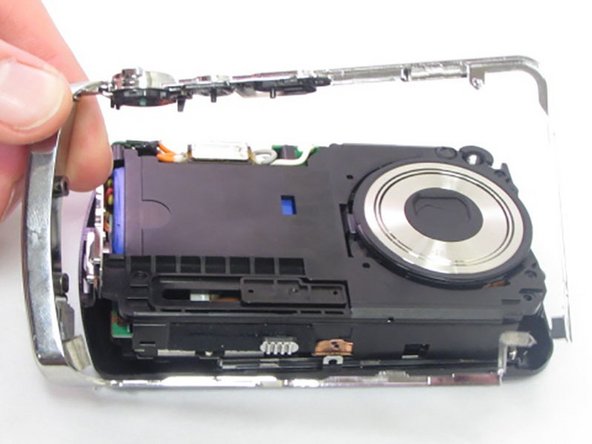
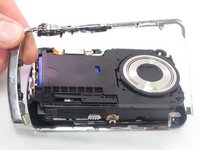
    • Using your hands or an opening tool, pry off the silver frame, taking special care at the top of the camera where the buttons are as it is a little harder to pry off.

    • If the back casing is loose from the camera body, it may be easier to perform step 4 first, then accomplish this step. Proceed as your unit allows.

  4. General Electric Create Jason Wu Casing Disassembly: étape 4, image 1 de 3 General Electric Create Jason Wu Casing Disassembly: étape 4, image 2 de 3 General Electric Create Jason Wu Casing Disassembly: étape 4, image 3 de 3
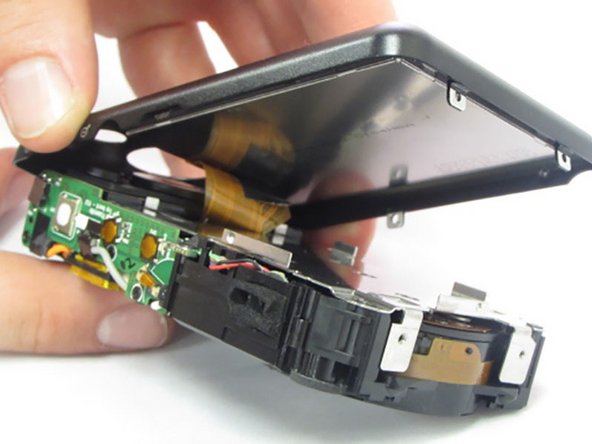
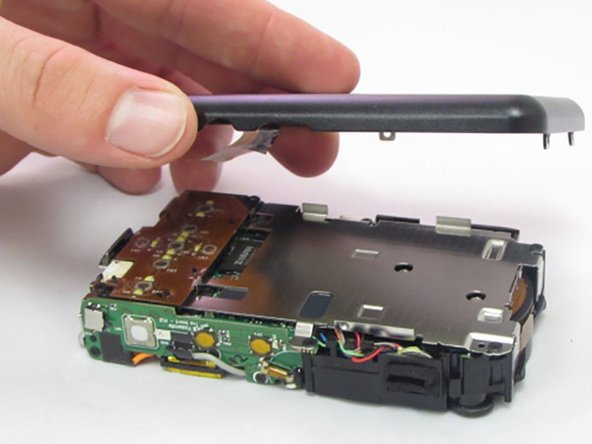
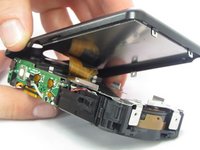
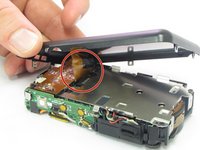
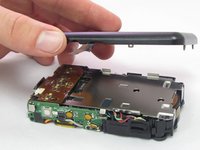
    • The last part of the casing to disconnect is the back that houses the LCD screen.

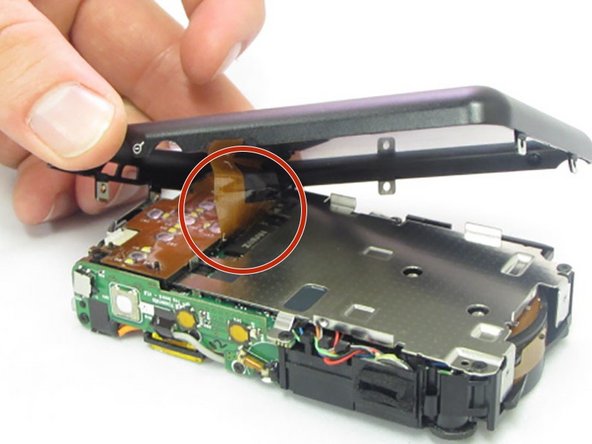
    • The screen is attached by a connection ribbon. Gently pull the casing and screen away from the camera body to disconnect the casing.

    • The LCD screen is held onto the back casing by a small amount of adhesive. This may come loose during this process. Do not worry if they become separated.

    • This plug and the connection ribbon are fragile, try not to tear the connection ribbon when disconnecting.

Conclusion

To reassemble your device, follow these instructions in reverse order.

2 autres ont terminé cette réparation.

Kylan Hennessy

Membre depuis le 01/23/17

573 Réputation

5 tutoriels rédigés

0 commentaires de tutoriel

Ajouter un commentaire

Nombre de vues :

Dernières 24 heures : 1

7 derniers jours : 7

30 derniers jours : 39

Total : 497