Cette traduction a été générée automatiquement et n’a pas encore fait l’objet d’une relecture humaine. Vous parlez cette langue ? Relisez-la.
Introduction
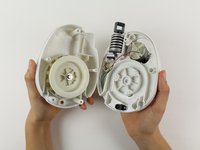
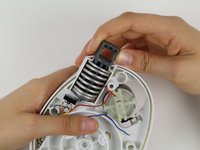
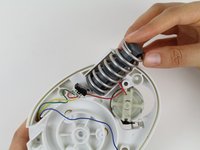
Pour retirer le montant de fixation, vous devez sortir toutes les pièces internes situées devant celui-ci. Appuyez sur le ressort qui maintient le montant de fixation en place. Lorsque le ressort est compressé, vous pouvez retirer à la fois le montant de fixation et le ressort en les poussant vers l'extérieur du boîtier.
Ce dont vous avez besoin
-
-
-
Retournez le GravityLight et posez-le sur une surface stable.
-
Dévissez les trois vis cruciformes Phillips #00 de 2 cm situées au dos du boîtier du GravityLight.
 Demander à FixBot
-
-
-
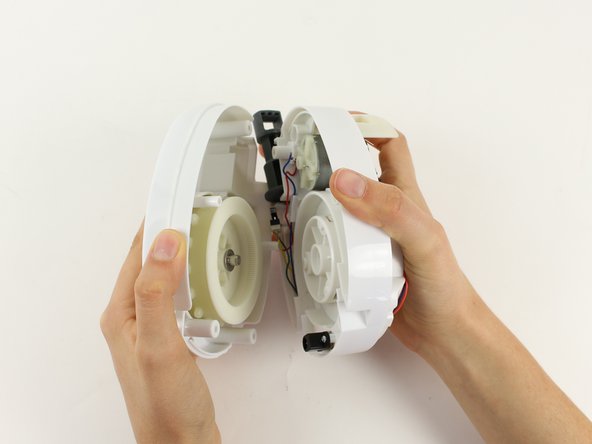
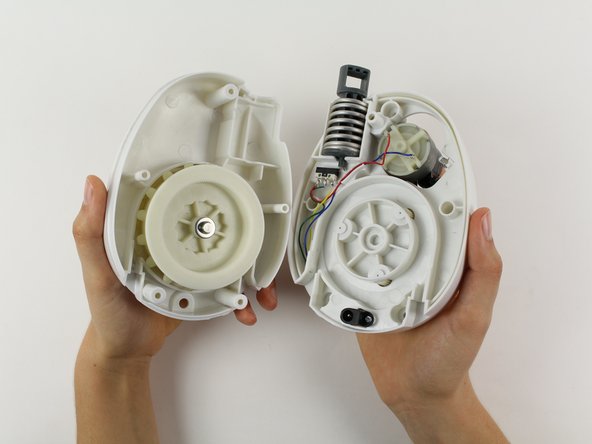
Saisissez fermement les deux parties du corps du GravityLight et séparez-les en tirant.
-
-
-
-
-
Placez le panneau arrière, la plus grande des deux pièces, sur une surface solide, face vers le bas.
-
Dévissez les deux vis cruciformes Phillips 00 de 2 cm situées à l'intérieur du panneau arrière.
-
-
-
-
Saisissez fermement les deux parties du panneau arrière et séparez-les en tirant dessus.
-
-
-
-
-
Posez la section centrale sur une surface stable.
-
Déplacez les fils devant le plot de montage.
-
-
-
Appuyez sur le ressort.
-
Poussez le ressort et le montant de fixation hors de la section centrale et retirez-les de leur logement.
-
-
-
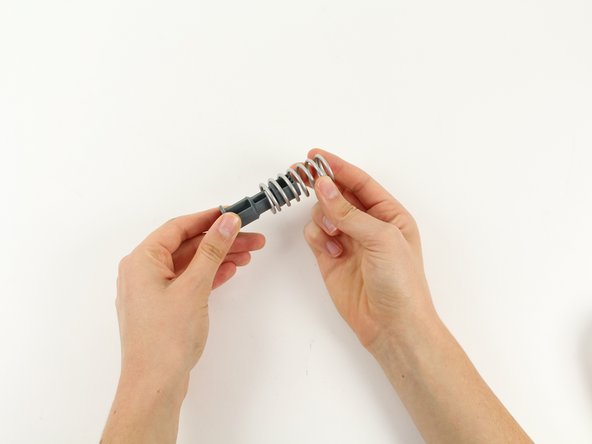
Tirez le montant de montage hors de l'intérieur du ressort
-
-





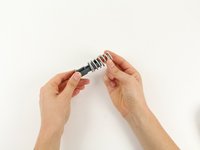
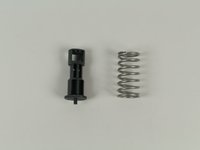
Pour remonter votre appareil, suivez ces instructions en sens inverse.

Équipe

Cal Poly, Team 12-2, Forte Fall 2014 Membre de l'équipe Cal Poly, Team 12-2, Forte Fall 2014
CPSU-FORTE-F14S12G2
5 membres
84 tutoriels rédigés
