Aller au contenu principal
Pour réparer ensemble - Je crée un compte

InFocus IN35W Fan Replacement

Ce dont vous avez besoin

  1. InFocus IN35W Fan Replacement, Top Plate: étape 1, image 1 de 3 InFocus IN35W Fan Replacement, Top Plate: étape 1, image 2 de 3 InFocus IN35W Fan Replacement, Top Plate: étape 1, image 3 de 3
    • Use the plastic opening tool to remove the front plastic casing surrounding the lens.

    • Pry apart the clips securing the top and bottom of the device using the plastic opening tool.

  2. InFocus IN35W Fan Replacement: étape 2, image 1 de 2 InFocus IN35W Fan Replacement: étape 2, image 2 de 2
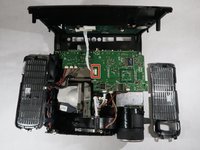
    • Pull the top piece up.

    • The two gray ventilation grates will slip off the device.

  3. InFocus IN35W Fan Replacement: étape 3, image 1 de 2 InFocus IN35W Fan Replacement: étape 3, image 2 de 2
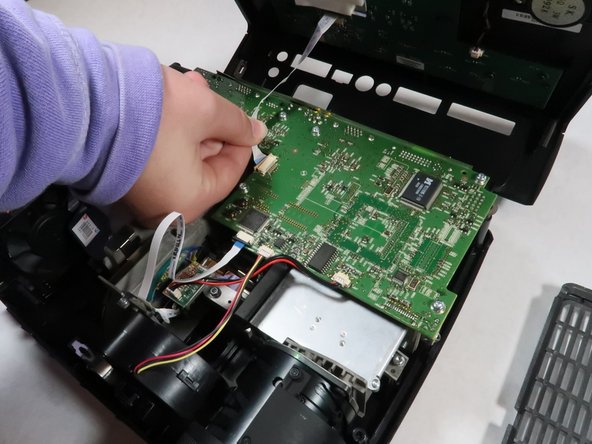
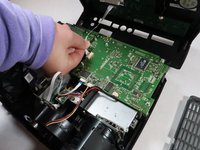
    • Detach the white speaker wire that connects the motherboard to the top piece.

    • Remove the top cover from the device.

  4. InFocus IN35W Fan Replacement, Motherboard: étape 4, image 1 de 2 InFocus IN35W Fan Replacement, Motherboard: étape 4, image 2 de 2
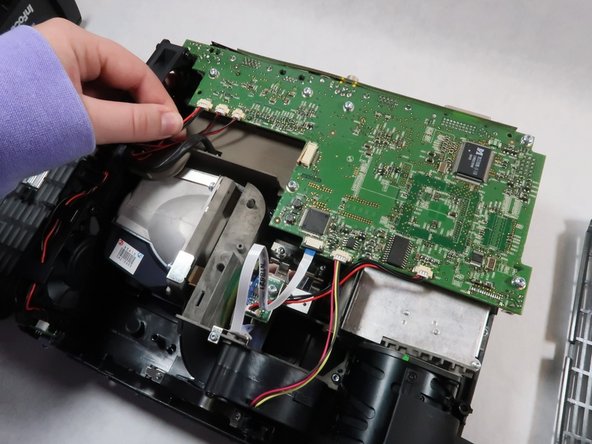
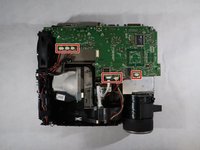
    • Detach all six of the cables and speaker wires from the white connectors on the motherboard.

  5. InFocus IN35W Fan Replacement: étape 5, image 1 de 2 InFocus IN35W Fan Replacement: étape 5, image 2 de 2
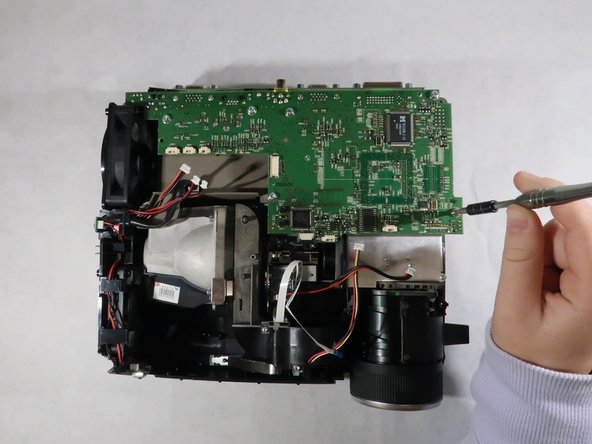
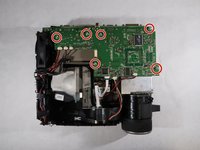
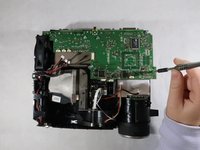
    • Remove the six 4 mm Torx TR10 screws from the motherboard.

  6. InFocus IN35W Fan Replacement: étape 6, image 1 de 1
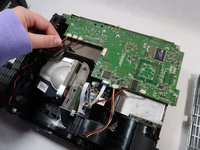
    • Carefully grasp the outsides of the motherboard and pull it up to remove it from the device.

  7. InFocus IN35W Fan Replacement, Fan: étape 7, image 1 de 2 InFocus IN35W Fan Replacement, Fan: étape 7, image 2 de 2
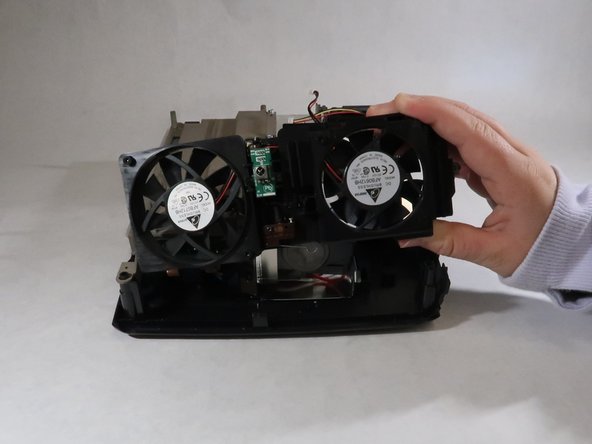
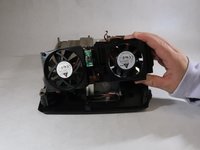
    • The fan is located on the side of the device.

    • Lift the fan up and out of the projector body.

Conclusion

To reassemble your device, follow these instructions in reverse order.

Grace Hubert

Membre depuis le 10/18/21

608 Réputation

5 tutoriels rédigés

Équipe

UMass Dartmouth, Team 1-2, Simcock Fall 2021 Membre de l'équipe UMass Dartmouth, Team 1-2, Simcock Fall 2021

UMASSD-SIMCOCK-F21S1G2

4 membres

8 tutoriels rédigés

0 commentaires de tutoriel

Ajouter un commentaire

Nombre de vues :

Dernières 24 heures : 0

7 derniers jours : 0

30 derniers jours : 7

Total : 234