Cette traduction a été générée automatiquement et n’a pas encore fait l’objet d’une relecture humaine. Vous parlez cette langue ? Relisez-la.
Introduction
Ce tutoriel fournit des instructions étape par étape pour remplacer l'ensemble roue sur le robot aspirateur Lefant M210.
Ce dont vous avez besoin
-
-
-
Éteignez le Lefant M210 et déconnectez-le de la station de charge.
-
Retournez l'appareil de sorte que le dessous soit face vers le haut.
-
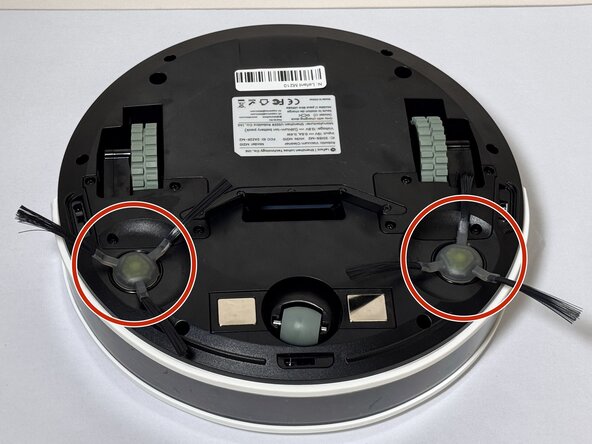
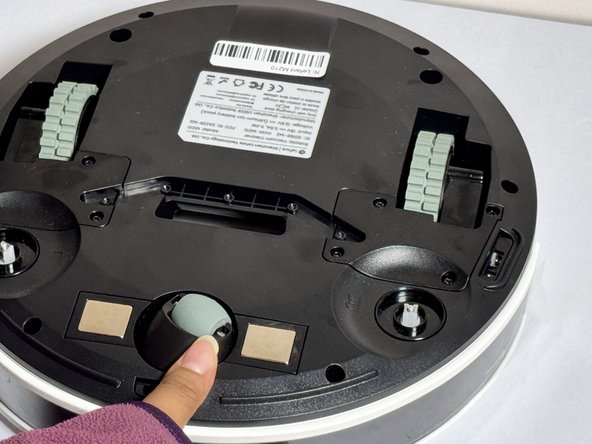
Localisez les ensembles de brosse latérale sur les côtés gauche et droit de la sous-face.
 Demander à FixBot
-
-
-
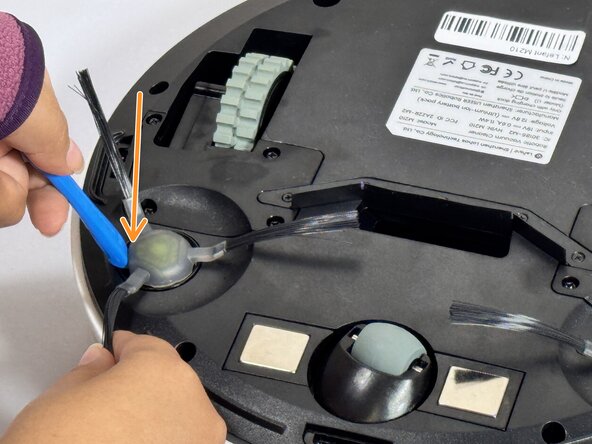
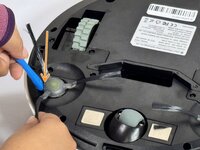
Insérez l'outil pour ouvrir iFixit (ou un outil similaire) sous le bord circulaire de l'ensemble de la brosse.
-
Appliquez une légère pression vers le bas sur l'extrémité opposée de l'outil pour faire levier et extraire la brosse de son boîtier.
-
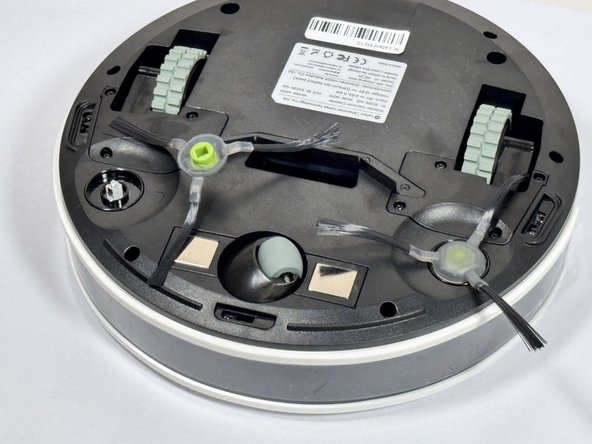
Retirez complètement l'ensemble de la brosse et mettez-le de côté.
-
-
-
-
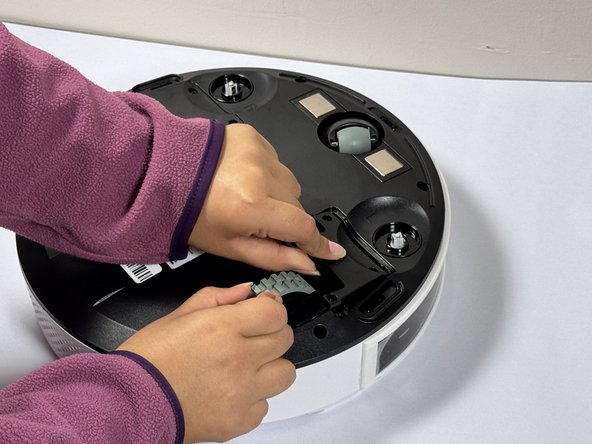
Positionnez le nouvel ensemble de brosse au-dessus du support de montage carré.
-
Alignez la cavité carrée au bas de la brosse avec le support carré correspondant dans le boîtier de l'aspirateur.
-
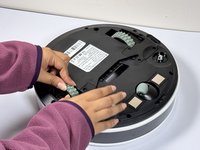
Appuyez fermement sur l'ensemble de brosse jusqu'à ce que vous entendiez ou sentiez un clic indiquant qu'il est en place.
-
Tirez délicatement sur la brosse pour vérifier qu'elle est bien fixée.
-
-
-
-
-
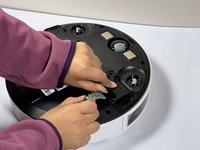
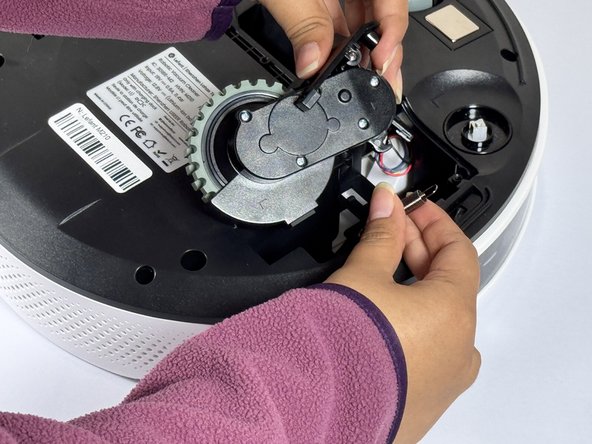
Avec un tournevis cruciforme, retirez les quatre vis près de chaque roue.
-
-
-
Retirez le cache en plastique situé à côté de chaque roue.
-
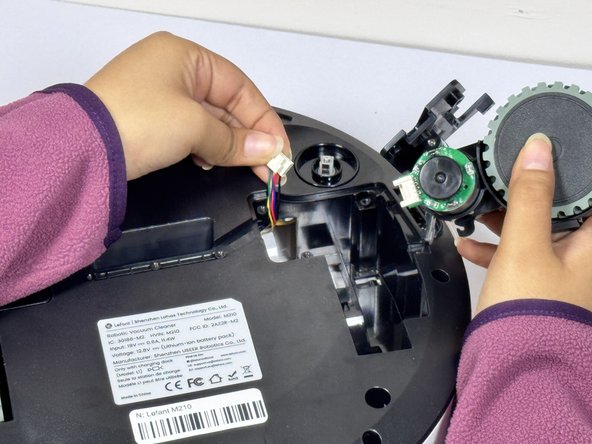
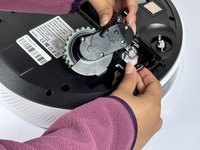
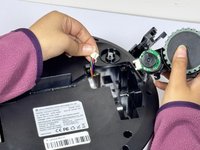
Saisissez les deux côtés de la roue et tirez vers le haut.
-
-
-
Maintenez la roue levée et débranchez le connecteur pour la détacher de l'appareil.
-
-





Pour remonter votre appareil, suivez ces instructions en sens inverse.

Équipe

CSU Los Angeles, Team 2-4, Kershman Fall 2024 Membre de l'équipe CSU Los Angeles, Team 2-4, Kershman Fall 2024
CSULA-KERSHMAN-F24S2G4
4 membres
48 tutoriels rédigés
