Cette traduction a été générée automatiquement et n’a pas encore fait l’objet d’une relecture humaine. Vous parlez cette langue ? Relisez-la.
Introduction
Dans ce tutoriel, nous vous expliquons comment dévisser et retirer la façade du Nokia 2630b. Cela vous permettra d'accéder au cache de l'écran LCD et au clavier.
Ce dont vous avez besoin
-
-
-
Appuyez sur les boutons de déverrouillage situés de chaque côté du cache de la batterie. Tout en maintenant les boutons de déverrouillage enfoncés, tirez le cache de la batterie pour le détacher du téléphone
 Demander à FixBot
-
-
-
Retirez la batterie en tenant le haut de celle-ci et en l'inclinant vers l'extérieur.
-
-
-
-
-
Retirez les deux vis situées de chaque côté du boîtier de la batterie avec un tournevis Torx T5.
-
-
-
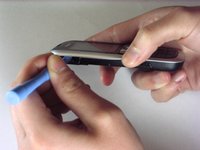
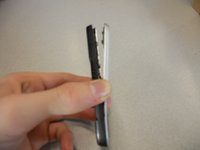
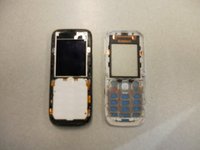
Séparez le boîtier avant du boîtier arrière à l'aide de l'iPod opener.
-
-
-
Retirez les vis avec le tournevis Torx T5 pour détacher la puce informatique du boîtier.
-
-
-
Soulevez délicatement le châssis noir de l'écran avec vos doigts.
-
-
-
-
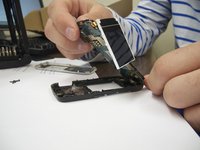
Retirez délicatement la puce informatique et l'écran du boîtier noir avec vos doigts.
-
-
-
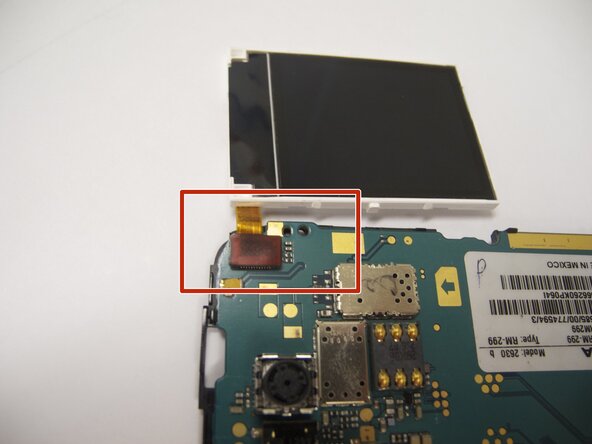
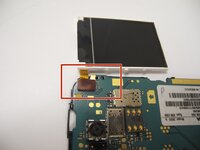
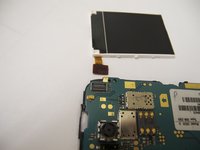
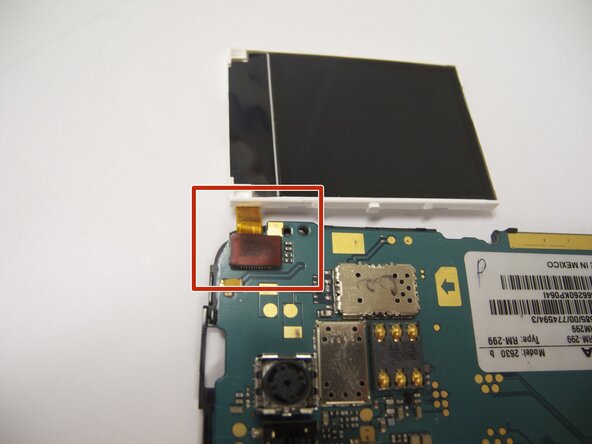
L'écran est relié à la carte mère par une nappe orange.
-
Détachez délicatement la nappe de la carte mère avec vos doigts.
-
-
-
Remontez le nouvel écran en connectant la nappe orange à la puce de l'ordinateur.
-
-
-
Enclenchez le boîtier avant sur le boîtier inférieur avec vos doigts.
-
-







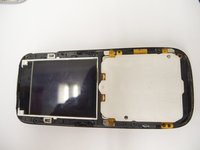


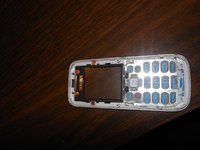
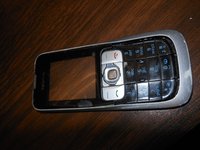


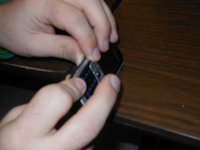


Pour remonter votre appareil, suivez ces instructions en sens inverse. Assurez-vous de bien clipser le nouvel écran / la nouvelle façade en place.

Équipe

Cal Poly, Team 9-61, Walters Spring 2011 Membre de l'équipe Cal Poly, Team 9-61, Walters Spring 2011
CPSU-WALTERS-S11S9G61
5 membres
48 tutoriels rédigés
2 commentaires de tutoriel
Great guide :-) I have a Nokia 2630 too and people can no longer hear me on calls, even though I can hear them. Do you know what could be wrong? Do you think this is something I could fix myself? Thanks!
You could try getting a neodymium magnet and run it across the earpiece grill. In my father's case, a lot of metal powder was in there, pressing in the speaker membrane; the alternative is cleaning it (which does require opening the phone using Eric's very nice guide). The alternative to those is ordering an earpiece online - but usually those are really bad quality, so trying to fix the original one would be advisable
