Aller au contenu principal
Pour réparer ensemble - Je crée un compte

Olympus Stylus 725 SW Lens Replacement

Ce dont vous avez besoin

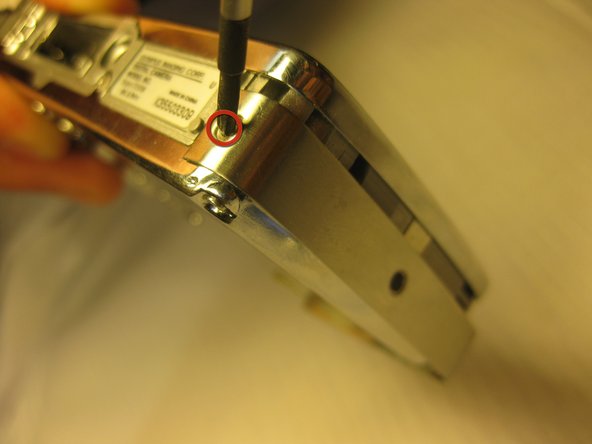
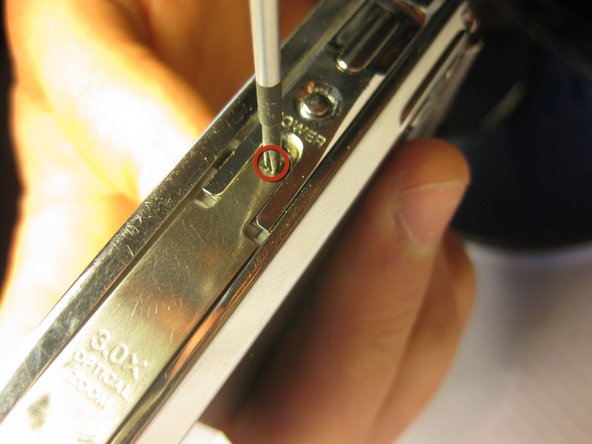
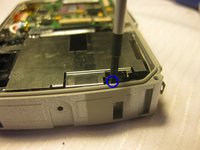
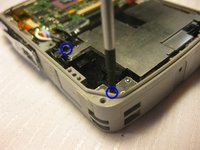
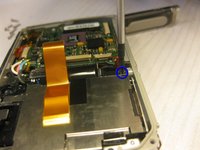
    1. Olympus Stylus 725 SW Lens Replacement, Disassembling Olympus Stylus 725 SW Back Panel: étape 1, image 1 de 3 Olympus Stylus 725 SW Lens Replacement, Disassembling Olympus Stylus 725 SW Back Panel: étape 1, image 2 de 3 Olympus Stylus 725 SW Lens Replacement, Disassembling Olympus Stylus 725 SW Back Panel: étape 1, image 3 de 3
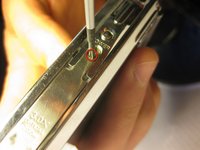
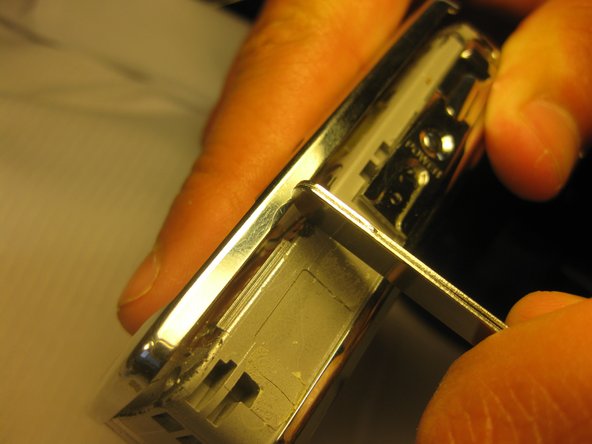
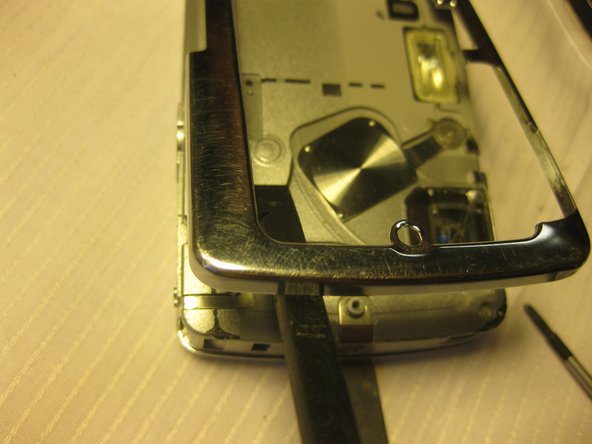
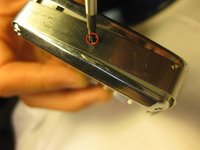
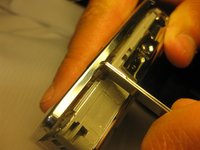
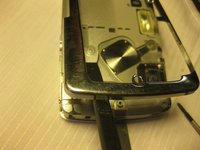
      • Remove the four 3 mm long cover screws at the corners of the camera using a Phillips #00 screwdriver.

      • Remove the 2 mm long screws securing the sides of the camera which holds the back panel using a Phillips #00 screwdriver.

      Demander à FixBot

      Ajouter un commentaire

    2. Olympus Stylus 725 SW Lens Replacement: étape 2, image 1 de 2 Olympus Stylus 725 SW Lens Replacement: étape 2, image 2 de 2
      Outil utilisé dans cette étape :
      Tweezers
      $4.99
      • Be careful when removing the back cover; you will need to detach the connecting ribbons. Use tweezers if necessary.

      • Detach the ribbons using your thumb, sliding them out of their slots.

      • Set the back panel face up to keep the ribbons from touching anything.

      Demander à FixBot

      Ajouter un commentaire

    1. Olympus Stylus 725 SW Lens Replacement, Front Panel: étape 3, image 1 de 3 Olympus Stylus 725 SW Lens Replacement, Front Panel: étape 3, image 2 de 3 Olympus Stylus 725 SW Lens Replacement, Front Panel: étape 3, image 3 de 3
      • Remove the top screws using a 1.5 mm screwdriver.

      • Remove the single side screw located on the side of the camera where the tab is, using a #00 screwdriver.

      Demander à FixBot

      Ajouter un commentaire

    1. Olympus Stylus 725 SW Lens Replacement, Side Panels: étape 4, image 1 de 3 Olympus Stylus 725 SW Lens Replacement, Side Panels: étape 4, image 2 de 3 Olympus Stylus 725 SW Lens Replacement, Side Panels: étape 4, image 3 de 3
      • Using a #00 Philips Head Screwdriver, remove the screws located on all four sides of the camera.

      Demander à FixBot

      Ajouter un commentaire

    2. Olympus Stylus 725 SW Lens Replacement: étape 5, image 1 de 3 Olympus Stylus 725 SW Lens Replacement: étape 5, image 2 de 3 Olympus Stylus 725 SW Lens Replacement: étape 5, image 3 de 3
      • After removing all four of the screws, pry the side covers off of the camera.

      Demander à FixBot

      Ajouter un commentaire

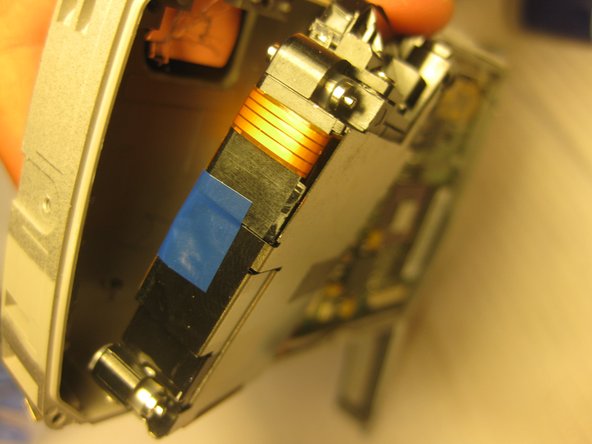
    1. Olympus Stylus 725 SW Lens Replacement, Lens: étape 6, image 1 de 3 Olympus Stylus 725 SW Lens Replacement, Lens: étape 6, image 2 de 3 Olympus Stylus 725 SW Lens Replacement, Lens: étape 6, image 3 de 3
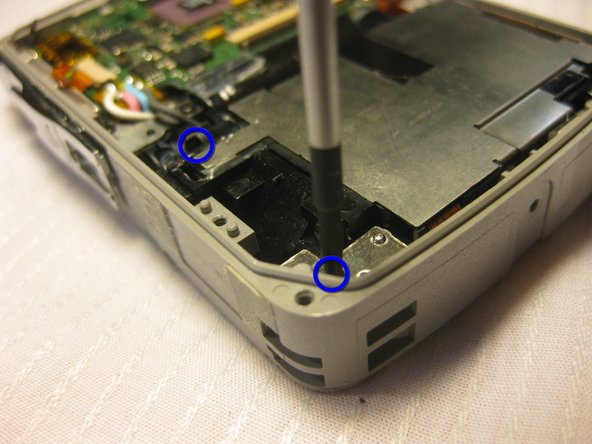
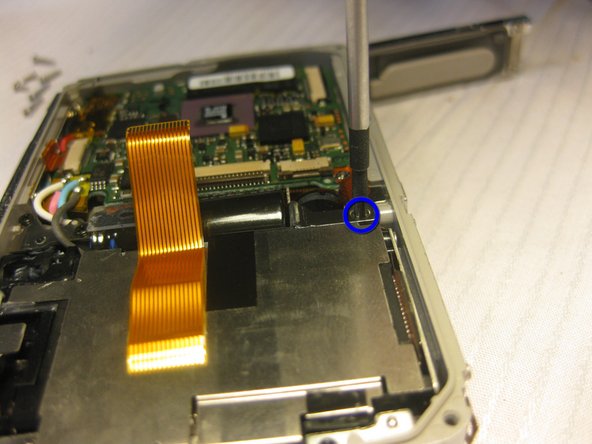
      • Unscrew four 2mm long screws using the #00 Phillips screwdriver.

      Demander à FixBot

      Ajouter un commentaire

    2. Olympus Stylus 725 SW Lens Replacement: étape 7, image 1 de 3 Olympus Stylus 725 SW Lens Replacement: étape 7, image 2 de 3 Olympus Stylus 725 SW Lens Replacement: étape 7, image 3 de 3
      Outil utilisé dans cette étape :
      Tweezers
      $4.99
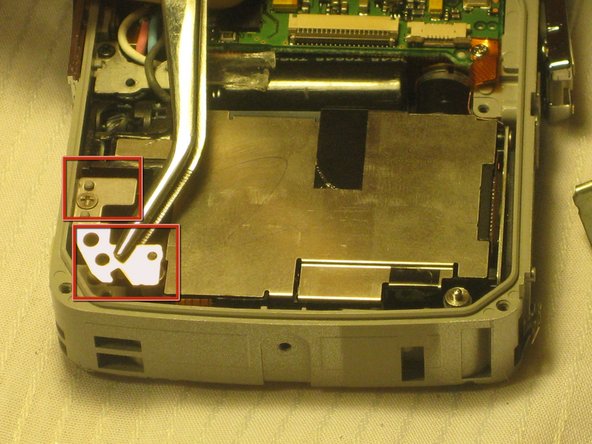
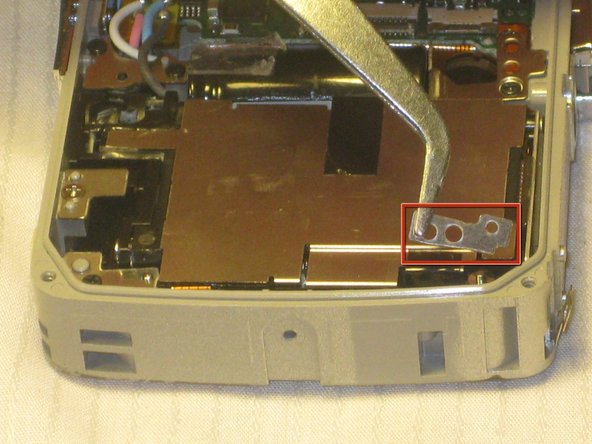
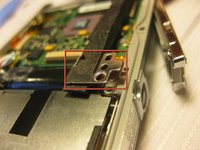
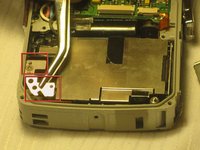
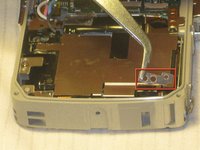
      • Remove four metal tabs from corners where the 2mm long screws were attached using tweezers.

      Demander à FixBot

      Ajouter un commentaire

    3. Olympus Stylus 725 SW Lens Replacement: étape 8, image 1 de 2 Olympus Stylus 725 SW Lens Replacement: étape 8, image 2 de 2
      • Remove the viewfinder lens using a prying device.

      • There will be two ribbons attached to the viewfinder. Remove the ribbons by sliding them off the viewfinder with your thumb.

      Demander à FixBot

      Ajouter un commentaire

Conclusion

To reassemble your device, follow these instructions in reverse order.

Annulation : je n'ai pas terminé ce tutoriel.

Bobby Hodges

Membre depuis le 04/18/10

49 Réputation

6 tutoriels rédigés

Équipe

Cal Poly, Team 33-71, Johann Spring 2010 Membre de l'équipe Cal Poly, Team 33-71, Johann Spring 2010

CPSU-JOHANN-S10S33G71

4 membres

12 tutoriels rédigés

0 commentaires de tutoriel

Ajouter un commentaire

Nombre de vues :

Dernières 24 heures : 0

7 derniers jours : 5

30 derniers jours : 37

Total : 5,085