Aller au contenu principal
Pour réparer ensemble - Je crée un compte

PDP Rematch Advanced Back Buttons Replacement

Ce dont vous avez besoin

  1. PDP Rematch Advanced Back Buttons Replacement, Joystick Cover: étape 1, image 1 de 3 PDP Rematch Advanced Back Buttons Replacement, Joystick Cover: étape 1, image 2 de 3 PDP Rematch Advanced Back Buttons Replacement, Joystick Cover: étape 1, image 3 de 3
    • Orient the controller so the back side is facing you.

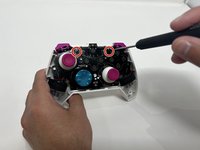
    • Use a Phillips #000 screwdriver to remove the seven 9 mm screws that secure the back shell.

    Demander à FixBot
  2. PDP Rematch Advanced Back Buttons Replacement: étape 2, image 1 de 3 PDP Rematch Advanced Back Buttons Replacement: étape 2, image 2 de 3 PDP Rematch Advanced Back Buttons Replacement: étape 2, image 3 de 3
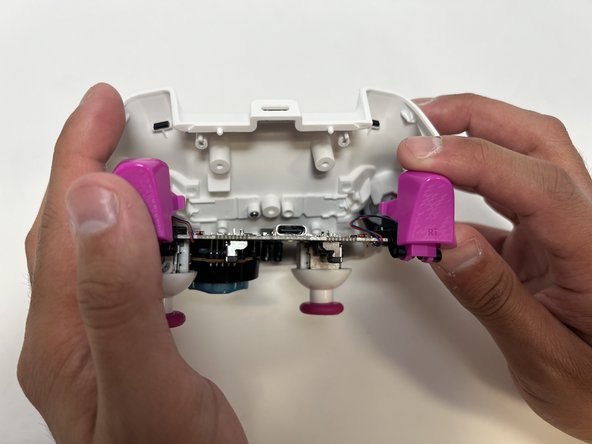
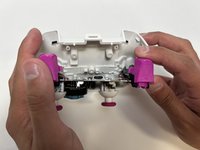
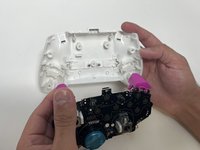
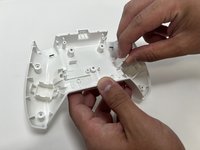
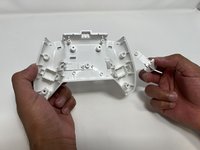
    • Pull apart the controller's front and back shells with moderate force.

    • Orient the controller so that the front shell is facing the floor to prevent the face buttons from falling out.

    Demander à FixBot
  3. PDP Rematch Advanced Back Buttons Replacement: étape 3, image 1 de 2 PDP Rematch Advanced Back Buttons Replacement: étape 3, image 2 de 2
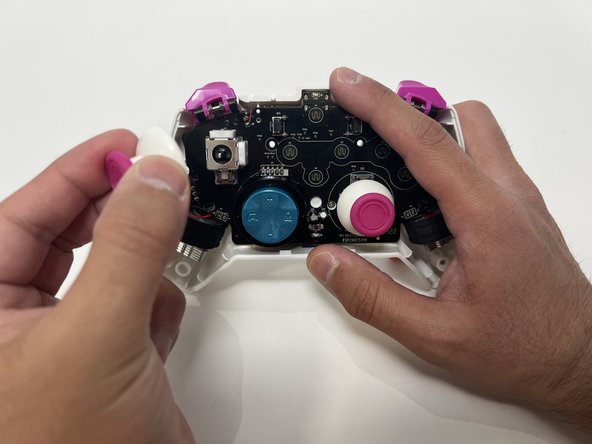
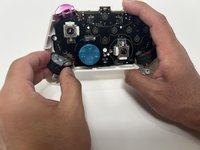
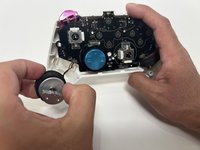
    • Twist the thumbstick to remove it from the motherboard. Repeat this step if both thumbsticks need to be replaced.

    Demander à FixBot
  4. PDP Rematch Advanced Back Buttons Replacement, Back Shell: étape 4, image 1 de 2 PDP Rematch Advanced Back Buttons Replacement, Back Shell: étape 4, image 2 de 2
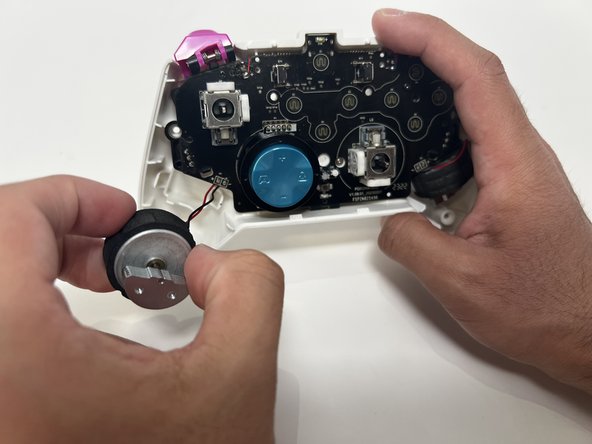
    • Grab the motor and pull away from the back shell. Repeat for both motors.

    Demander à FixBot
  5. PDP Rematch Advanced Back Buttons Replacement: étape 5, image 1 de 2 PDP Rematch Advanced Back Buttons Replacement: étape 5, image 2 de 2
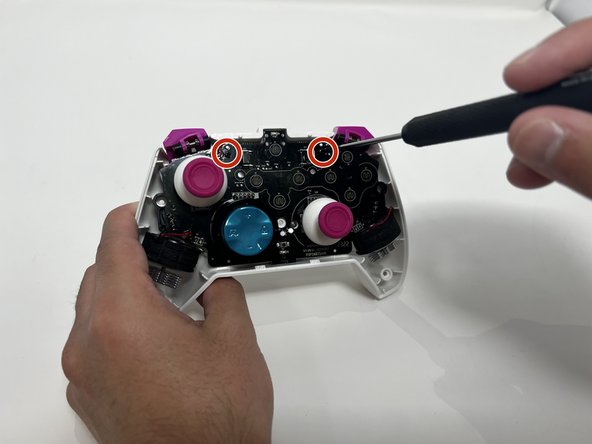
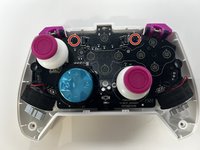
    • Use a Phillips #00 Screwdriver to remove the two 5mm screws from the motherboard.

    Demander à FixBot
  6. PDP Rematch Advanced Back Buttons Replacement: étape 6, image 1 de 3 PDP Rematch Advanced Back Buttons Replacement: étape 6, image 2 de 3 PDP Rematch Advanced Back Buttons Replacement: étape 6, image 3 de 3
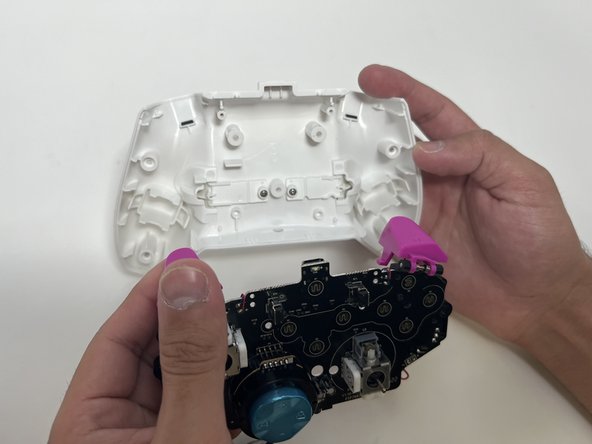
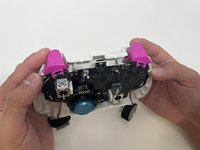
    • Remove the motherboard from the back shell using moderate force.

    Demander à FixBot
  7. PDP Rematch Advanced Back Buttons Replacement, Back Buttons: étape 7, image 1 de 2 PDP Rematch Advanced Back Buttons Replacement, Back Buttons: étape 7, image 2 de 2
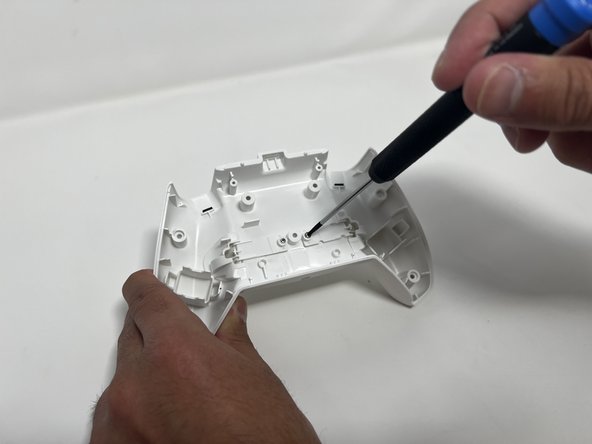
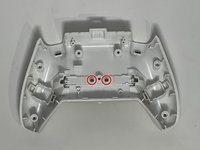
    • Use a Phillips #00 to remove the two 5mm screws from the back buttons.

    Demander à FixBot
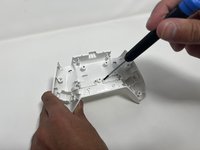
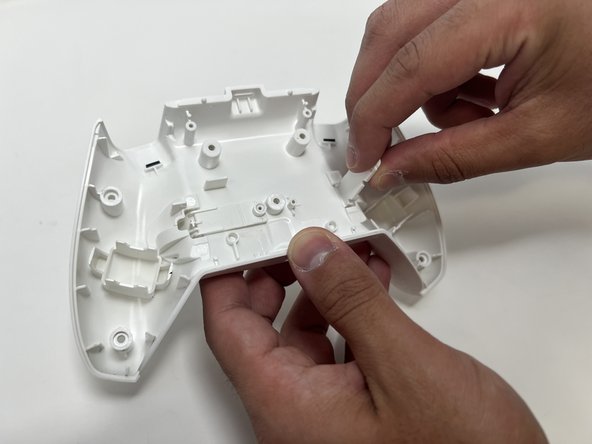
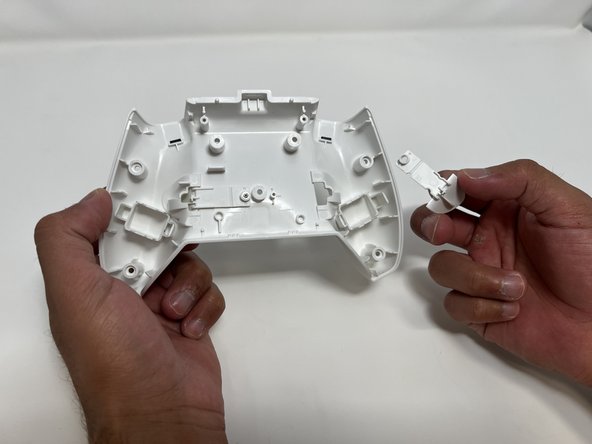
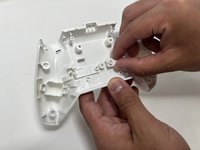
  8. PDP Rematch Advanced Back Buttons Replacement: étape 8, image 1 de 3 PDP Rematch Advanced Back Buttons Replacement: étape 8, image 2 de 3 PDP Rematch Advanced Back Buttons Replacement: étape 8, image 3 de 3
    • Lift the back button, and then pull it out through the back shell. Do this for both back buttons.

    Demander à FixBot
Conclusion

To reassemble your device, follow these instructions in reverse order.

Collin Lawe

Membre depuis le 10/02/23

462 Réputation

3 tutoriels rédigés

Équipe

Utah Tech University, Team 1-1, McMurrin Spring 2024 Membre de l'équipe Utah Tech University, Team 1-1, McMurrin Spring 2024

UTAHTECH-MCMURRIN-S24S1G1

2 membres

7 tutoriels rédigés

0 commentaires de tutoriel

Ajouter un commentaire

Nombre de vues :

Dernières 24 heures : 0

7 derniers jours : 0

30 derniers jours : 46

Total : 637