Introduction
In this guide, you will learn how to replace the plastic buttons on this device. The number one most common problem that we found this device, and others like it, have is that the buttons get stuck. This can be a problem with the actual button itself, whether it has been bent, or a small piece has been snapped off. This guide will show you how to remove and replace one or all of your buttons
Ce dont vous avez besoin
-
-
-
Remove the three screws from the back of the device body.
-
Remove both screws from battery compartment.
-
Remove the back.
 Demander à FixBot
-
-
-
-
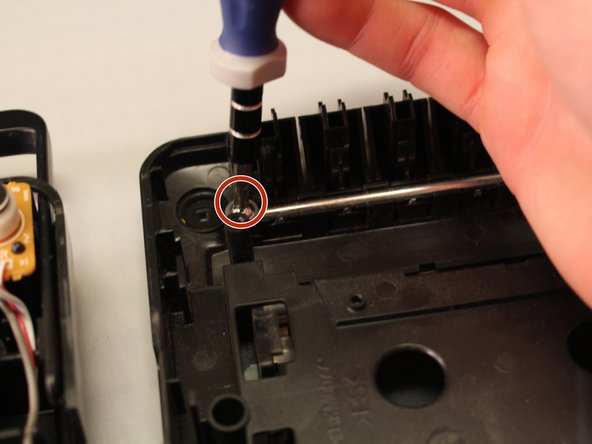
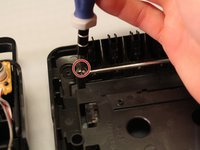
Remove screws from the sides of the silver button pin roller.
-
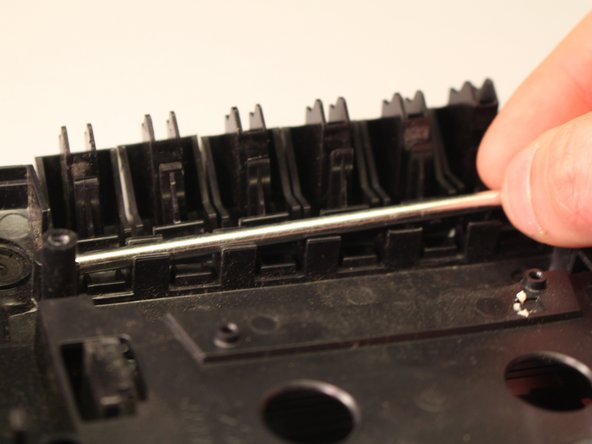
Pry out the silver bar
-
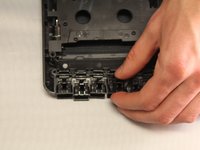
Remove the desired button
-
-
-
Insert the new button in place of the old button.
-
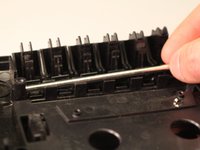
Put the silver pin roller back into its place over the buttons.
-
Put screws back into their original places by the sides of the silver pin roller.
-
-


To reassemble your device, follow these instructions in reverse order.
Annulation : je n'ai pas terminé ce tutoriel.
3 autres ont terminé cette réparation.

Équipe

Eastern Washington University, Team 1-6, Plummer Spring 2015 Membre de l'équipe Eastern Washington University, Team 1-6, Plummer Spring 2015
EWU-PLUMMER-S15S1G6
4 membres
10 tutoriels rédigés
