Introduction
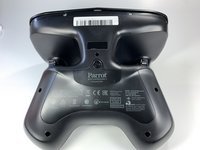
If you will be working on your Skycontroller 2, it is imperative that you remove the battery at the start. Also, if your Skycontroller 2 is not powering on or holding a charge, it is necessary to replace the battery. To replace the battery, use this guide.
Before beginning, make sure to power off your device completely and disconnect from any external power source.
Ce dont vous avez besoin
-
-
-
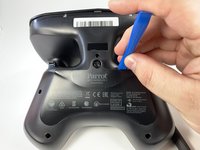
Insert the plastic opening tool into the top of the cover and pry upwards to lift the battery cover.
-
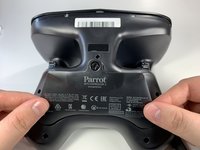
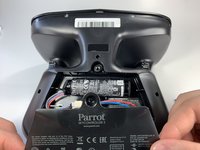
Remove the cover by pulling up and out.
-
-
-
Pull the connectors out by gently pushing the tabs and pulling up on the connector.
-
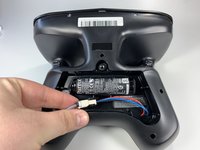
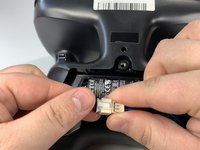
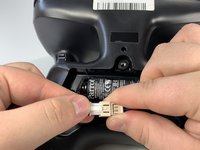
Disconnect the battery from the remote by pressing the white tab and pulling the connectors apart.
-
-
-
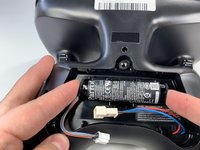
Remove the battery from its brackets by pulling up on the ends of the battery.
-


 Demander à FixBot






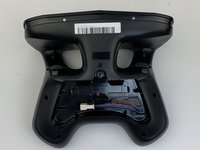
To reassemble your device, follow these instructions in reverse order.
Annulation : je n'ai pas terminé ce tutoriel.
Une autre personne a terminé cette réparation.

Équipe

Embry-Riddle Aeronautical University, Team S6-G1, Watkins Spring 2020 Membre de l'équipe Embry-Riddle Aeronautical University, Team S6-G1, Watkins Spring 2020
ERAU-WATKINS-S20S6G1
4 membres
6 tutoriels rédigés
