Aller au contenu principal
Pour réparer ensemble - Je crée un compte

Protocol Dronium III AP Camera Replacement

Ce dont vous avez besoin

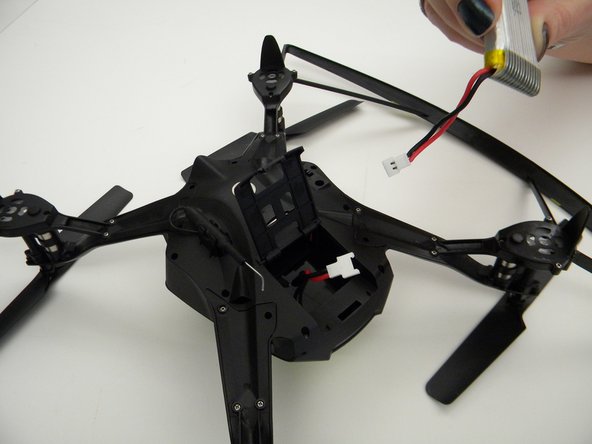
  1. Protocol Dronium III AP Camera Replacement, Drone Battery Pack: étape 1, image 1 de 2 Protocol Dronium III AP Camera Replacement, Drone Battery Pack: étape 1, image 2 de 2
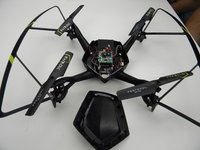
    • Ensure the drone is powered off.

    • Press in and lift battery compartment cover.

    • A soft pry tool may be used for easier access.

    Demander à FixBot

    Ajouter un commentaire

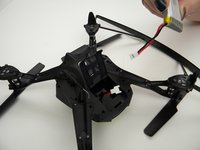
  2. Protocol Dronium III AP Camera Replacement: étape 2, image 1 de 1
    • Remove battery pack from body of drone.

    Demander à FixBot
    Ajouter un commentaire

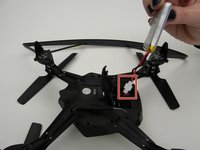
  3. Protocol Dronium III AP Camera Replacement: étape 3, image 1 de 2 Protocol Dronium III AP Camera Replacement: étape 3, image 2 de 2
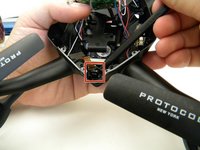
    • Disconnect white connectors between the battery pack and drone.

    Demander à FixBot
    Ajouter un commentaire

  4. Protocol Dronium III AP Camera Replacement, Camera: étape 4, image 1 de 1
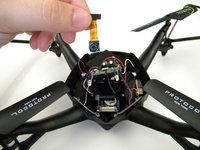
    • Remove the eight (8) 5mm screws attaching the motor arms to the body using a JIS #00 screwdriver.

    Demander à FixBot
    Ajouter un commentaire

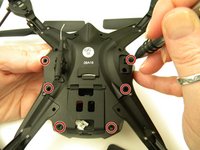
  5. Protocol Dronium III AP Camera Replacement: étape 5, image 1 de 2 Protocol Dronium III AP Camera Replacement: étape 5, image 2 de 2
    • Remove the six (6) 5mm screws attaching the Body Cover to the Body of the drone using a JIS #00 screwdriver.

    • Remove the Body Cover.

    Demander à FixBot

    Ajouter un commentaire

  6. Protocol Dronium III AP Camera Replacement: étape 6, image 1 de 2 Protocol Dronium III AP Camera Replacement: étape 6, image 2 de 2
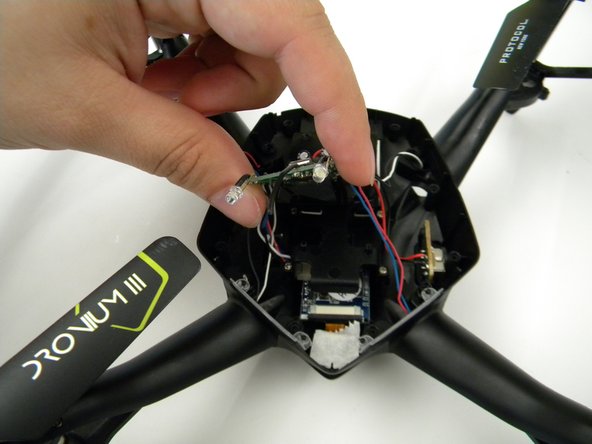
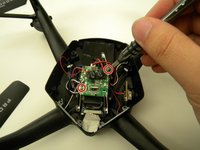
    • Remove the two (2) 5mm screws attaching the Motherboard to the body of the drone using a JIS #00 screwdriver.

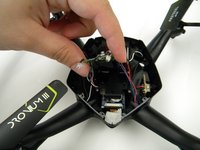
    • Lift the Motherboard off the mounting position.

    • Do not pull hard on the Motherboard as solder connections are fragile.

    Demander à FixBot

    Ajouter un commentaire

  7. Protocol Dronium III AP Camera Replacement: étape 7, image 1 de 1
    Outil utilisé dans cette étape :
    Tweezers
    $4.99
    • Remove the tape covering the camera with the tweezers.

    Demander à FixBot

    Ajouter un commentaire

  8. Protocol Dronium III AP Camera Replacement: étape 8, image 1 de 2 Protocol Dronium III AP Camera Replacement: étape 8, image 2 de 2
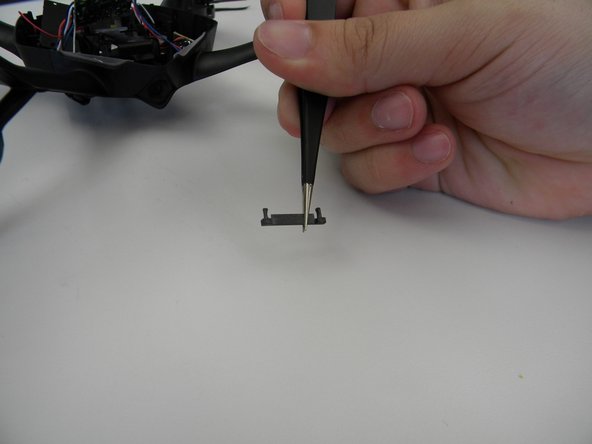
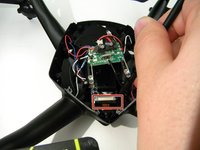
    • Remove the plastic holding the ribbon cable connector with the tweezers.

    • Be careful with the ribbon cable, it is easy to damage.

    Demander à FixBot

    Ajouter un commentaire

  9. Protocol Dronium III AP Camera Replacement: étape 9, image 1 de 1
    • Move the ribbon cable out of the way with the Spuger.

    Demander à FixBot

    Ajouter un commentaire

  10. Protocol Dronium III AP Camera Replacement: étape 10, image 1 de 2 Protocol Dronium III AP Camera Replacement: étape 10, image 2 de 2
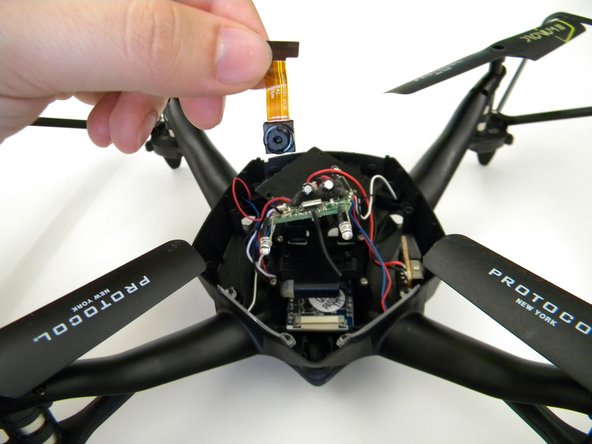
    • Remove the camera by gently prying it out of the bracket with the spudger.

    Demander à FixBot

    Ajouter un commentaire

Conclusion

To reassemble your device, follow these instructions in reverse order.

Annulation : je n'ai pas terminé ce tutoriel.

Steven Mooers

Membre depuis le 10/18/17

401 Réputation

4 tutoriels rédigés

Équipe

UW Tacoma, Team S1-G1, Rose Fall 2017 Membre de l'équipe UW Tacoma, Team S1-G1, Rose Fall 2017

UWT-ROSE-F17S1G1

4 membres

4 tutoriels rédigés

0 commentaires de tutoriel

Ajouter un commentaire

Nombre de vues :

Dernières 24 heures : 0

7 derniers jours : 4

30 derniers jours : 18

Total : 456