Cette traduction a été générée automatiquement et n’a pas encore fait l’objet d’une relecture humaine. Vous parlez cette langue ? Relisez-la.

Vérification rapide de la connexion d'antenne du Delphi MyFi XM2GO

Scott Byer et 3 autres contributeurs
Dernière mise à jour le 17 août 2026
Vues: 3,6 k
Afficher les statistiques :
- Dernières 24 heures :
- 2
- Sept derniers jours :
- 17
- Trente derniers jours :
- 87
- Total :
- 3 637
Commentaires: 3
2 commentaires d'étapes, 1 commentaire de tutoriel.
Aller aux commentaires de tutorielTerminé: 1 2
1 personne a marqué ce tutoriel comme « terminé ». Serez-vous la prochaine ?
2 personnes ont marqué ce tutoriel comme « terminé ». Dont vous — super travail !
Favoris: 1 2
1 personne a mis ce tutoriel en favori (et s'y est abonnée). Serez-vous la prochaine ?
2 personnes ont mis ce tutoriel en favori (et s'y sont abonnées) – dont vous !
Outils incorrects
Participez à l'amélioration de ce tutoriel en utilisant les outils adaptés dans les photos et/ou le texte.
Ce dont vous avez besoin
Outils
-
Spudger4.9

-
-
-
Repérez le gros bouton situé sur le dessus de l'appareil.
-
Appuyez sur le bouton et faites glisser le cache loin du bouton.
 Demander à FixBot
-
-
-
-
-
Saisissez la languette d'extraction rouge et tirez vers le bas pour déverrouiller le loquet.
-
Retirez la batterie.
-
-
-
-
-
Sous la batterie se trouve un tapis magnétique, indiqué en rouge, qui protège des interférences que la batterie peut causer sur la réception de l'antenne satellite XM.
-
Ce tapis est collé au dos de l'appareil comme un autocollant et peut être retiré.
-
-
-
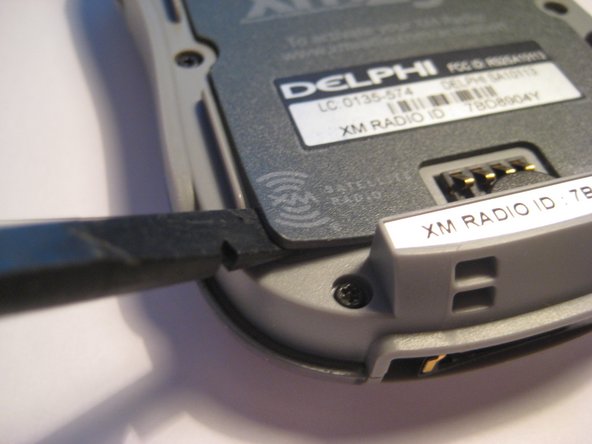
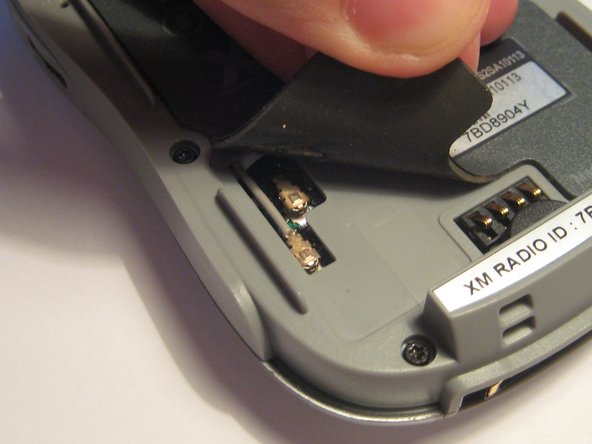
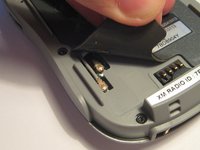
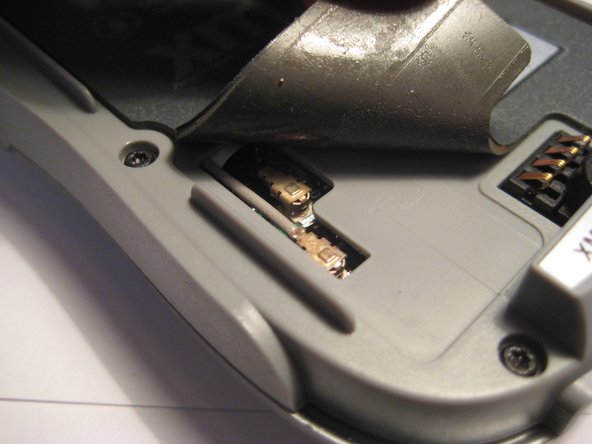
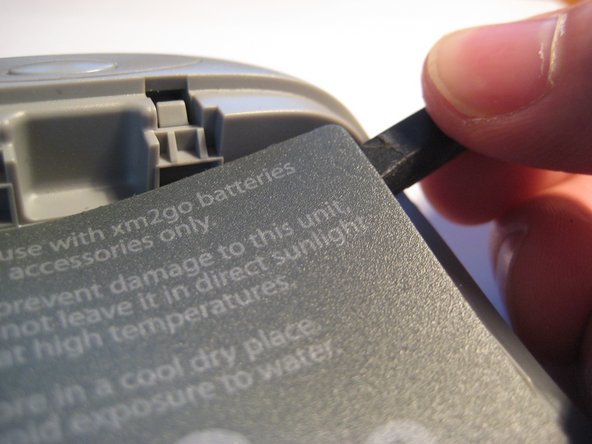
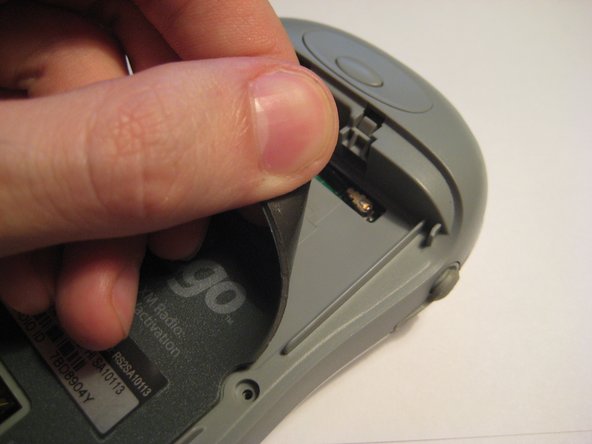
Sur le côté inférieur gauche du tapis magnétique, le coin peut être soulevé pour révéler le connecteur d'antenne U.FL. Une spatule (spudger) ou vos ongles peuvent être utilisés pour faire levier sur les coins.
-
Ces connecteurs d'antenne U.FL sont standard pour la plupart des appareils portables et des cartes WiFi. Ils peuvent se détacher avec l'usage et doivent être vérifiés en cas d'absence de réception.
-
Soulevez le coin et observez les deux connecteurs qui vont vers le circuit imprimé.
-
-
-
Ces deux connecteurs doivent être solidement fixés au circuit imprimé. Essayez d'appuyer fermement dessus pour vous assurer qu'ils sont bien en contact.
-
-
-
-
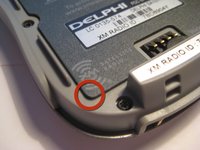
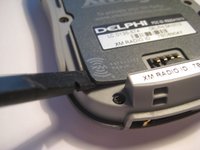
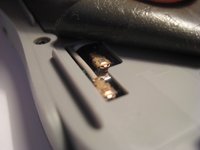
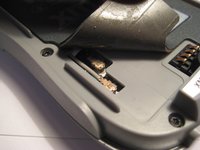
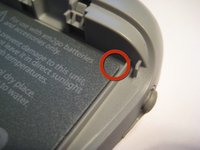
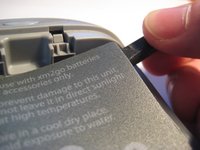
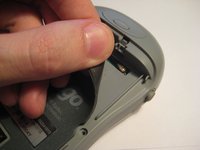
Dans le coin supérieur droit, vous pouvez soulever le tapis magnétique pour vérifier un autre connecteur à emboîter, comme lors de la 3e étape.
-
Vous pouvez appuyer sur ce tapis pour le remettre en place après avoir vérifié le connecteur.
-
-
-
Essayez d'appuyer sur le connecteur à emboîter U.FL, comme illustré sur cette image, pour vous assurer qu'il est bien branché.
-
-





Pour remonter votre appareil, suivez ces instructions en sens inverse.
Annulation : je n'ai pas terminé ce tutoriel.
Une autre personne a terminé cette réparation.

Équipe

Clemson, Team 1-2, Benson Spring 2012 Membre de l'équipe Clemson, Team 1-2, Benson Spring 2012
CLEM-BENSON-S12S1G2
3 membres
108 tutoriels rédigés
