Introduction
This guide is for the purpose of demonstrating how to replace a Ring Outdoor Security Cam Infrared Sensor. Keep in mind, these sensors may have a hard time seeing through smoke, sunlight, fog, and dust so if this is the case your sensor is most likely still in good shape. Infrared sensors can become affected by the sun or heat sources which overtime can damage the sensor resulting in poor performance. There are no safety hazards for this fix, and the difficulty level may be difficult without proper knowledge. It's a moderately, fast fix with no specific experience or knowledge aside from screws and soldering.
Ce dont vous avez besoin
-
-
-
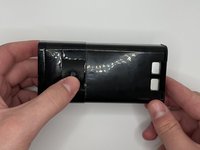
Remove the six 6 mm Phillips #00 screws from the back on the device.
 Demander à FixBot
-
-
-
-
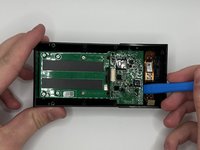
Use a plastic opening tool to loosen the adhesive holding the battery in place and remove the battery by hand.
-
-
-
Disconnect the ribbon cable carefully at the bottom of the device.
-
Remove the three silver 6 mm Phillips #00 screws from the motherboard.
-
-
-
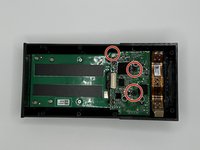
Remove the silver 5 mm Phillips #00 screw, and the two 10 mm Phillips #00 from the next motherboard.
-
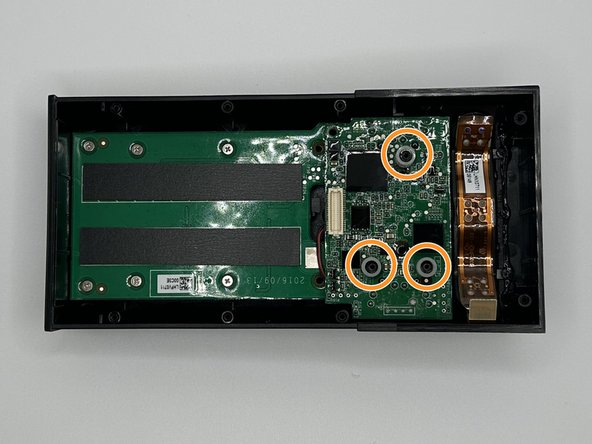
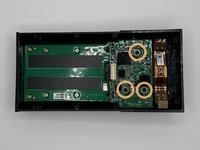
Remove the 3 plastic spacers on the device.
-
-
-
Pry the motherboard out with a plastic opening tool.
-
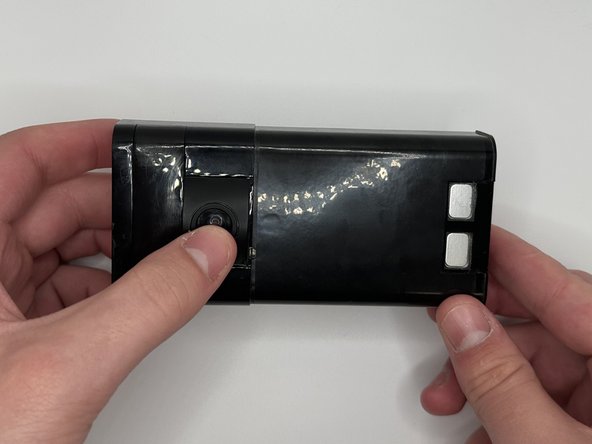
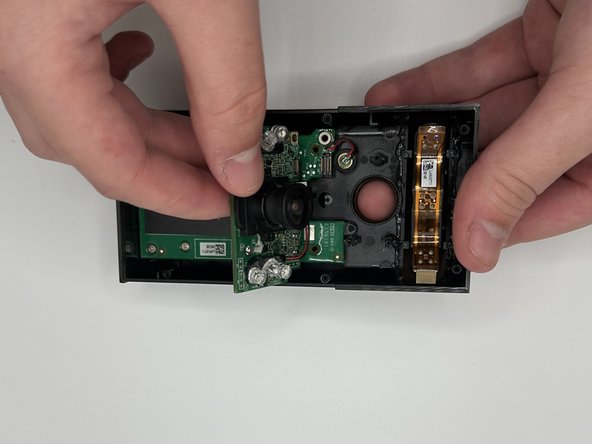
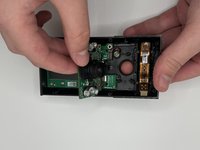
Flip the device over and then carefully press on the camera lens to remove the camera and the attached mother board from the device.
-
-
-
Using a soldering iron to disconnect the connections.
-
Remove the infrared sensor and replace as needed.
-
-




To reassemble your device, follow these instructions in reverse order.

Équipe

University of North Texas, Team 6-2, Kilpatrick Fall 2023 Membre de l'équipe University of North Texas, Team 6-2, Kilpatrick Fall 2023
UNT-KILPATRICK-F23S6G2
4 membres
15 tutoriels rédigés
