Aller au contenu principal
Pour réparer ensemble - Je crée un compte

Sony Alpha 6000 Screen Replacement

Tutoriel Archivé
Ce tutoriel est conservé uniquement à des fins de suivis historiques. Utilisez la version actuelle du tutoriel pour effectuer votre réparation.

Ce dont vous avez besoin

  1. Sony Alpha 6000 Screen Replacement, Battery: étape 1, image 1 de 1
    • Make sure the camera is turned off by turning the switch to OFF.

    Demander à FixBot
  2. Sony Alpha 6000 Screen Replacement: étape 2, image 1 de 1
    • Flip the camera around to access the battery compartment.

    • Slide the battery compartment lock to the left to unlock it.

    Demander à FixBot
  3. Sony Alpha 6000 Screen Replacement: étape 3, image 1 de 1
    • Locate the blue latch that holds the battery in.

    Demander à FixBot
  4. Sony Alpha 6000 Screen Replacement: étape 4, image 1 de 1
    • Push the latch back to release battery.

    Demander à FixBot
  5. Sony Alpha 6000 Screen Replacement: étape 5, image 1 de 1
    • The battery can now be taken out of its compartment.

    Demander à FixBot
  6. Sony Alpha 6000 Screen Replacement, Screen: étape 6, image 1 de 2 Sony Alpha 6000 Screen Replacement, Screen: étape 6, image 2 de 2
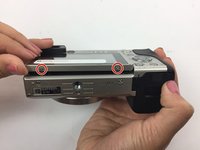
    • Locate and unscrew the two 3 mm screws on the bottom of the screen.

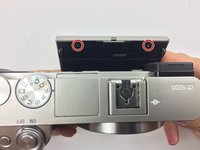
    • Pull the screen out from the top to reveal the two screws behind the screen; unscrew the two 3 mm screws.

    Demander à FixBot
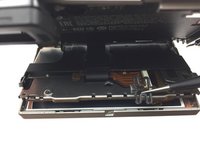
  7. Sony Alpha 6000 Screen Replacement: étape 7, image 1 de 3 Sony Alpha 6000 Screen Replacement: étape 7, image 2 de 3 Sony Alpha 6000 Screen Replacement: étape 7, image 3 de 3
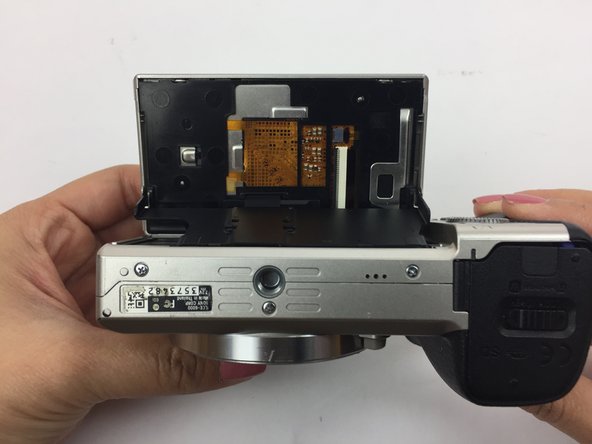
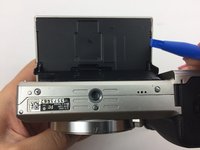
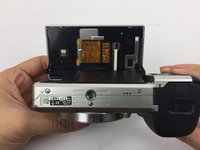
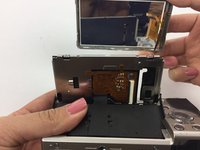
    • Flip the screen so it is facing up and then have the bottom of the camera facing yourself.

    • Using a spudger, remove the larger back panel.

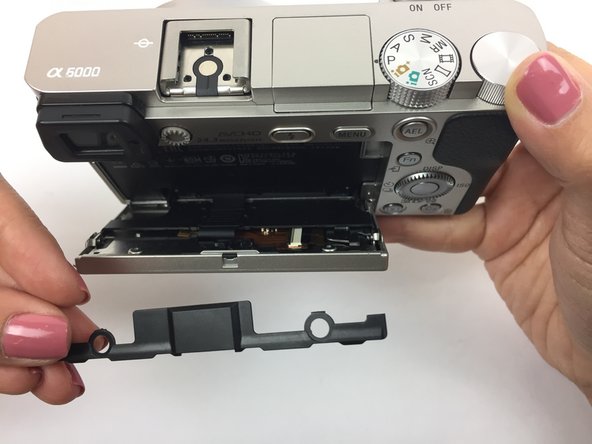
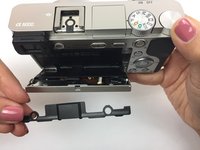
    • Flip the camera right side up and pull back the screen.

    • Remove the smaller black panel on the back of the screen.

    Demander à FixBot
  8. Sony Alpha 6000 Screen Replacement: étape 8, image 1 de 2 Sony Alpha 6000 Screen Replacement: étape 8, image 2 de 2
    Outil utilisé dans cette étape :
    Tweezers
    $4.99
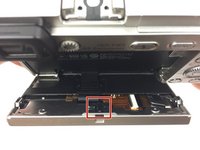
    • Locate the small "H" shaped clip on the back of the screen.

    • Remove the clip with tweezers

    Demander à FixBot
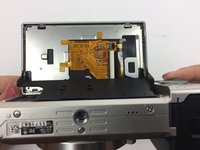
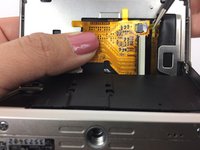
  9. Sony Alpha 6000 Screen Replacement: étape 9, image 1 de 3 Sony Alpha 6000 Screen Replacement: étape 9, image 2 de 3 Sony Alpha 6000 Screen Replacement: étape 9, image 3 de 3
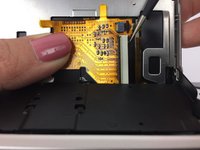
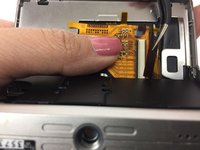
    • Flip the screen back so it is facing up and then have the bottom of the camera facing you. The yellow circuit board should now be exposed.

    • Hold down the yellow circuit board that the ribbon cables are attached to.

    • Using tweezers, remove the smaller ribbon cable. This may require extra force that could damage the ribbon cable.

    Demander à FixBot
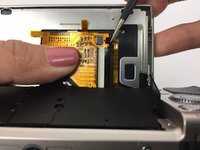
  10. Sony Alpha 6000 Screen Replacement: étape 10, image 1 de 2 Sony Alpha 6000 Screen Replacement: étape 10, image 2 de 2
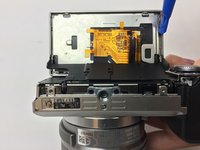
    • Remove the larger ribbon cable. This may require extra force that could damage the ribbon cable.

    Demander à FixBot
  11. Sony Alpha 6000 Screen Replacement: étape 11, image 1 de 2 Sony Alpha 6000 Screen Replacement: étape 11, image 2 de 2
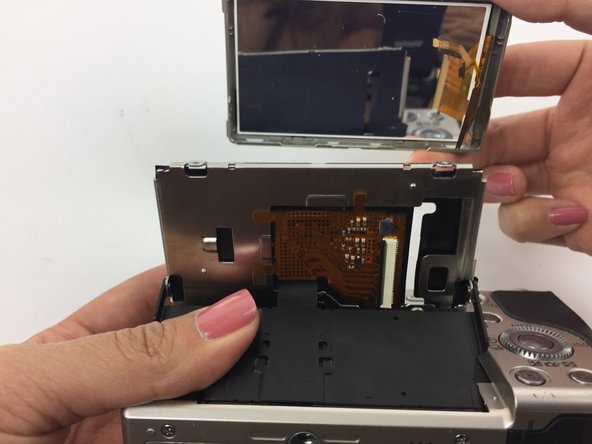
    • Using a plastic opening tool, separate the silver panel from the actual screen.

    • Carefully slide the ribbon cables through the narrow opening to fully remove the screen.

    Demander à FixBot
Conclusion

Now your screen is ready to be replaced! To reassemble your device, follow these instructions in reverse order.

Une autre personne a terminé cette réparation.

Jennifer Vuu

Membre depuis le 09/30/16

548 Réputation

3 tutoriels rédigés

Équipe

USF Tampa, Team 4-5, Passmore Fall 2016 Membre de l'équipe USF Tampa, Team 4-5, Passmore Fall 2016

USFT-PASSMORE-F16S4G5

3 membres

12 tutoriels rédigés

0 commentaires de tutoriel

Ajouter un commentaire

Nombre de vues :

Dernières 24 heures : 2

7 derniers jours : 12

30 derniers jours : 57

Total : 1,701