Aller au contenu principal
Pour réparer ensemble - Je crée un compte

Sony BDP-BX520 Disc Reader Replacement

Ce dont vous avez besoin

    1. Sony BDP-BX520 Disc Reader Replacement, Disc Tray Cover: étape 1, image 1 de 1
      • Plug in the Blu-Ray player, then press the power button, making sure the Blu-Ray player is powered on.

      • Press the eject button on either the top of the Blu-Ray player or on the remote to open the disc tray.

      Demander à FixBot

      Ajouter un commentaire

    2. Sony BDP-BX520 Disc Reader Replacement: étape 2, image 1 de 1
      • Grab the sides of the disc tray cover and carefully pull each side upwards, starting with the left side. This will unhook the cover from the tray.

      Demander à FixBot

      Ajouter un commentaire

    3. Sony BDP-BX520 Disc Reader Replacement: étape 3, image 1 de 1
      • Close the disc tray, then power off and unplug the Blu-Ray player.

      Demander à FixBot

      Ajouter un commentaire

    1. Sony BDP-BX520 Disc Reader Replacement, Top Case: étape 4, image 1 de 1
      • Locate the three 8 mm screws on the back of the Blu-Ray player.

      • Using the Phillips #2 screwdriver, unscrew each of the screws and set them aside.

      Demander à FixBot

      Ajouter un commentaire

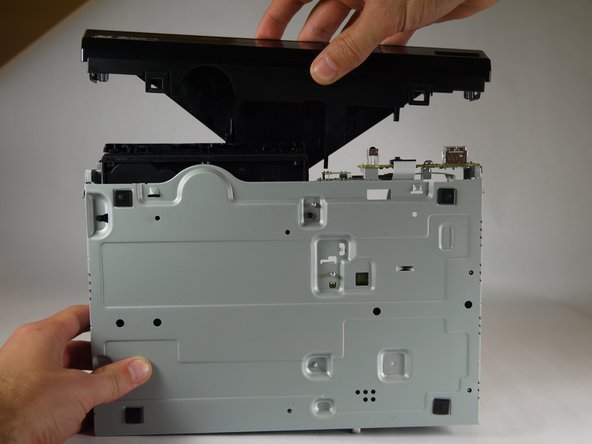
    2. Sony BDP-BX520 Disc Reader Replacement: étape 5, image 1 de 2 Sony BDP-BX520 Disc Reader Replacement: étape 5, image 2 de 2
      • Gently pull the top case back to remove it from the Blu-Ray player.

      Demander à FixBot

      Ajouter un commentaire

    1. Sony BDP-BX520 Disc Reader Replacement, Front Panel: étape 6, image 1 de 1
      • Insert the nylon or metal spudger under the clip on the side near the front of the device. Lift the clip so it is free from the device.

      • Lifting these clips may require you to hold one clip open while you move on to the next clip.

      Demander à FixBot

      Ajouter un commentaire

    2. Sony BDP-BX520 Disc Reader Replacement: étape 7, image 1 de 1
      • Flip device over so the bottom faces you.

      • Insert the nylon or metal spudger and lift the two clips on the bottom of the device.

      Demander à FixBot

      Ajouter un commentaire

    3. Sony BDP-BX520 Disc Reader Replacement: étape 8, image 1 de 1
      • Lift the clip on the opposite side of the device with the nylon or metal spudger.

      Demander à FixBot

      Ajouter un commentaire

    4. Sony BDP-BX520 Disc Reader Replacement: étape 9, image 1 de 2 Sony BDP-BX520 Disc Reader Replacement: étape 9, image 2 de 2
      • Grasp the front case firmly and lift from the rest of the device.

      • Lifting may require some force.

      Demander à FixBot

      Ajouter un commentaire

    1. Sony BDP-BX520 Disc Reader Replacement, Disc Reader: étape 10, image 1 de 1
      • Do not touch the circuit boards or the internal parts of the device while it is powered on. This could short out the circuits and possibly cause you harm.

      • Plug in the device and power it on by pushing the right button on the front of the device. The light should turn on.

      Demander à FixBot

      Ajouter un commentaire

    2. Sony BDP-BX520 Disc Reader Replacement: étape 11, image 1 de 1
      • Eject the disc tray by pushing the left button on the front of the device.

      • Unplug the device once the disc tray is open.

      Demander à FixBot

      Ajouter un commentaire

    3. Sony BDP-BX520 Disc Reader Replacement: étape 12, image 1 de 1
      • Insert the nylon or metal spudger under the clip and lift it up. There are 4 clips that need to be lifted, two on each side

      Demander à FixBot

      Ajouter un commentaire

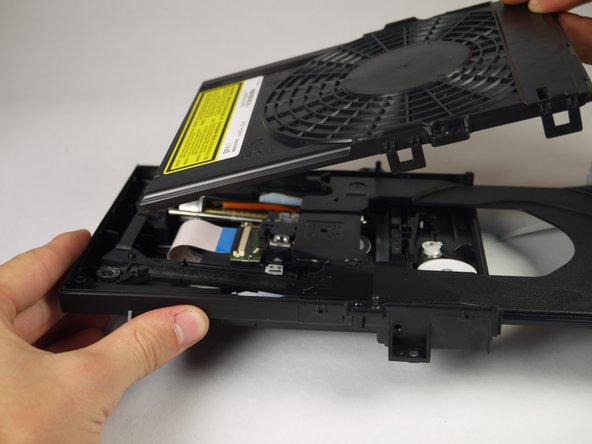
    4. Sony BDP-BX520 Disc Reader Replacement: étape 13, image 1 de 2 Sony BDP-BX520 Disc Reader Replacement: étape 13, image 2 de 2
      • Once the clips are free, lift the top cover of the disc tray up.

      • This should take minimal force.

      Demander à FixBot

      Ajouter un commentaire

    5. Sony BDP-BX520 Disc Reader Replacement: étape 14, image 1 de 1
      • Unscrew the two silver 8mm Phillips 1 screws from the disc reader.

      Demander à FixBot

      Ajouter un commentaire

    6. Sony BDP-BX520 Disc Reader Replacement: étape 15, image 1 de 3 Sony BDP-BX520 Disc Reader Replacement: étape 15, image 2 de 3 Sony BDP-BX520 Disc Reader Replacement: étape 15, image 3 de 3
      Outil utilisé dans cette étape :
      Tweezers
      $4.99
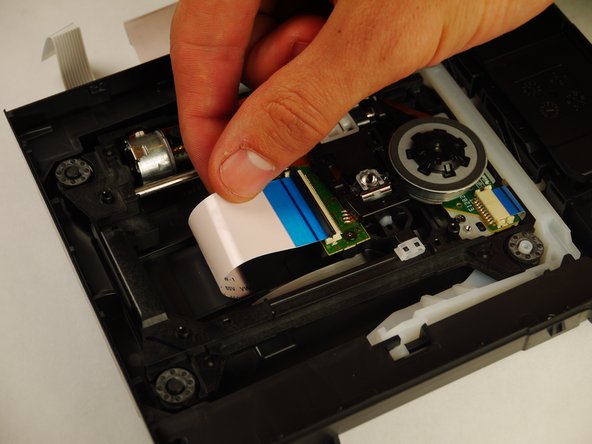
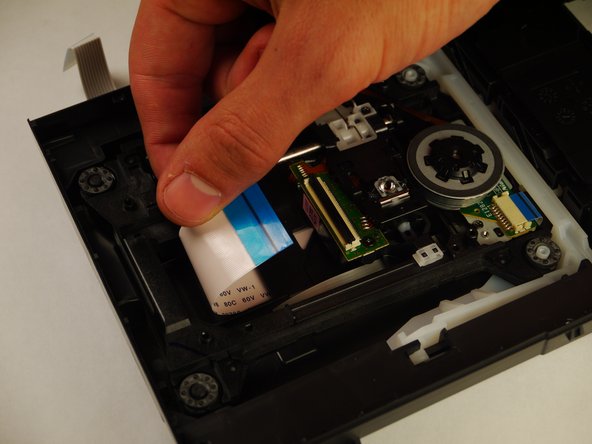
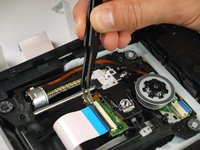
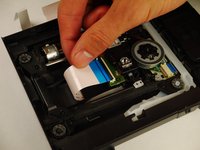
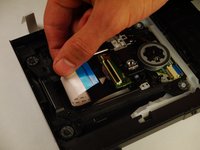
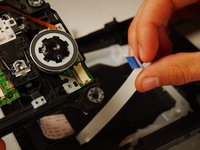
      • Use the tweezers to lift both sides of the black clip holding the white 14 pin ribbon in place.

      • Once free the white 24 pin ribbon should slip right out.

      Demander à FixBot

      Ajouter un commentaire

    7. Sony BDP-BX520 Disc Reader Replacement: étape 16, image 1 de 2 Sony BDP-BX520 Disc Reader Replacement: étape 16, image 2 de 2
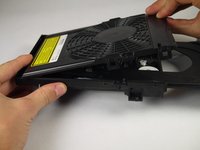
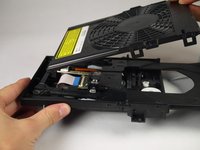
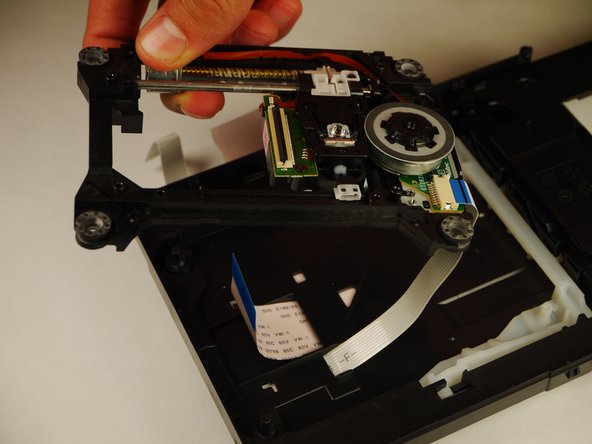
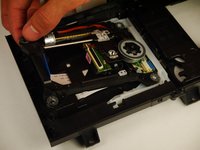
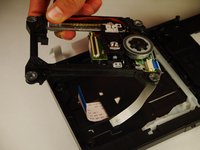
      • Carefully lift up the disc reader. It is still attached by a cable underneath!

      Demander à FixBot

      Ajouter un commentaire

    8. Sony BDP-BX520 Disc Reader Replacement: étape 17, image 1 de 2 Sony BDP-BX520 Disc Reader Replacement: étape 17, image 2 de 2
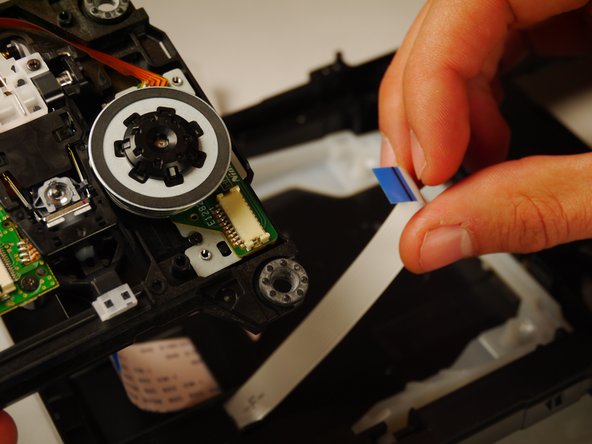
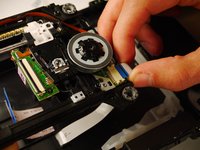
      • Gently pull out the white 13 pin cable from the disc reader.

      Demander à FixBot

      Ajouter un commentaire

Conclusion

To reassemble your device, follow these instructions in reverse order.

Annulation : je n'ai pas terminé ce tutoriel.

Une autre personne a terminé cette réparation.

Kyle Smit

Membre depuis le 01/31/15

243 Réputation

2 tutoriels rédigés

Équipe

Cal Poly, Team 8-41, Amido Winter 2015 Membre de l'équipe Cal Poly, Team 8-41, Amido Winter 2015

CPSU-AMIDO-W15S8G41

4 membres

24 tutoriels rédigés

0 commentaires de tutoriel

Ajouter un commentaire

Nombre de vues :

Dernières 24 heures : 2

7 derniers jours : 4

30 derniers jours : 29

Total : 1,661