Aller au contenu principal
Pour réparer ensemble - Je crée un compte

TomTom One XL Screen Replacement

Ce dont vous avez besoin

  1. TomTom One XL Screen Replacement, Back Panel: étape 1, image 1 de 2 TomTom One XL Screen Replacement, Back Panel: étape 1, image 2 de 2
    • Remove the 4 .4mm screws on the back of the device.

    Demander à FixBot
    Ajouter un commentaire

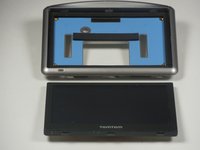
  2. TomTom One XL Screen Replacement: étape 2, image 1 de 1
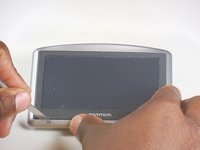
    • Using the palate knife tool, pry the back from the LCD screen. Apply a moderate pressure to separate them.

    • You can rotate TOMTOM XL to make prying back off easier.

    • Be careful not to injure the two wires connecting the pieces.

    Demander à FixBot
    Ajouter un commentaire

  3. TomTom One XL Screen Replacement: étape 3, image 1 de 1
    • After prying both halves apart, they will be connected by two wires.

    • Carefully set the two halves next to each other making sure not to stress or damage the wires.

    Demander à FixBot

    Ajouter un commentaire

  4. TomTom One XL Screen Replacement: étape 4, image 1 de 2 TomTom One XL Screen Replacement: étape 4, image 2 de 2
    Outil utilisé dans cette étape :
    Tweezers
    $4.99
    • Using the tweezers separate the wires connecting the battery and speaker to the mother board.

    • Be gentle while pulling the wires out, the plugs are easily injured.

    Demander à FixBot

    Ajouter un commentaire

  5. TomTom One XL Screen Replacement, Screen: étape 5, image 1 de 2 TomTom One XL Screen Replacement, Screen: étape 5, image 2 de 2
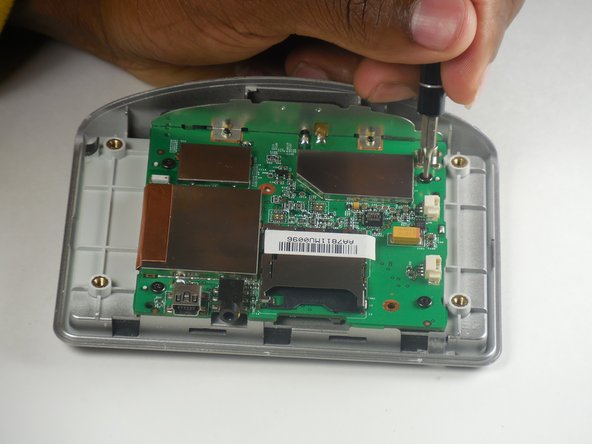
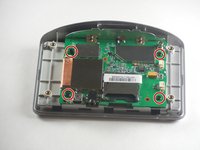
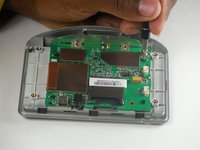
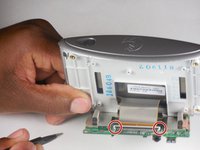
    • Locate the 4 .4mm screws connecting the circuit board to the front panel.

    • Use the T6 Torx screwdriver and remove the four screws.

    Demander à FixBot

    Ajouter un commentaire

  6. TomTom One XL Screen Replacement: étape 6, image 1 de 3 TomTom One XL Screen Replacement: étape 6, image 2 de 3 TomTom One XL Screen Replacement: étape 6, image 3 de 3
    Outil utilisé dans cette étape :
    Tweezers
    $4.99
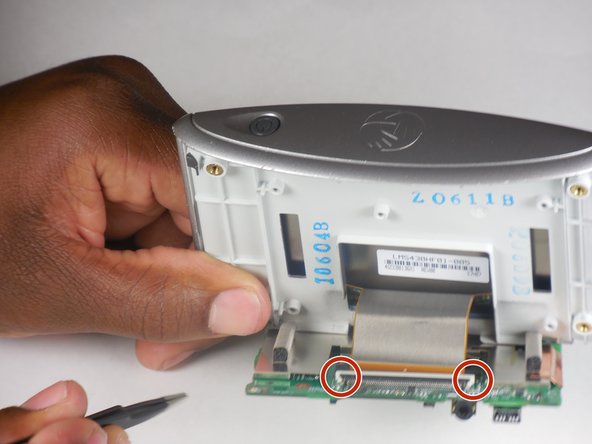
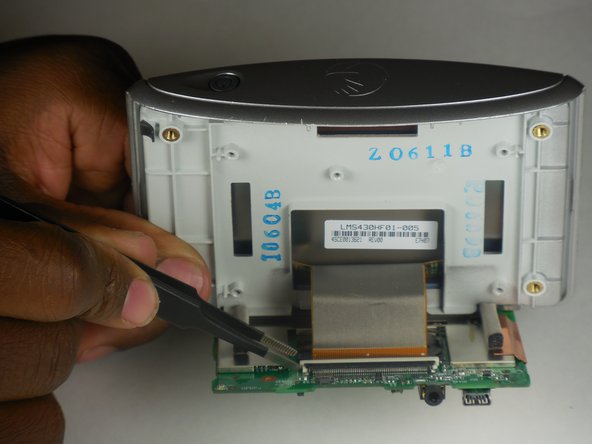
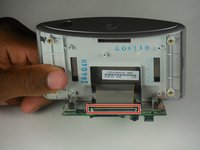
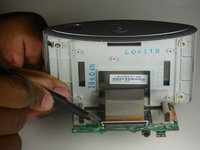
    • Locate the ribbon cable connecting the front panel to the circuit board.

    • Locate the white tab locking the ribbon in place.

    • Using precision tweezers push the left and right side of the tab forward.

    • Gently pull the ribbon to disconnect the circuit board from the front panel.

    • If gently pulling on the ribbon doesn't release it then the tab hasn't been pushed far enough forward.

    Demander à FixBot

    Ajouter un commentaire

  7. TomTom One XL Screen Replacement: étape 7, image 1 de 3 TomTom One XL Screen Replacement: étape 7, image 2 de 3 TomTom One XL Screen Replacement: étape 7, image 3 de 3
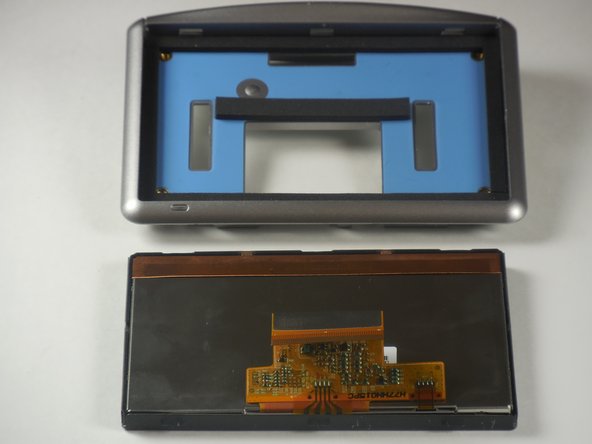
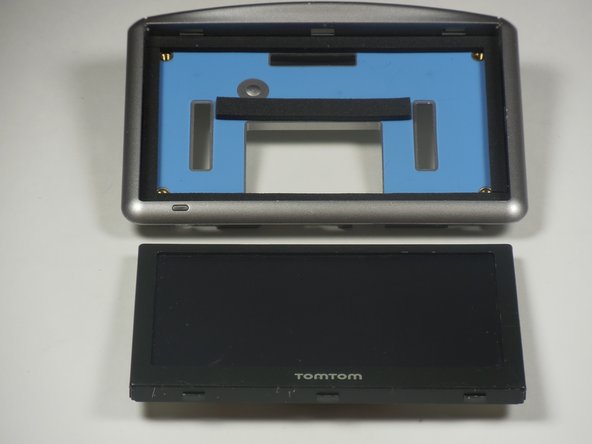
    • Use the palate knife to pry the screen away from the front panel.

    • Pry between the light gray board and the black boarder of the TOMTOM XL screen.

    • Use moderate pressure when prying, slide the palate knife back and forth, and eventually the screen should pop out.

    Demander à FixBot

    Ajouter un commentaire

Conclusion

To reassemble your device, follow these instructions in reverse order.

Annulation : je n'ai pas terminé ce tutoriel.

DeVhan

Membre depuis le 03/11/15

401 Réputation

4 tutoriels rédigés

0 commentaires de tutoriel

Ajouter un commentaire

Nombre de vues :

Dernières 24 heures : 0

7 derniers jours : 3

30 derniers jours : 31

Total : 1,226