Introduction
Use this guide to replace your Xiaomi Mi Note's front facing camera.
Ce dont vous avez besoin
-
-
-
Locate the hole for the Dual SIM SD card on the left side of the phone.
 Demander à FixBot
-
-
-
Use the Dual SIM SD card removal tool (or use a paper clip) and insert it into the slot hole until the tray pops out.
-
-
-
-
-
Use your suction cup to grip the back of the phone. Once the suction cup is secure, pull back with moderate force and the back plate should snap free.
-
-
-
Once the back plate is off you will need to detach the frames that hold in the battery. Locate and remove the screws (Screws are marked in the image). You can then pull the frame off with ease once the screws have been removed.
-
Remove the six 3.5mm Phillips #000 black screws using a securing part of the back panels.
-
Remove the seven 2.5mm Phillips #000 black screws securing part of the back panels.
-
Remove the five 2mm Phillips #000 silver screws securing the remaining back panels.
-
-
-
-
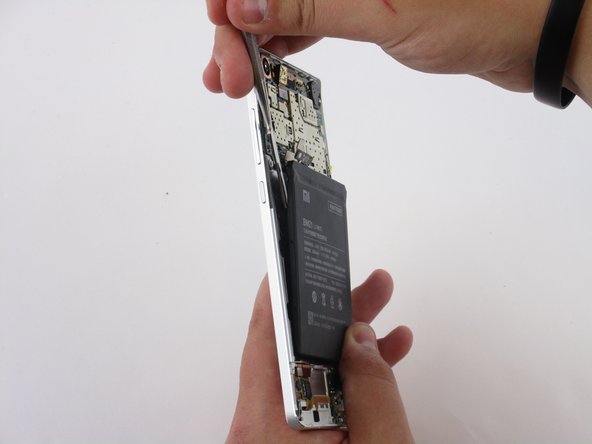
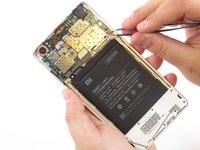
Use a nylon spudger to pry upwards to detach the ribbon that's connecting the battery to the motherboard.
-
-
-
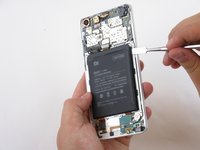
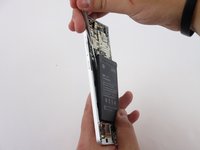
Insert a nylon or metal spudger underneath the battery at any point. Then slide the spudger around all the edges to loosen it. The battery can now be easily lifted out of the frame.
-
-
-
-
-
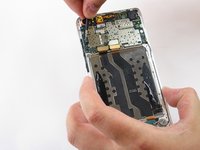
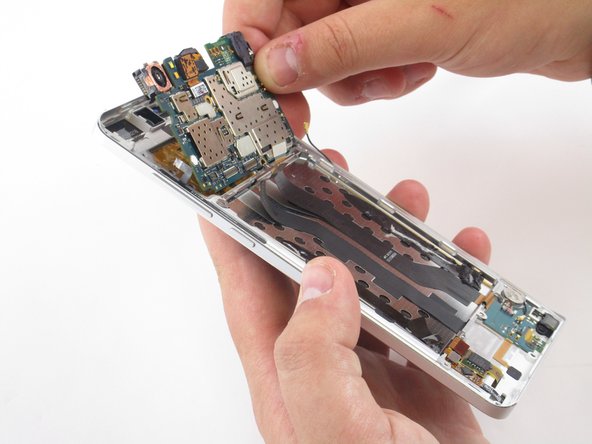
Use a spudger to pry upwards and detach the three ribbons that are connected to the motherboard.
-
-
Outil utilisé dans cette étape :Tweezers$4.99
-
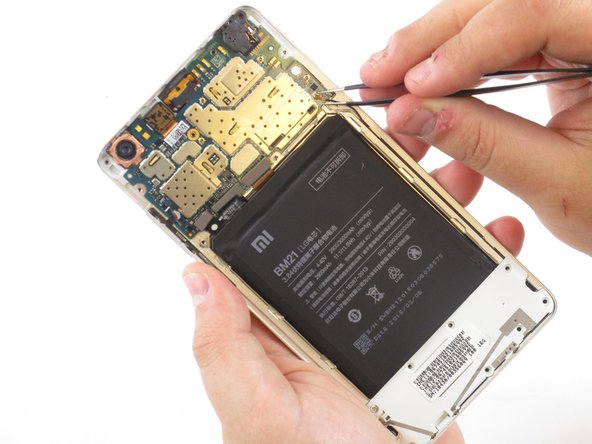
Use tweezers to detach the small ribbon on left side located near the volume buttons using an upwards prying motion.
-
You will also need to detach the microphone cord located on the right side along the frame using an upwards prying motion as well.
-
-
-
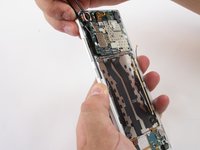
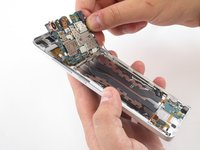
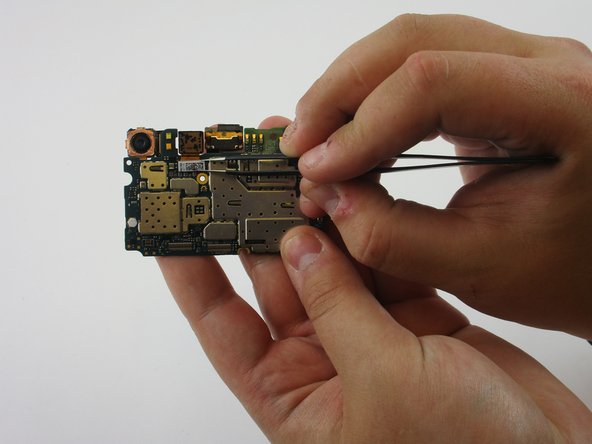
The front camera is attached to the motherboard by a ribbon, use tweezers to detach it from the motherboard.
-
-






To reassemble your device, follow these instructions in reverse order.
Annulation : je n'ai pas terminé ce tutoriel.
4 autres ont terminé cette réparation.

Équipe

USF Tampa, Team 1-6, Sullivan Fall 2015 Membre de l'équipe USF Tampa, Team 1-6, Sullivan Fall 2015
USFT-SULLIVAN-F15S1G6
4 membres
18 tutoriels rédigés
1 commentaire de tutoriel
Telefonumu 2 hafta önce suya düşürdüm ilk etapta açılmadı ama şimdi açılıyor ama kamera çalışmıyor ön kamera Bir de hoparlörü boğuk çıkıyor tamir etsene
