Aller au contenu principal
Pour réparer ensemble - Je crée un compte

Google Pixel Watch 4 Back Sensor Glass Replacement

Ce dont vous avez besoin

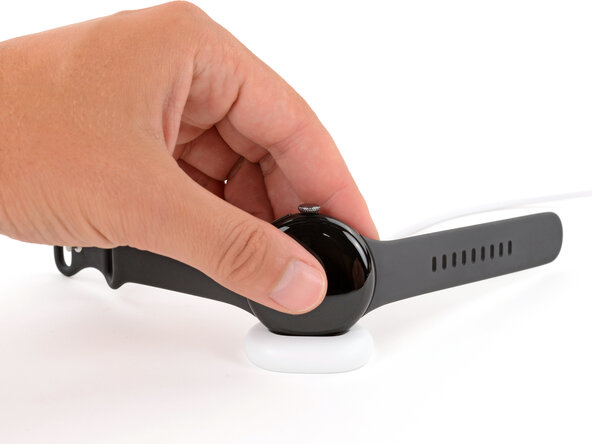
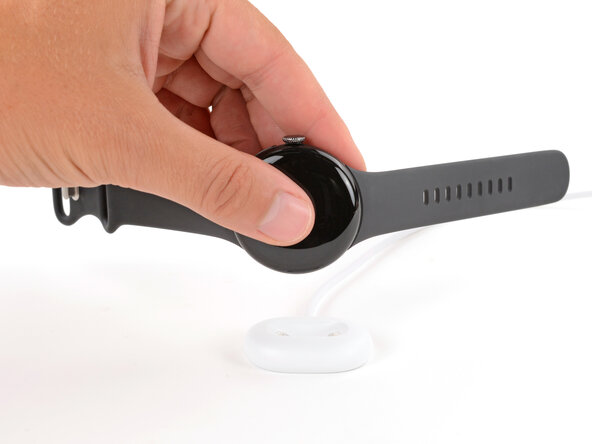
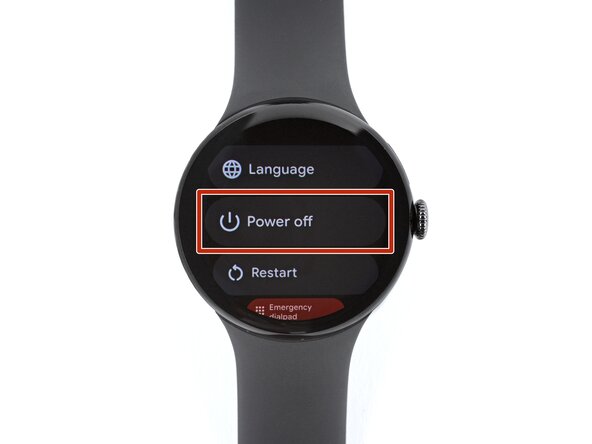
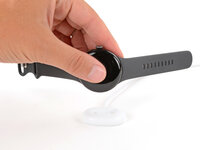
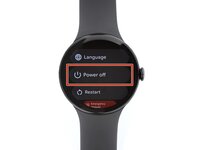
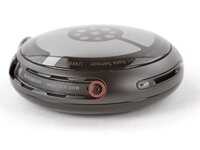
  1. Google Pixel Watch 4 Back Sensor Glass Replacement, Prepare your watch for disassembly: étape 1, image 1 de 3 Google Pixel Watch 4 Back Sensor Glass Replacement, Prepare your watch for disassembly: étape 1, image 2 de 3 Google Pixel Watch 4 Back Sensor Glass Replacement, Prepare your watch for disassembly: étape 1, image 3 de 3
    • Before starting your repair:

    • Remove your watch from the charger.

    • Press and hold the crown button, then tap Power off to shut down your watch.

    Demander à FixBot

    Ajouter un commentaire

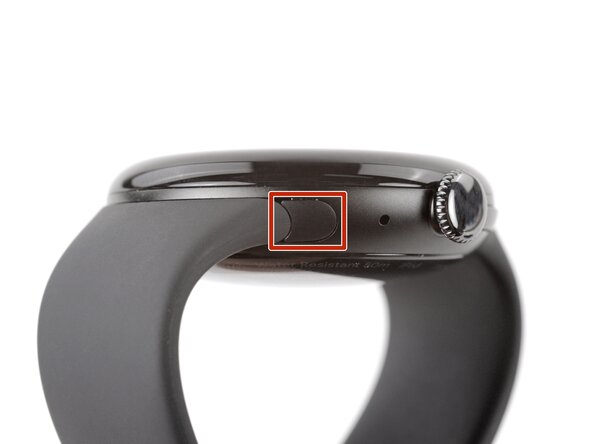
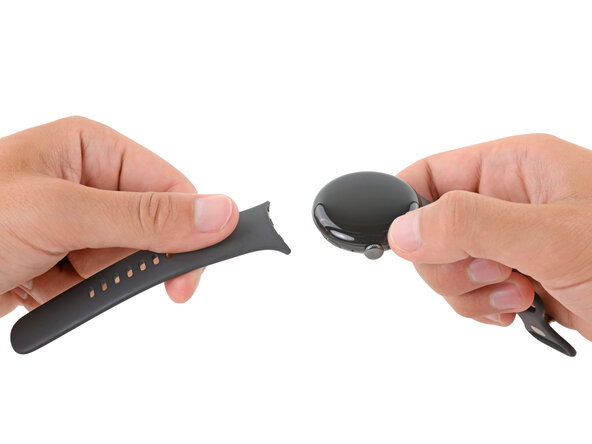
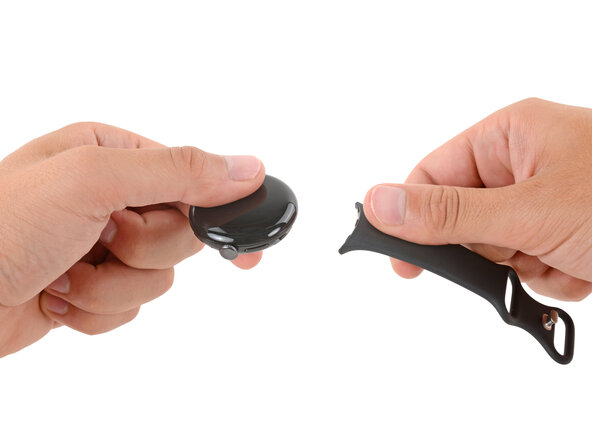
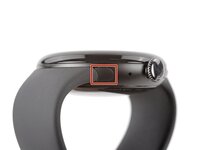
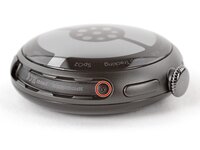
  2. Google Pixel Watch 4 Back Sensor Glass Replacement, Remove the watch bands: étape 2, image 1 de 3 Google Pixel Watch 4 Back Sensor Glass Replacement, Remove the watch bands: étape 2, image 2 de 3 Google Pixel Watch 4 Back Sensor Glass Replacement, Remove the watch bands: étape 2, image 3 de 3
    • Remove each watch band by depressing the release button and sliding the band out of its groove.

    Demander à FixBot

    Ajouter un commentaire

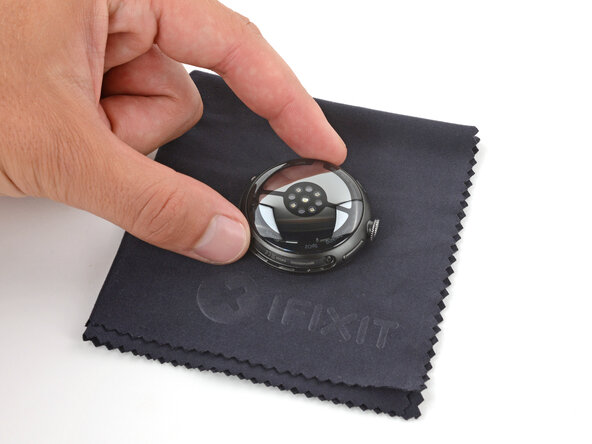
  3. Google Pixel Watch 4 Back Sensor Glass Replacement: étape 3, image 1 de 1
    • Throughout the rest of your repair, consider placing your watch on something soft like a clean cloth to help stabilize it and prevent scratches to the front glass.

    Demander à FixBot

    Ajouter un commentaire

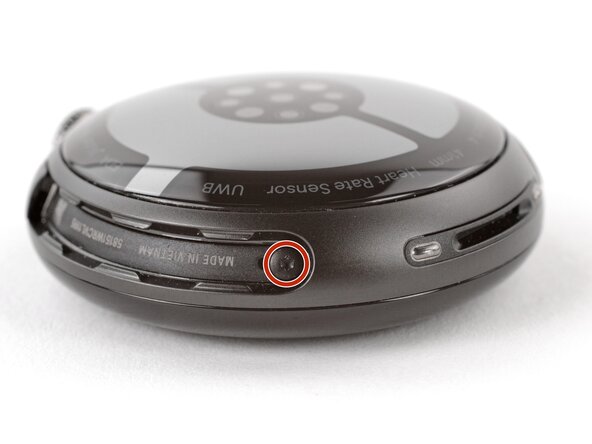
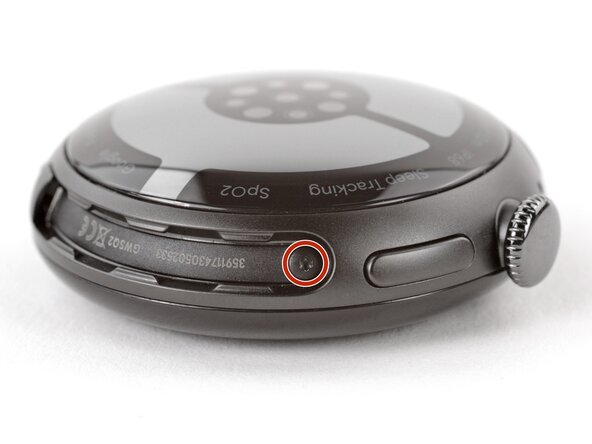
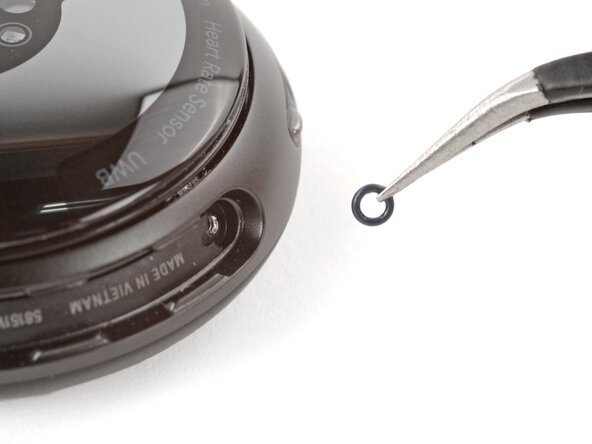
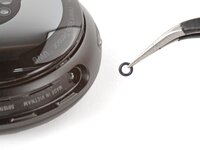
  4. Google Pixel Watch 4 Back Sensor Glass Replacement, Remove the back sensor glass screws: étape 4, image 1 de 3 Google Pixel Watch 4 Back Sensor Glass Replacement, Remove the back sensor glass screws: étape 4, image 2 de 3 Google Pixel Watch 4 Back Sensor Glass Replacement, Remove the back sensor glass screws: étape 4, image 3 de 3
    • Use a Torx Plus 2IP screwdriver to remove the 3.0 mm‑long screw from both watch band grooves (two screws total).

    • Both screws have a tiny O‑ring. If they don't lift away with the screw, use a pair of tweezers to carefully remove them from the band groove and set them aside. These O-rings are required to maintain waterproofing.

    • Handle these O-rings carefully. Avoid pinching or slicing them with your tool.

    • During reassembly:

    • Make sure the O‑rings are on the screws before installing them.

    • Push down firmly on the back glass while installing the screws to make sure the glass gets properly seated.

    • If there's a gap between the back glass and frame, remove the screws and reinstall them.

    Demander à FixBot

    Ajouter un commentaire

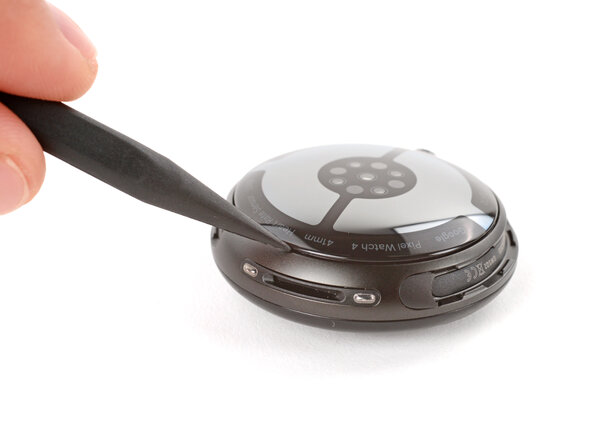
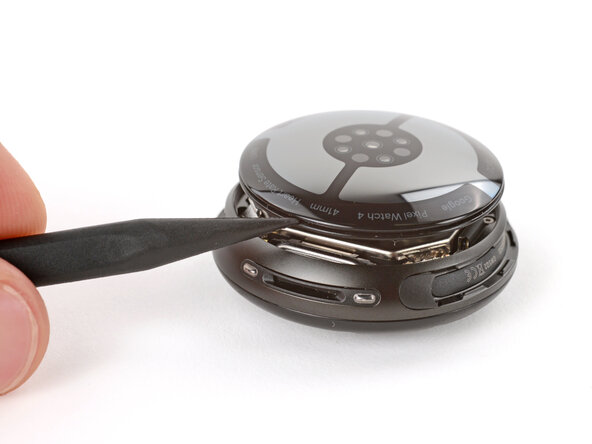
  5. Google Pixel Watch 4 Back Sensor Glass Replacement, Separate the back sensor glass: étape 5, image 1 de 2 Google Pixel Watch 4 Back Sensor Glass Replacement, Separate the back sensor glass: étape 5, image 2 de 2
    • Insert the point of a spudger (or a clean fingernail) into the seam between the back sensor glass and frame and pry up until the cover detaches.

    Demander à FixBot

    Ajouter un commentaire

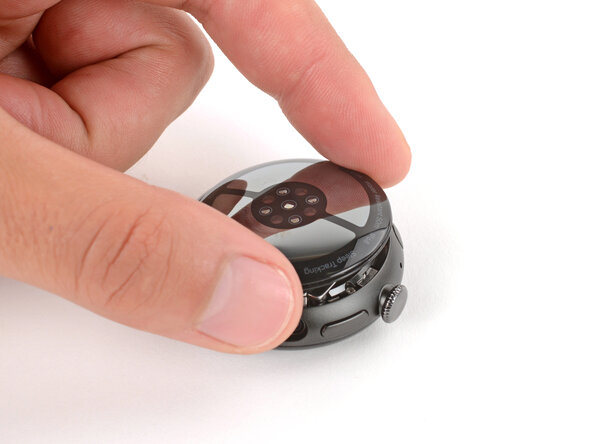
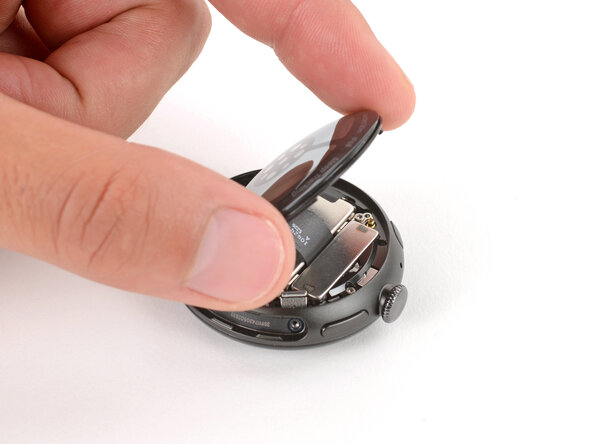
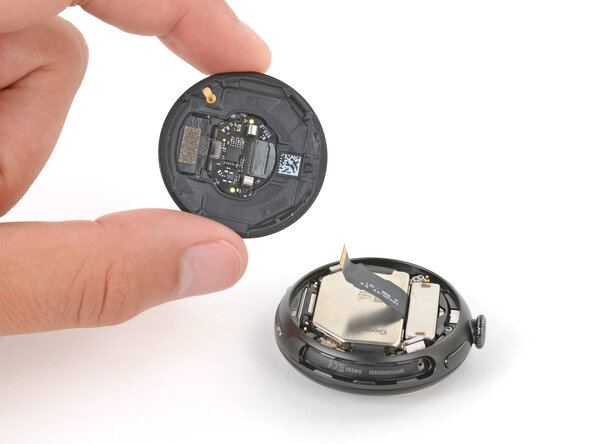
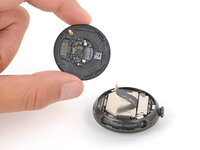
  6. Google Pixel Watch 4 Back Sensor Glass Replacement, Reposition the back sensor glass: étape 6, image 1 de 3 Google Pixel Watch 4 Back Sensor Glass Replacement, Reposition the back sensor glass: étape 6, image 2 de 3 Google Pixel Watch 4 Back Sensor Glass Replacement, Reposition the back sensor glass: étape 6, image 3 de 3
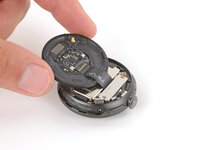
    • Gently lift the back glass and flip it over the side of the watch opposite the crown.

    • Be careful not to strain the cable connecting the back sensor glass.

    Demander à FixBot

    Ajouter un commentaire

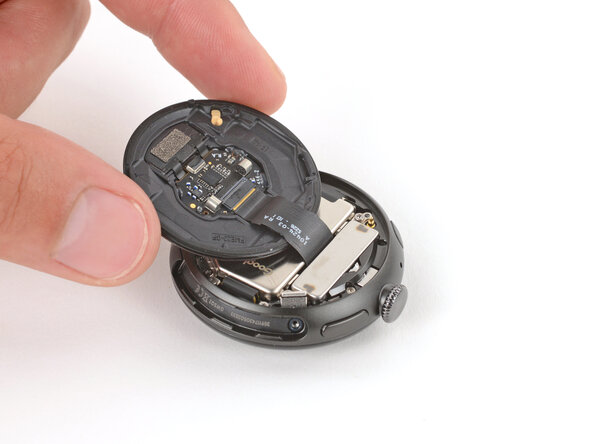
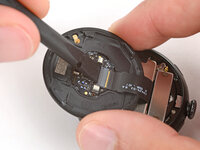
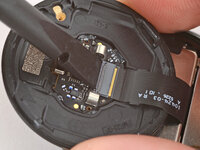
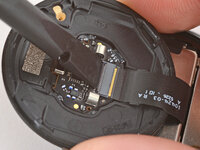
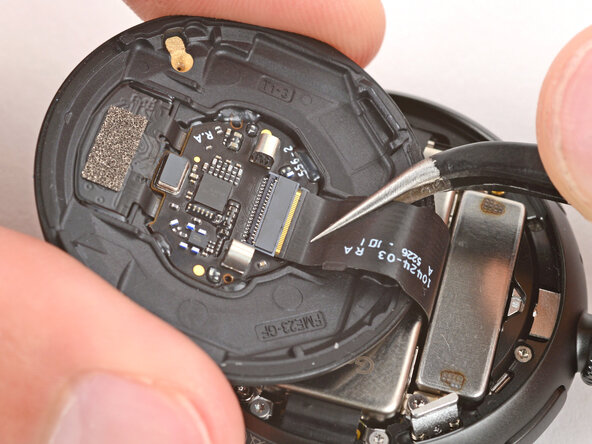
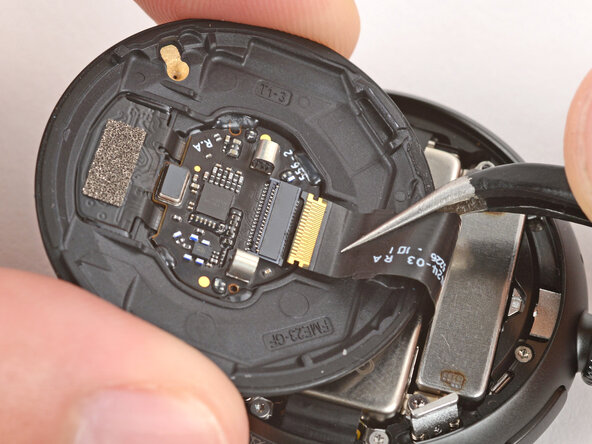
  7. Google Pixel Watch 4 Back Sensor Glass Replacement, Disconnect the back sensor glass: étape 7, image 1 de 3 Google Pixel Watch 4 Back Sensor Glass Replacement, Disconnect the back sensor glass: étape 7, image 2 de 3 Google Pixel Watch 4 Back Sensor Glass Replacement, Disconnect the back sensor glass: étape 7, image 3 de 3
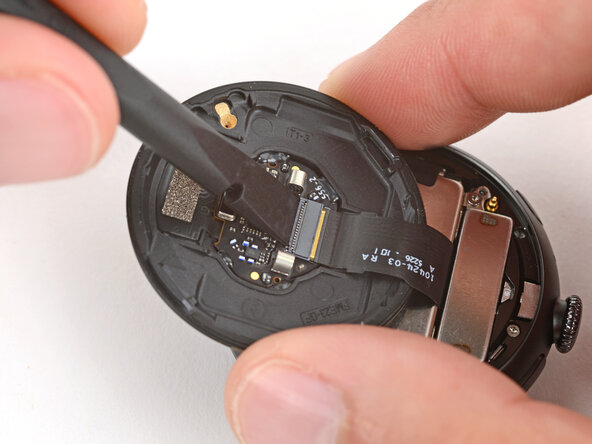
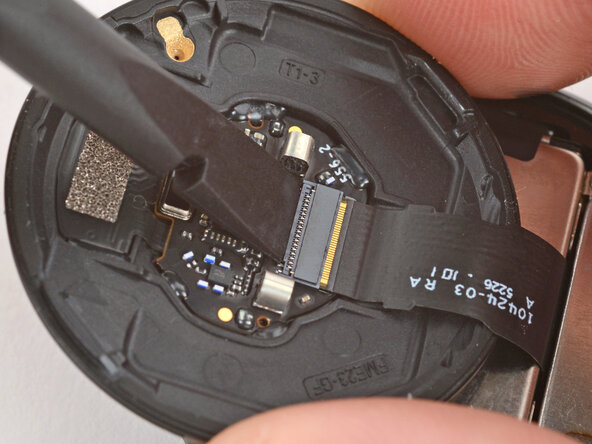
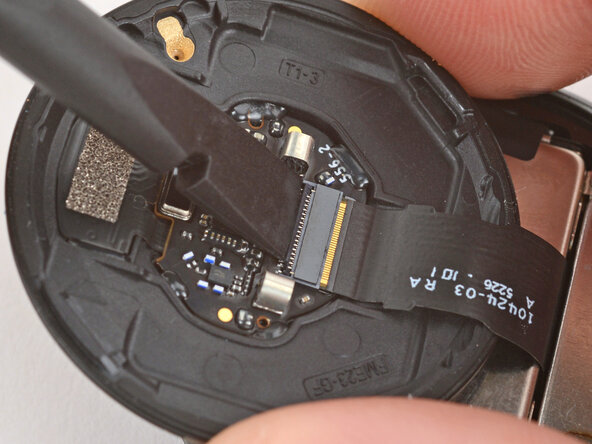
    • Use a spudger to lift the small, hinged locking‑flap on the back sensor glass ZIF connector.

    Demander à FixBot

    Ajouter un commentaire

  8. Google Pixel Watch 4 Back Sensor Glass Replacement, Remove the back sensor glass: étape 8, image 1 de 3 Google Pixel Watch 4 Back Sensor Glass Replacement, Remove the back sensor glass: étape 8, image 2 de 3 Google Pixel Watch 4 Back Sensor Glass Replacement, Remove the back sensor glass: étape 8, image 3 de 3
    • Gently slide the cable out of its socket and remove the back sensor glass.

    • During reassembly, make sure the locking flap is lifted before sliding the cable fully into its connector—it should snap into place.

    Demander à FixBot

    Ajouter un commentaire

Conclusion

To reassemble your device, follow these instructions in reverse order.

Take your e-waste to an R2 or e-Stewards certified recycler.

Repair didn’t go as planned? Try some basic troubleshooting, or ask our Answers community for help.

Annulation : je n'ai pas terminé ce tutoriel.

2 autres ont terminé cette réparation.

Spencer Day

Membre depuis le 09/14/22

191 214 Réputation

1 204 tutoriels rédigés

0 commentaires de tutoriel

Ajouter un commentaire

Nombre de vues :

Dernières 24 heures : 9

7 derniers jours : 27

30 derniers jours : 125

Total : 1,194