Cette traduction a été générée automatiquement et n’a pas encore fait l’objet d’une relecture humaine. Vous parlez cette langue ? Relisez-la.
Introduction
Utilisez ce tutoriel pour remplacer un ou les deux assemblages de tweeters de votre enceinte Bluetooth Marshall Stanmore II.
Les tweeters produisent les sons haute fréquence d'une enceinte. Ces sons permettent aux auditeurs d'entendre les aigus dans la musique. Si le tweeter d'une enceinte est défectueux, tout ce qui est diffusé semblera étouffé et inaudible.
Avant d'utiliser ce tutoriel, ajustez les aigus et les basses à l'aide des molettes situées sur le dessus de l'enceinte ou via l'application Marshall Bluetooth. Après l'ajustement, vérifiez si la qualité sonore s'est améliorée. Si aucune amélioration n'est constatée, suivez les étapes de diagnostic sur la page de diagnostic de l'enceinte Bluetooth Marshall Stanmore II avant de tenter le démontage.
Ce dont vous avez besoin
-
-
-
Posez l'enceinte avec le panneau arrière orienté vers le haut sur une surface de travail plane et stable.
 Demander à FixBot
-
-
-
Avec un tournevis cruciforme #2, retirez les dix vis de 20,5 mm qui fixent le panneau arrière au châssis.
-
-
-
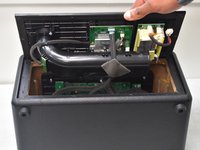
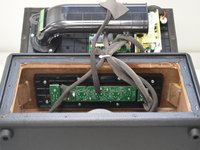
Soulevez délicatement le panneau arrière et laissez-le reposer sur un objet, comme une pile de livres, pour éviter de tendre les nappes.
-
-
-
-
-
-
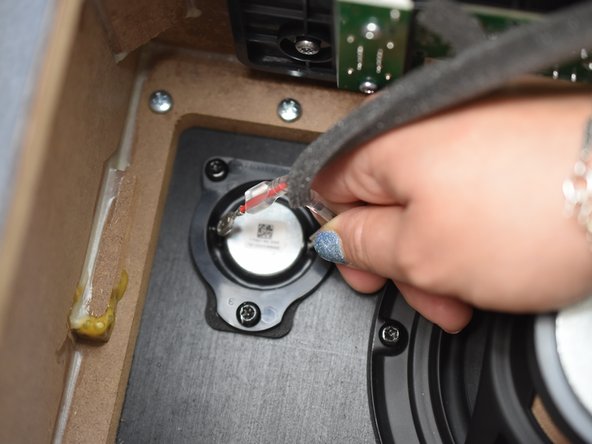
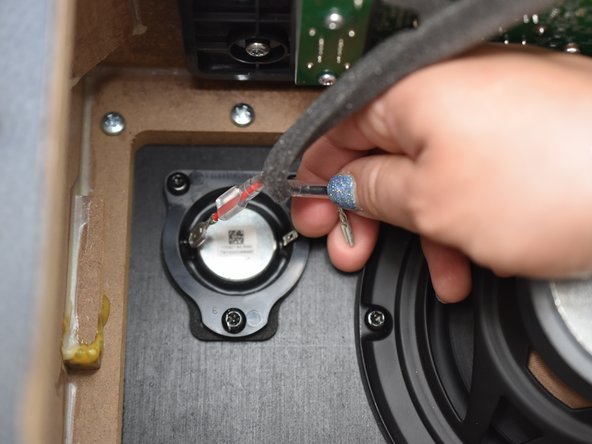
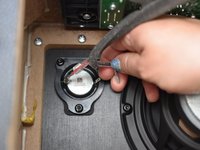
Tirez délicatement sur la gaine en plastique translucide des deux connecteurs d'aigus argentés.
-
-
-
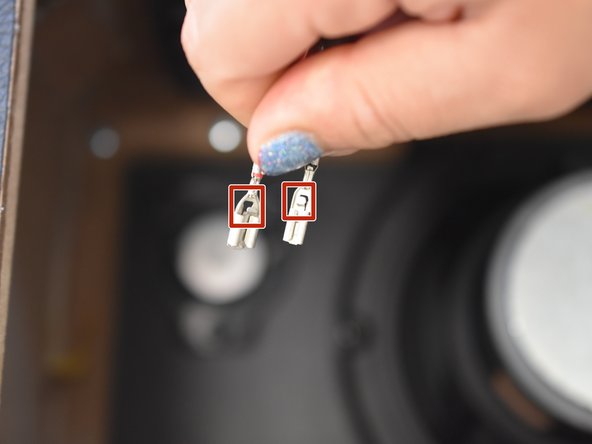
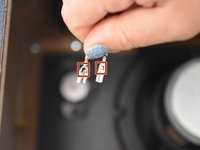
Avec votre ongle ou une pincette, exercez une pression précise sur le petit loquet au milieu du connecteur et tirez doucement vers le haut pour déconnecter le connecteur.
-
Répétez l'opération pour le second connecteur.
-
-
-
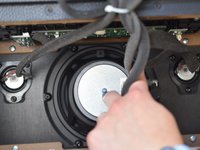
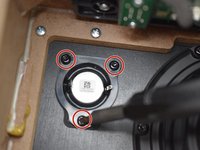
Avec un tournevis Torx T20, retirez les trois vis de 20,5 mm qui fixent le tweeter.
-
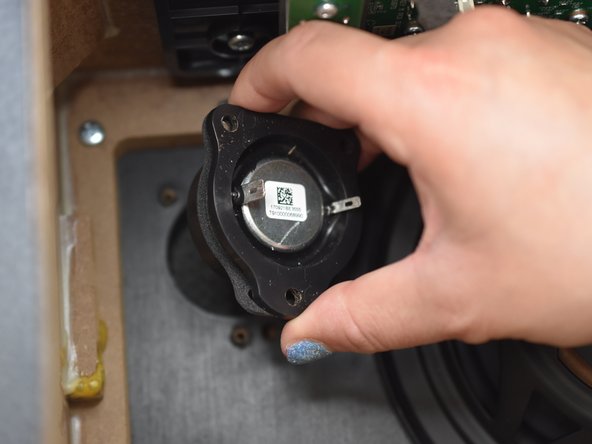
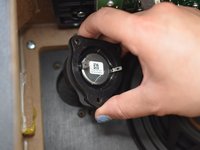
Soulevez l'ensemble du tweeter hors de son boîtier.
-
-
-
Répétez les étapes 4 à 6 pour retirer le second tweeter si nécessaire.
-
-






Pour remonter votre appareil, suivez ces instructions en sens inverse.

Équipe

University of North Texas, Team 2-1, Kilpatrick Spring 2024 Membre de l'équipe University of North Texas, Team 2-1, Kilpatrick Spring 2024
UNT-KILPATRICK-S24S2G1
5 membres
30 tutoriels rédigés
1 commentaire de tutoriel
Do you know the tweeter spec? Or similar brand to install?
