Cette traduction a été générée automatiquement et n’a pas encore fait l’objet d’une relecture humaine. Vous parlez cette langue ? Relisez-la.
Introduction
Ce tutoriel de réparation a été rédigé par l'équipe iFixit et n'a pas été approuvé par Google. En savoir plus sur nos tutoriels de réparation ici.
Utilisez ce tutoriel pour remplacer la caméra frontale de votre Google Pixel 9.
Si vos photos en mode selfie sont floues, présentent des taches ou si la caméra ne fonctionne plus, il est peut-être temps de remplacer la caméra frontale.
Vous aurez besoin d'une coque arrière de rechange et d'adhésifs pour caméra frontale afin de terminer cette réparation.
Note : Toute réparation peut compromettre la résistance à l'eau de votre téléphone. Le maintien de la résistance à l'eau après la réparation dépendra de la qualité de la pose de l'adhésif de la coque arrière.
Ce dont vous avez besoin
-
-
-
Débranchez tous les câbles de votre téléphone.
-
Éteignez complètement votre téléphone.
 Demander à FixBot
-
-
-
-
-
De l'adhésif fixe le périmètre de la vitre arrière au châssis.
-
Posez des bandes de ruban adhésif d'emballage superposées sur la vitre pour vous protéger et faciliter le démontage. Assurez-vous qu'il y a une zone lisse près du bord inférieur, suffisamment large et lisse pour y accrocher une ventouse.
-
-
-
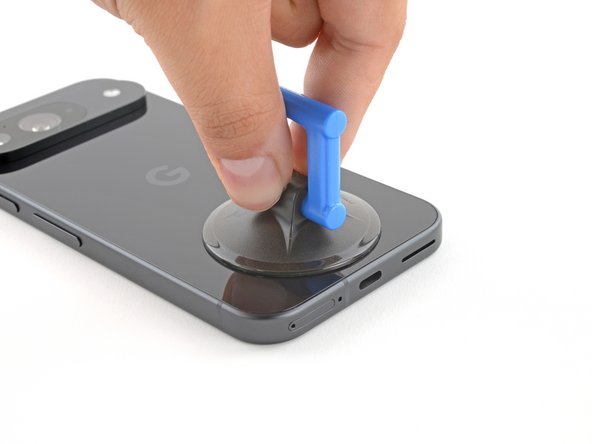
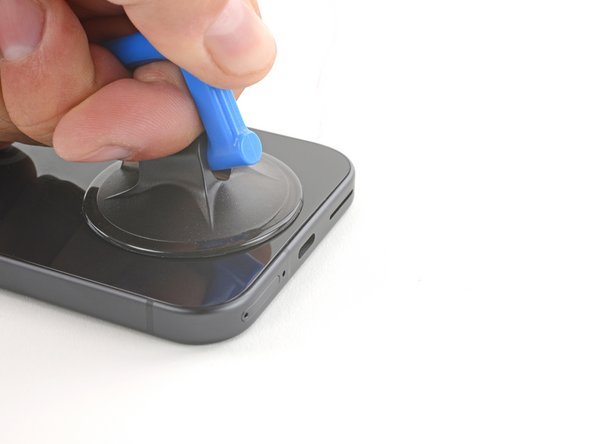
Placez une ventouse sur le bord inférieur de la vitre arrière, aussi près que possible du bord.
-
Appuyez vers le bas pour fixer la ventouse.
-
-
-
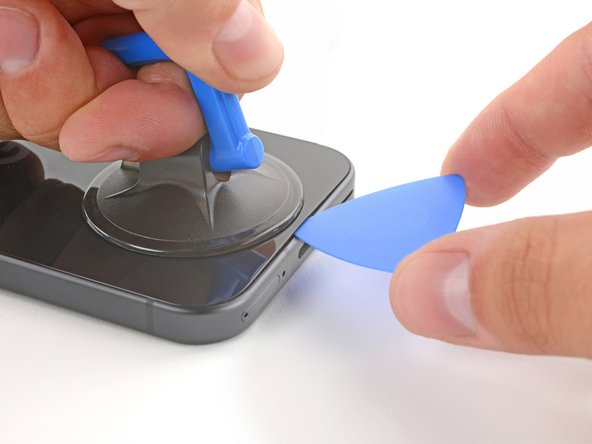
Tirez sur la ventouse avec une force forte et constante pour créer un petit espace sous la vitre arrière.
-
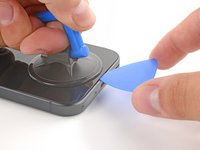
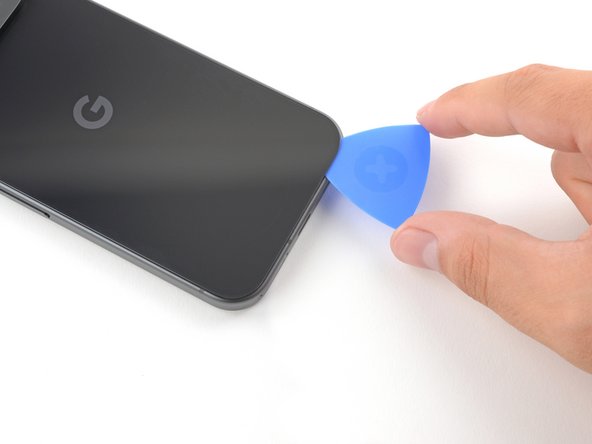
Insérez la pointe d’un médiator dans l’espace.
-
-
-
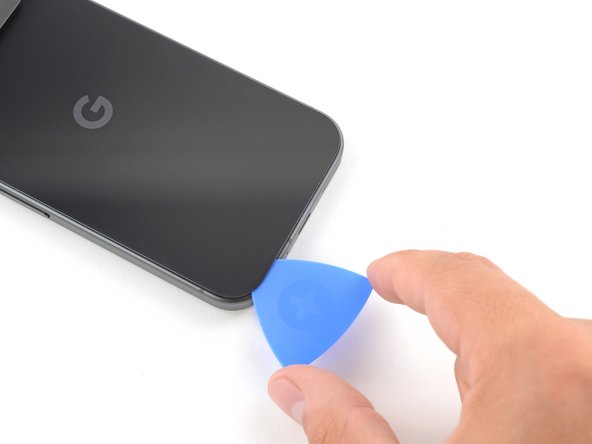
Faites glisser le médiator d'avant en arrière le long du bord inférieur, pour séparer l'adhésif qui le fixe.
-
-
-
Faites glisser le médiator autour du périmètre du téléphone, en coupant le reste de l'adhésif.
-
-
-
-
Une fois la majeure partie de l'adhésif séparée, faites légèrement pivoter le médiator dans le bord inférieur, pour soulever la vitre arrière jusqu'à ce que vous puissiez la saisir avec vos doigts.
-
Utilisez le médiator pour séparer les sections restantes de l'adhésif de la vitre arrière.
-
-
-
Retirez la vitre arrière.
-
C'est le moment de tester votre téléphone avant de le sceller. Allumez-le et vérifiez qu'il fonctionne. Éteignez-le à nouveau avant de poursuivre le remontage.
-
Suivez ce tutoriel pour appliquer un nouvel adhésif et installer votre vitre arrière.
-
-
-
-
Outil utilisé dans cette étape :FixMat$36.95
-
Utilisez un tournevis Torx Plus 3IP pour retirer la vis de 5,4 mm de long qui fixe le cache de la carte supérieure.
-
-
-
Utilisez une pincette pour retirer le cache de la carte supérieure.
-
-
-
Utilisez un tournevis Torx 3IP pour retirer les cinq vis qui fixent le châssis central et la bobine de charge sans fil :
-
Quatre vis de 5,4 mm de long
-
Une vis de 2,2 mm de long
-
-
-
Utilisez une pincette pour retirer la nappe du flash du châssis central en métal.
-
-
-
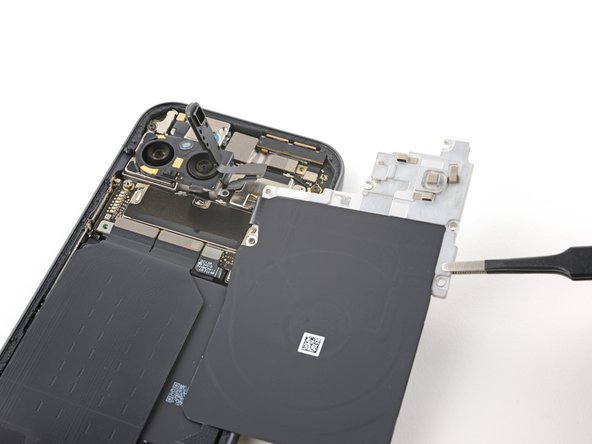
Retirez le châssis central, la bobine de charge sans fil et le module NFC.
-
-
-
Utilisez la pointe d’une spatule antistatique pour soulever et déconnecter le connecteur de la batterie.
-
-
-
-
-
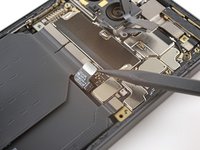
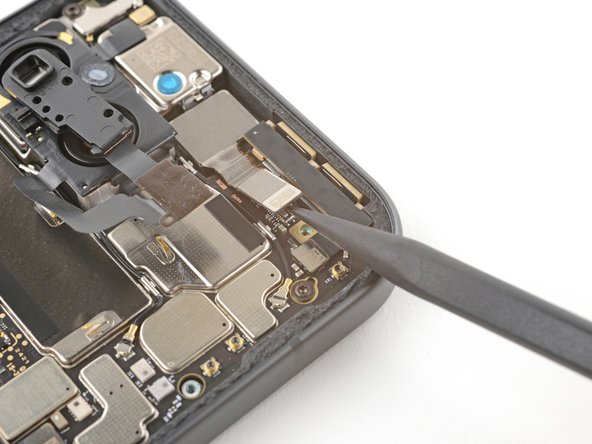
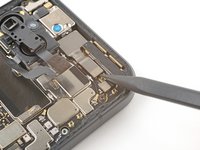
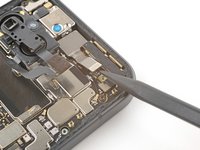
Avec la pointe d'une spatule, faites levier pour déconnecter le connecteur à emboîter de la caméra frontale.
-
-
-
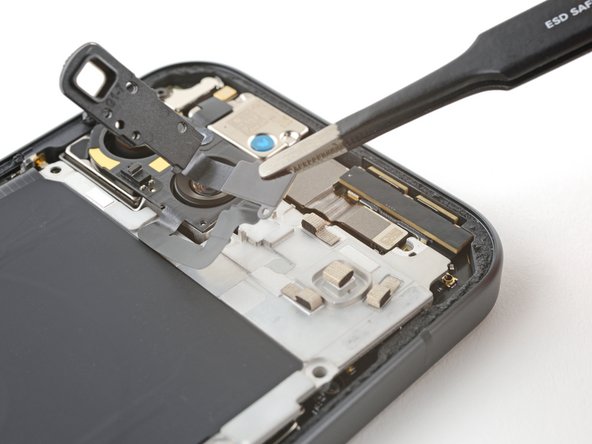
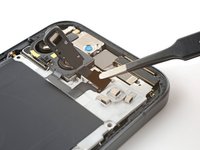
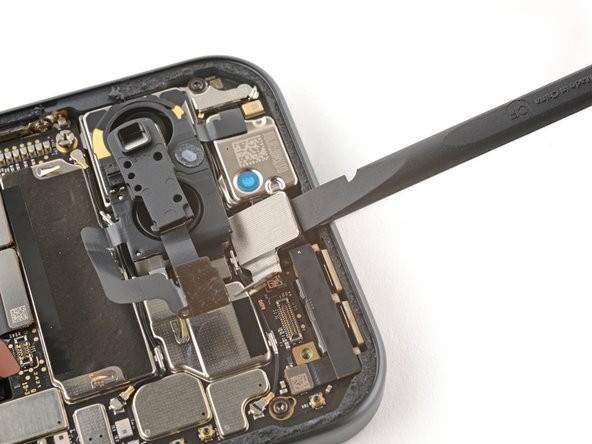
Insérez l'extrémité plate d'une spatule (spudger) entre le bord supérieur de la caméra frontale et le châssis.
-
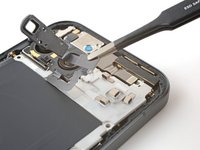
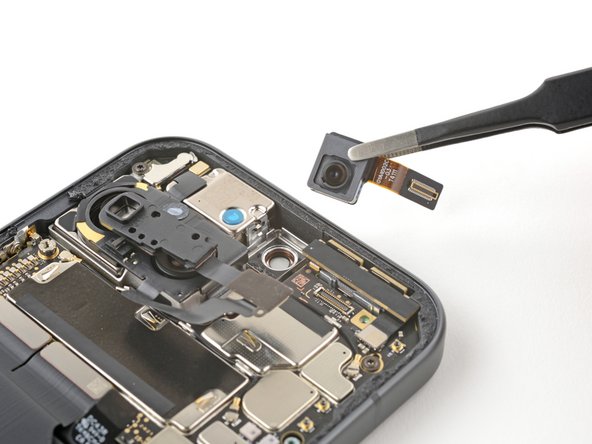
Faites pivoter la spatule vers le bas, contre le châssis, pour faire levier et sortir la caméra frontale de son logement.
-
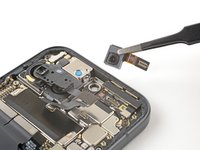
Retirez la caméra frontale.
-
-
-
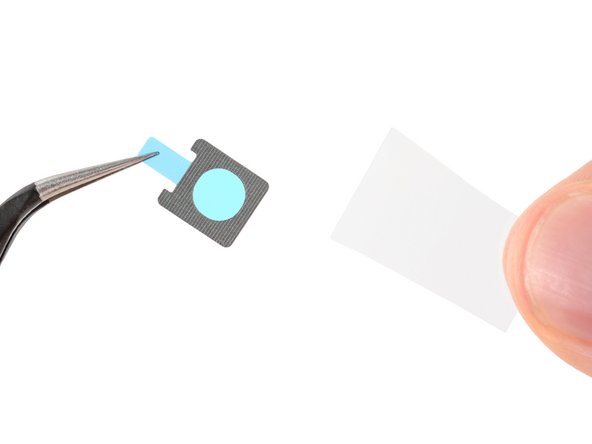
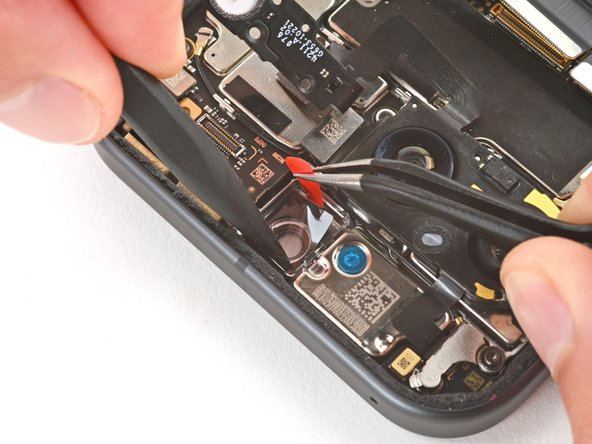
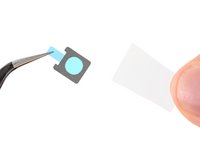
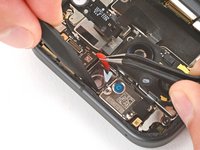
À l'aide d'une pincette, retirez le vieil adhésif de la caméra frontale du châssis.
-
Retirez la plus grande protection transparente de l'adhésif de la caméra frontale.
-
À l'aide d'une pincette, placez soigneusement l'adhésif dans l'emplacement de la caméra frontale.
-
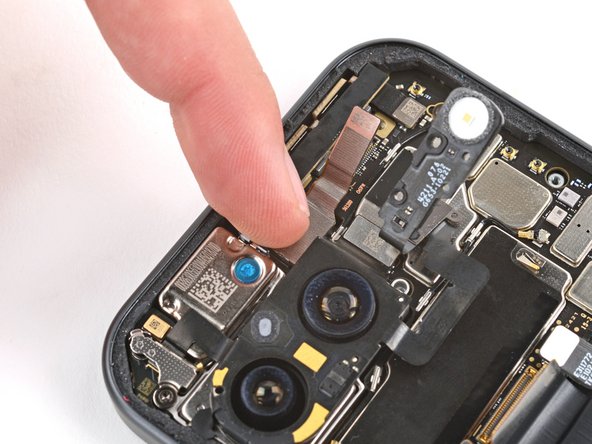
À l'aide d'une spatule (spudger), appuyez sur l'adhésif pour le mettre en place et le fixer au châssis.
-
Retirez la protection restante de l'adhésif.
-
-
-
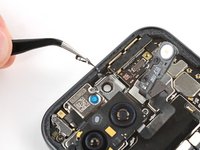
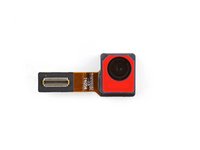
Retirez tous les capuchons ou films de protection de votre nouvelle caméra frontale.
-
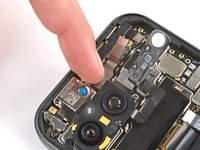
Avec la nappe orientée vers le bord droit, appuyez sur la caméra frontale dans son logement pour la fixer grâce à l'adhésif.
-
-









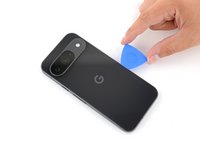

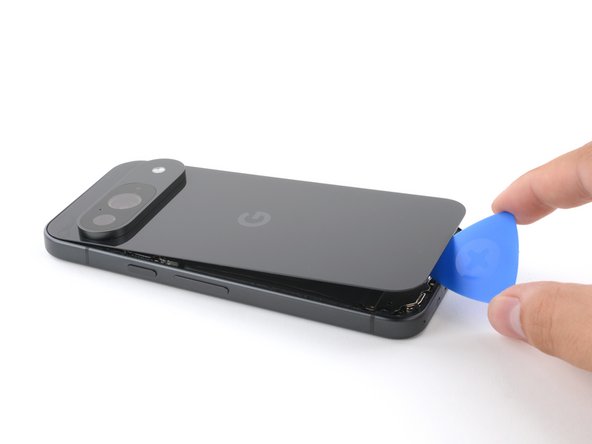

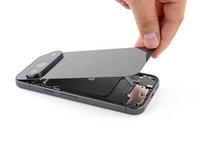


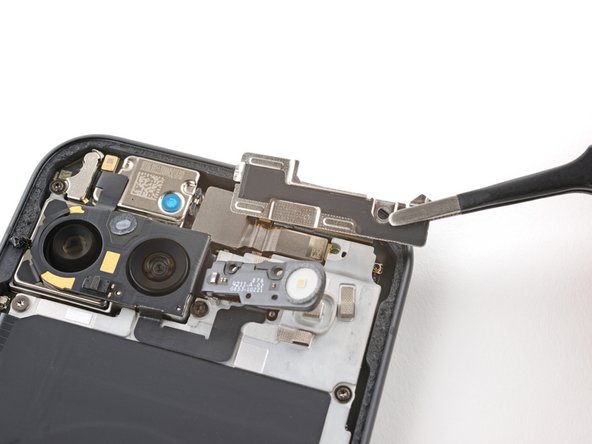



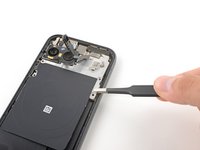
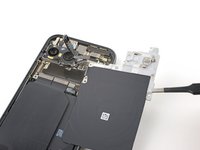

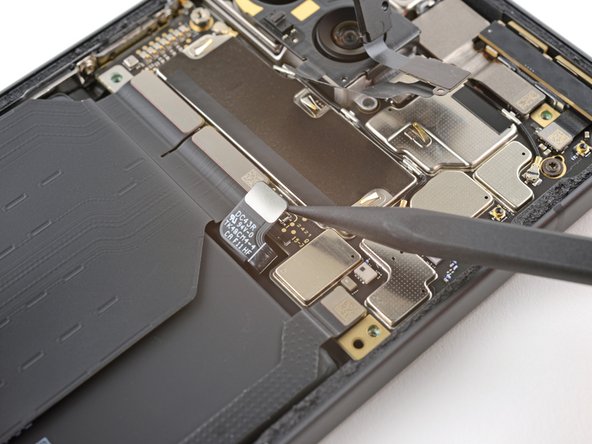




Pour remonter votre appareil, suivez ces instructions en sens inverse en commençant par cette étape.
Pour exécuter un test de diagnostic avec l'outil Pixel Diagnostic intégré, cliquez ici.
Apportez vos e-déchets à un recycleur certifié R2 ou e-Stewards.
Votre réparation Google Pixel 9 ne s’est pas déroulée comme prévu ? Consultez nos conseils basiques de diagnostic ou notre Forum pour obtenir de l’aide.